

Poppable – The Easy Way to Add a Video Modal
By Engramium
Display YouTube videos in a beautiful, customizable modal popup triggered by any element on your page.
0+ active installations
- Version
- 1.0.0
- WordPress
- 6.7+
- PHP
- 7.4+
- Updated
- 19 Jan 2026
WORDPRESS RESOURCES
Explore public plugin information from the official WordPress.org directory. Compare what a plugin does, its requirements and update history before adding it to your website.
Explore WordPress hosting →795 matching plugins reported by WordPress.org · Page 45 of 50
Source: WordPress.org
Data refreshed 24 Nov 2026 04:18 UTC
By Engramium
Display YouTube videos in a beautiful, customizable modal popup triggered by any element on your page.
A powerful yet lightweight collection of Elementor widgets, extensions and effects by RSTheme — load only what you use, keep your site fast.

By Agence web Eoxia - Montpellier
A collection of Gutenberg blocks for WordPress made by Eoxia
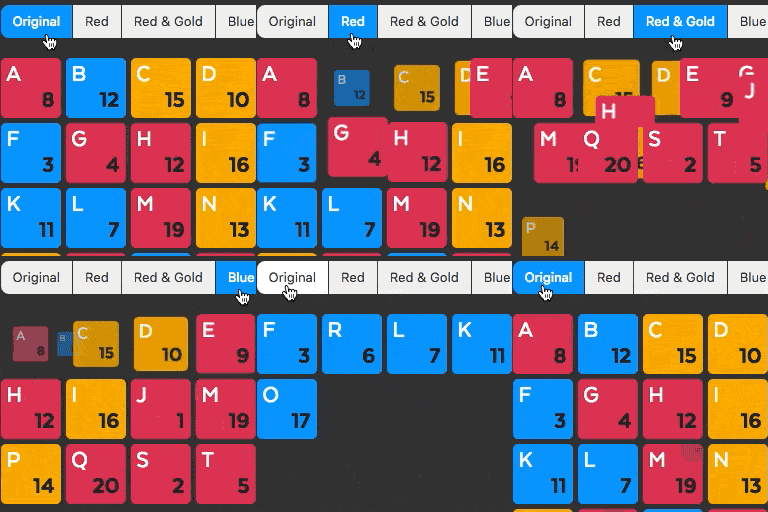
By Sharabindu Bakshi
Display your portfolio, posts, and product items in a grid with filterable

By Rustaurius
Restaurant reviews made easy. Add and display reviews on your restaurant site using SEO friendly schema markup.

By TrueCommunityPro
Community and LMS plugin for WordPress: activity feed, groups, messaging, courses and quizzes. Your community and courses, on your own site.

By Loyalcoders
Enhance Elementor with advanced widgets, templates, and features for customizable, stunning designs.

By Emilio Petrozzi - MrTux
Modern, responsive image and video gallery for WordPress with PhotoSwipe lightbox and configurable thumbnails.

By FWD
A responsive 3D filmstrip/coverflow slider for images and video. Built with Three.js & WebGL. Lightweight, fast, and customizable.

By deshine
Create a beautiful video gallery with YouTube, Vimeo, Facebook, and Twitch videos. It looks great on mobile, tablet, or desktop screens and it support …

By WPPoland (Mariusz Szatkowski)
Fast product preview popup for WooCommerce: an AJAX product modal with gallery, price, SKU and add-to-cart. No jQuery.

By Themexplosion
90 free Elementor widgets, 130 ready-made blocks and pages, and a header, footer and theme builder.
CHOOSE WHAT YOUR WEBSITE NEEDS
Start with the task you need to solve. Compare features, WordPress and PHP requirements, update history and the author’s documentation. Test changes on a private copy and avoid adding several plugins for the same job.
This independent directory displays plugin information on WebFulHost and links to the official source. Packages are not mirrored or installed here. A plugin can include paid extensions or services with separate terms from its author.
