
The ultimate team member WordPress plugin for showing team members profile in grid, slider, Isotope, and lightbox layouts easily using by shortcodes.
★ 5.0/5 (1)30+ active installations
- Version
- 1.1.0
- WordPress
- 6.3+
- PHP
- 7.4+
- Updated
- 2 Oct 2025
WORDPRESS RESOURCES
Explore public plugin information from the official WordPress.org directory. Compare what a plugin does, its requirements and update history before adding it to your website.
Explore WordPress hosting →1,205 matching plugins reported by WordPress.org · Page 47 of 50
Source: WordPress.org
Data refreshed 26 Nov 2026 23:34 UTC
The ultimate team member WordPress plugin for showing team members profile in grid, slider, Isotope, and lightbox layouts easily using by shortcodes.

By Webnobby Agency
90+ free Elementor widgets, Header Footer Builder, Theme Builder, Popup Builder, WooCommerce Builder, Templates Library, Mega Menu, and Ajax Search.

By AsanaPlugins
The free WooCommerce Side Cart, Mini Cart & Upsell plugin. Add Cross-Sells, Order Bumps & Product Add-ons to boost AOV — no coding.

By cosmicinfosoftware
Chartsy - lets you easily add dynamic, customizable charts to any page builder using a simple and powerful interface.

By WriteText.ai
WooCommerce AI for SEO, AEO & GEO. Automate product content creation with smart templates, bulk generation, and full-site optimization.
Product Variation Swatches For WooCommerce Products.
Build news websites, blog and magazine layouts with WordPress news blocks, post grids, post sliders, archive blocks, and a news ticker.
aDirectory is a lightweight, scalable, fast WordPress directory plugin for building any type of directories, classifieds, and job boards websites.

Redesign your WooCommerce My Account page with themes, custom tabs, magic link login, 2FA, passkeys, registration fields, and drag & drop reorder …

By Elicus
WPMozo Blocks and Addons is a plugin that enhances the Block editor with a collection of powerful and customizable blocks.

By Brainstorm Force
Build a community right inside WordPress. Discussion spaces, courses, member profiles, and a beautiful dashboard — no coding needed.
By wpbranddigital
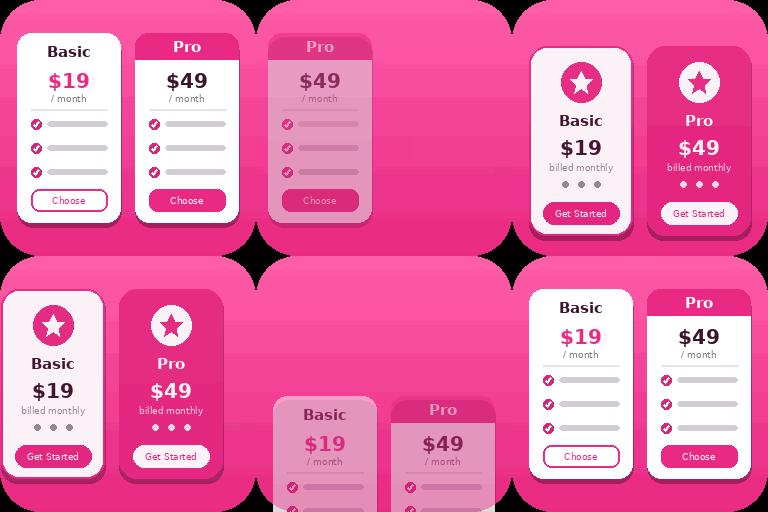
Create responsive WordPress pricing tables in Gutenberg with customizable plans, feature lists, CTA buttons, and clear pricing comparisons.
CHOOSE WHAT YOUR WEBSITE NEEDS
Start with the task you need to solve. Compare features, WordPress and PHP requirements, update history and the author’s documentation. Test changes on a private copy and avoid adding several plugins for the same job.
This independent directory displays plugin information on WebFulHost and links to the official source. Packages are not mirrored or installed here. A plugin can include paid extensions or services with separate terms from its author.