

Markup Markdown
By Pierre-Henri Lavigne
Disable Wordpress's native Gutenberg or TinyMCE editor in favor of a Markdown editor.
★ 5.0/5 (11)1,000+ active installations
- Version
- 4.0.2
- WordPress
- 6.6+
- PHP
- 7.2.0+
- Updated
- 8 Sep 2026
WORDPRESS RESOURCES
Explore public plugin information from the official WordPress.org directory. Compare what a plugin does, its requirements and update history before adding it to your website.
Explore WordPress hosting →7,979 matching plugins reported by WordPress.org · Page 48 of 50
Source: WordPress.org
Data refreshed 29 Nov 2026 03:06 UTC
By Pierre-Henri Lavigne
Disable Wordpress's native Gutenberg or TinyMCE editor in favor of a Markdown editor.
Import products from CSV or XML feeds to WooCommerce. Dropshipping plugin to import wholesale products, then update and sync them.

By plugincraft
Organize your WordPress media library with unlimited folders, drag & drop, and easy performance.

By Fernando Tellado
Free EU consumer-rights toolkit: withdrawal function, harmonised legal guarantee notice (GARAN), checkout consents, Article 16 exclusions.
A lightweight social sharing plugin for showing social networks when users highlight text, share images, headlines, or use Click to Share.
Powerful Table, Form & Mail Automations. Form Entry Management (+ frontend table ), integrate with MailChimp, G Sheets, CF7, WPForms, Elementor, etc.
Easily create custom blocks and custom meta fields for Gutenberg without hard coding.

By veks
A version of your site for the visually impaired: a settings panel, Gutenberg blocks, a shortcode and a widget.

By WP Table Builder
Drag and Drop Table Builder Plugin. Build Responsive Tables Easily.

Social media auto post, social media posting, social media scheduling, social media scheduler and social media automation for WordPress posts.

WordPress MCP server for Claude and ChatGPT with limited access, a pause switch, read-only mode, drafts you approve, playbooks and an audit log.
By FullStackWP
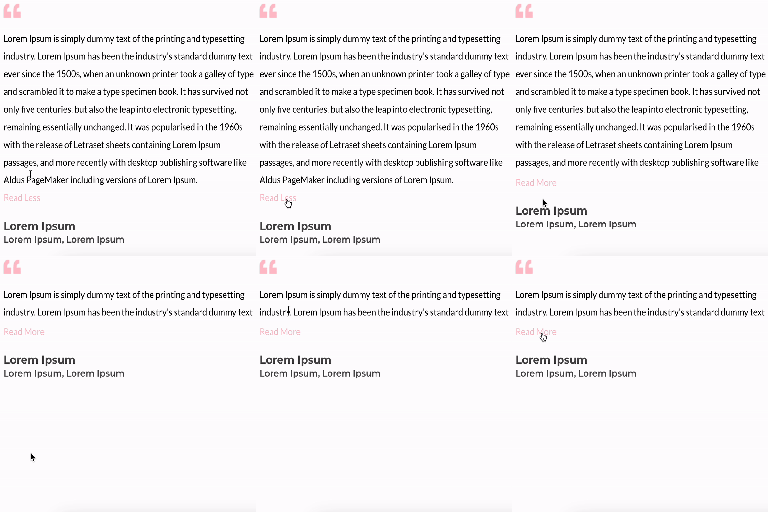
Unfold Text is a straightforward yet powerful add-on for Elementor that allows you to expand and collapse text with ease.
CHOOSE WHAT YOUR WEBSITE NEEDS
Start with the task you need to solve. Compare features, WordPress and PHP requirements, update history and the author’s documentation. Test changes on a private copy and avoid adding several plugins for the same job.
This independent directory displays plugin information on WebFulHost and links to the official source. Packages are not mirrored or installed here. A plugin can include paid extensions or services with separate terms from its author.



