Embed PDF files in WordPress posts and pages with a responsive PDF viewer block, live Block Editor preview, and no third-party services.
★ 4.7/5 (533)300,000+ active installations
- Version
- 5.0.2
- WordPress
- 6.6+
- PHP
- 7.4+
- Updated
- 14 Aug 2026
WORDPRESS RESOURCES
Explore public plugin information from the official WordPress.org directory. Compare what a plugin does, its requirements and update history before adding it to your website.
Explore WordPress hosting →10,000 matching plugins reported by WordPress.org · Page 48 of 50
Source: WordPress.org
Data refreshed 27 Nov 2026 13:27 UTC
Embed PDF files in WordPress posts and pages with a responsive PDF viewer block, live Block Editor preview, and no third-party services.

By Digages
SVG Editor lets you upload SVG files and change their colors directly within the WordPress Media Library.

By Sarvesh M Rao
Create memorable Discord invite links (yoursite.com/discord) with tracking, webhooks, and social previews.

By David Vongries
Replace the default dashboard widgets with your own, customize the login screen, change the login URL & clean up the WordPress admin area.

By DigitalME
Unlock the power to change WordPress usernames with complete security and data integrity.

Create payment form, donate button to accept payments and donations. Manage subscription payment, recurring donation with customer/donor management.
Save time by editing posts, pages, users, and more with a simple /edit URL shortcut. This is a fast admin shortcut for WordPress admin editing.
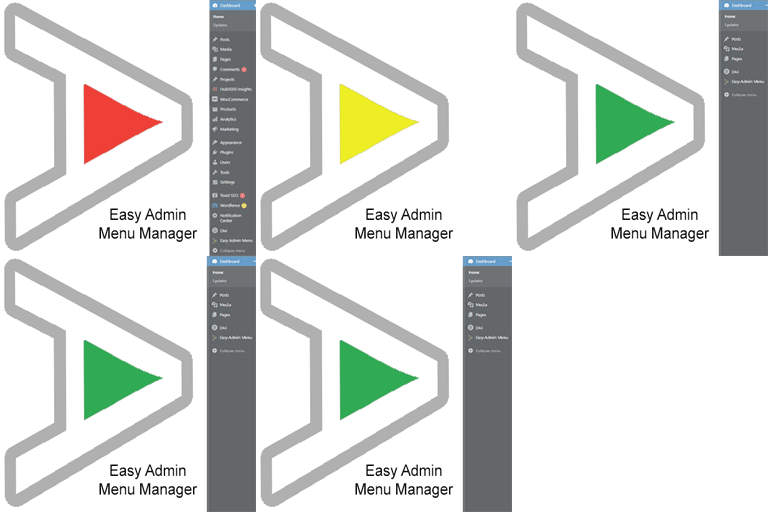
Take control of your Dashboard Menu with the Easy Admin Menu Manager. Remove the clutter without losing any functionality.

By nuagelab
Automatically detects a domain name change, and updates all the WordPress tables in the database to reflect this change.

By DanFoster
WP Fingerprint adds an additional layer of security to your WordPress website, working to check your plugins for signs of hack or exploit.
Connect Claude, ChatGPT, Gemini, Cursor & any AI agent to your site. Free, secure WordPress MCP server (Model Context Protocol). Undo any change.

By Ciprian Popescu
For site owners who want an honest hardening checklist, not a heavy security suite: what to fix in WordPress, and what to ask your host for.
CHOOSE WHAT YOUR WEBSITE NEEDS
Start with the task you need to solve. Compare features, WordPress and PHP requirements, update history and the author’s documentation. Test changes on a private copy and avoid adding several plugins for the same job.
This independent directory displays plugin information on WebFulHost and links to the official source. Packages are not mirrored or installed here. A plugin can include paid extensions or services with separate terms from its author.