

Powered Cache is the most powerful caching and performance suite for WordPress. Easily Improve PageSpeed & Web Vitals Score.
★ 4.8/5 (58)3,000+ active installations
- Version
- 4.0.3
- WordPress
- 6.5+
- PHP
- 7.4+
- Updated
- 6 Nov 2026
WORDPRESS RESOURCES
Explore public plugin information from the official WordPress.org directory. Compare what a plugin does, its requirements and update history before adding it to your website.
Explore WordPress hosting →9,658 matching plugins reported by WordPress.org · Page 48 of 50
Source: WordPress.org
Data refreshed 22 Nov 2026 14:40 UTC
Powered Cache is the most powerful caching and performance suite for WordPress. Easily Improve PageSpeed & Web Vitals Score.
Show team members, staff and sports rosters in grid, list, slider or table layouts. Shortcode generator, Gutenberg block and Elementor widget.
By Tamas Rottenbacher
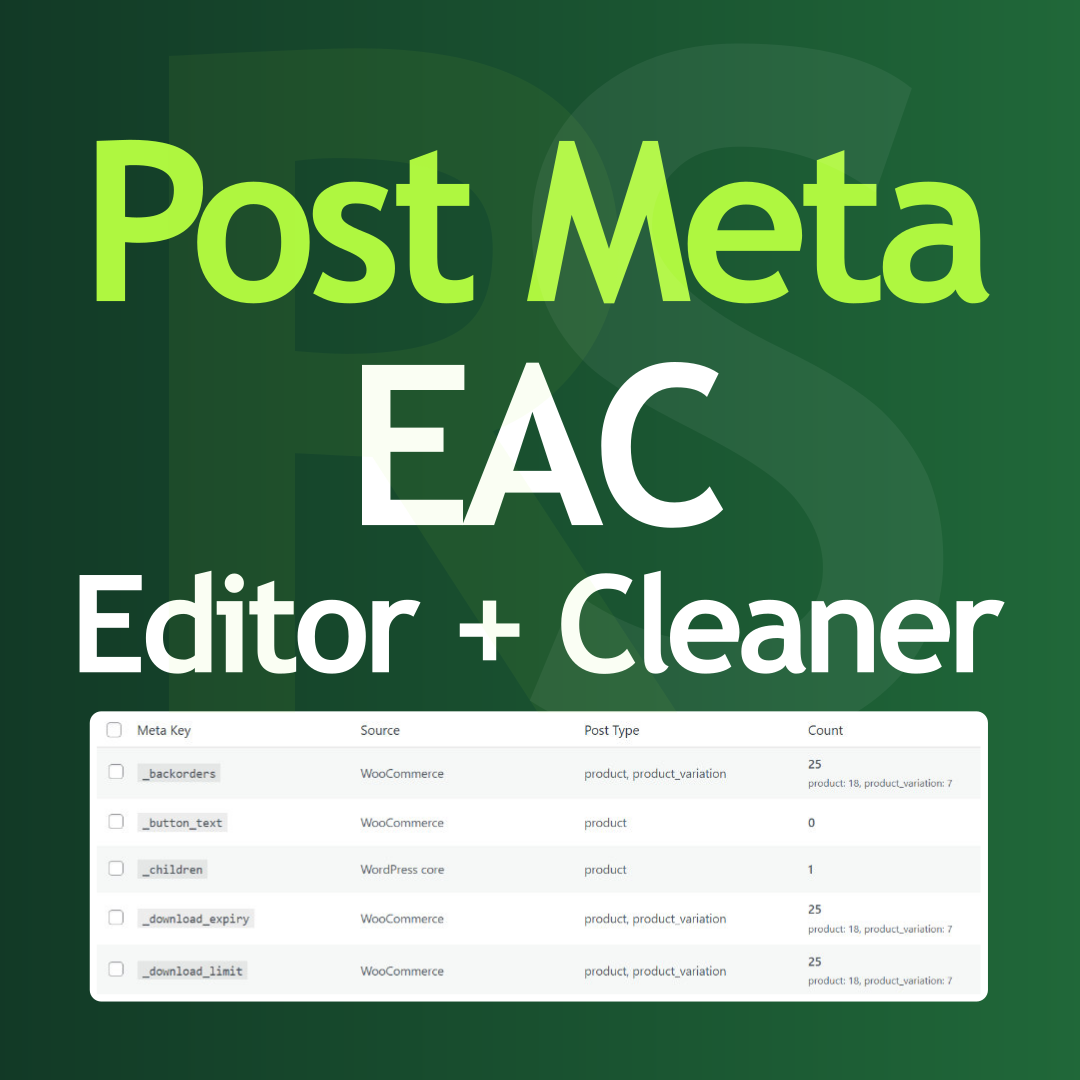
Post Meta bulk editor to delete unused data, overwrite values, run search and replace, and clean your database directly from the admin panel.

By RoidNet
A lightweight URL shortener, link tracker, and dynamic WhatsApp chat link generator with click tracking statistics.

By Lester Chan
Adds a simple download manager to your WordPress blog.

By fatcatapps
Quiz Cat Lets You Create Beautiful Viral BuzzFeed-style Quizzes That Drive Social Shares & User Engagement. Set It Up In 2 Minutes.

By Rafael Minuesa
Edit images with an AI prompt, or crop, resize, rotate, flip, contrast and sharpen them inside the Media Library. Powered by ImageMagick.
WooCommerce Product Addons Add custom fields to your WooCommerce product page. With an easy-to-use Custom Form Builder.
Build professional knowledge bases with unlimited docs, drag-and-drop editor, live search, and SEO optimization.

By wpgenie2
OnSale Page is an extension for Woocommerce which enables you to have real on sale page with paging, sorting and filtering.

By nutsmuggler
Allows you to insert a list of the Wordpress plugins you are using into any post/page.

By wpdesk
The Checkout Fields for Blocks plugin allows adding new fields to the checkout form.
CHOOSE WHAT YOUR WEBSITE NEEDS
Start with the task you need to solve. Compare features, WordPress and PHP requirements, update history and the author’s documentation. Test changes on a private copy and avoid adding several plugins for the same job.
This independent directory displays plugin information on WebFulHost and links to the official source. Packages are not mirrored or installed here. A plugin can include paid extensions or services with separate terms from its author.


