

Create stunning FAQ & accordion blocks. SEO-optimized, fully accessible, zero performance impact. No coding needed.
★ 4.1/5 (34)9,000+ active installations
- Version
- 5.6.0
- WordPress
- 5.7+
- PHP
- 7.4+
- Updated
- 13 Oct 2026
WORDPRESS RESOURCES
Explore public plugin information from the official WordPress.org directory. Compare what a plugin does, its requirements and update history before adding it to your website.
Explore WordPress hosting →10,000 matching plugins reported by WordPress.org · Page 5 of 50
Source: WordPress.org
Data refreshed 23 Nov 2026 07:55 UTC
Create stunning FAQ & accordion blocks. SEO-optimized, fully accessible, zero performance impact. No coding needed.

By aThemeArt
Popup Cart Lite for WooCommerce for WooCommerce plugin that displays popup cart for add to cart action.

By Misbah WP
Mosaic Gallery is an advanced plugin for creating stunning, responsive mosaic-style galleries with ease, offering customizable layouts and effects.
A true Web Application Firewall to protect and secure WordPress.

By Nexcess
Turbo charge your posts admin for any custom post type with sortable filters and columns, and auto-registration of metaboxes.

By Automattic
A very fast caching engine for WordPress that produces static html files.

By Vsourz Digital
Save Contact Form 7 submissions to the database and manage entries from the WordPress admin.

By David Anderson / Team Updraft
Get caching and more with this powerful cache plugin. Cache, optimize images, clean your database and minify for maximum performance.

AIOSEO is the WordPress SEO plugin. Boost SEO rankings with AI SEO tools, schema, meta descriptions, XML sitemaps & rank tracking.

By Binsaifullah
Advanced Timeline Block is a lightweight, responsive Gutenberg timeline block for WordPress.
By PI Web Solution
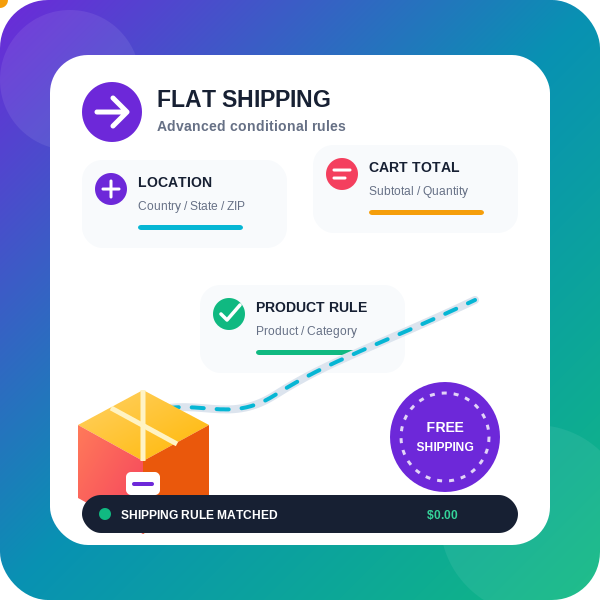
WooCommerce conditional shipping & WooCommerce Advanced shipping rates plugin to create Advanced Flat rate shipping or Free shipping method or tab …
Firewall, Malware Scanner, Two Factor Auth, and Comprehensive Security Features, powered by our 24-hour team. Make security a priority with Wordfence.
CHOOSE WHAT YOUR WEBSITE NEEDS
Start with the task you need to solve. Compare features, WordPress and PHP requirements, update history and the author’s documentation. Test changes on a private copy and avoid adding several plugins for the same job.
This independent directory displays plugin information on WebFulHost and links to the official source. Packages are not mirrored or installed here. A plugin can include paid extensions or services with separate terms from its author.

