

A lightweight plugin that automatically minifies, compresses, and caches HTML, CSS, and JavaScript on demand to improve your website’s load speed.
★ 4.1/5 (73)8,000+ active installations
- Version
- 2.0.1
- WordPress
- 4.5+
- PHP
- 5.6+
- Updated
- 21 Aug 2026
WORDPRESS RESOURCES
Explore public plugin information from the official WordPress.org directory. Compare what a plugin does, its requirements and update history before adding it to your website.
Explore WordPress hosting →8,743 matching plugins reported by WordPress.org · Page 5 of 50
Source: WordPress.org
Data refreshed 19 Nov 2026 21:12 UTC
A lightweight plugin that automatically minifies, compresses, and caches HTML, CSS, and JavaScript on demand to improve your website’s load speed.
Integrate Tailwind CSS 3 or 4 into WordPress easily, in seconds. Works well with the block editor, page builders, plugins, themes, and custom code.
By PI Web Solution
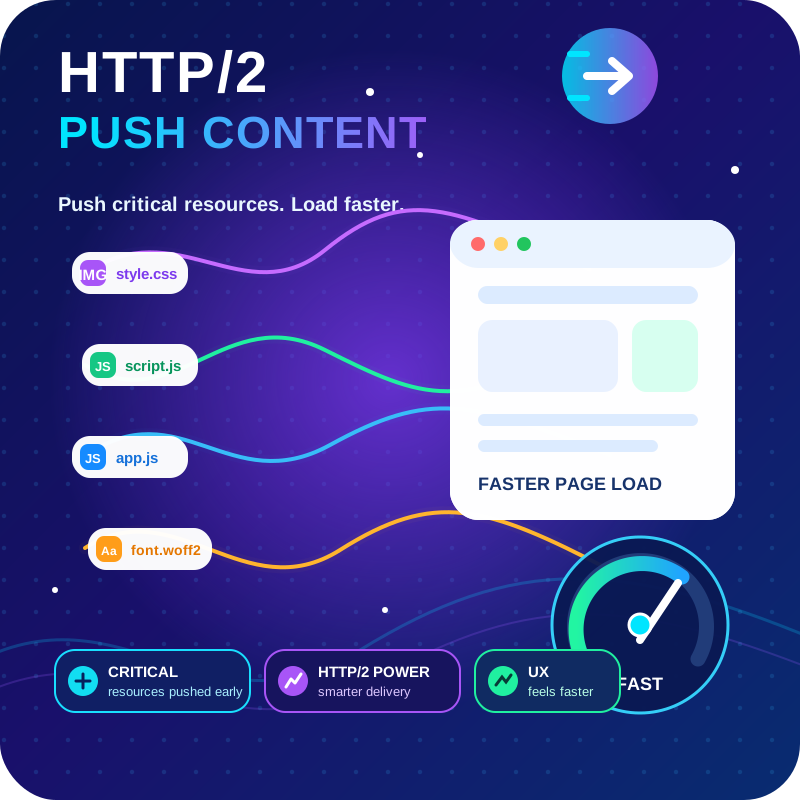
HTTP2 Server push, Async JavaScript, Defer Render Blocking CSS, with fine rule set to control js and css on different page types,

By creativeinteractivemedia
Scroll animations, hover effects, typewriter text and count-up numbers for Gutenberg, Elementor and Bricks. CSS and 3D WebGL effects. No code.

Powered Cache is the most powerful caching and performance suite for WordPress. Easily Improve PageSpeed & Web Vitals Score.
Optimize and tweak WordPress by disable unused features. Improve performance, SEO and security using Clearfy — super easy, fast and zero code.

By WP Overnight
Create, print & automatically email PDF or XML Invoices & PDF Packing Slips for WooCommerce orders.

By richplugins
Google Reviews plugin for WordPress. Set up in a minute. No API keys or sign-in. Free, GDPR, review updates, multiple places, widgets and shortcodes.
Formerly "Instagram Feed". Display clean, customizable, and responsive Instagram feeds from multiple accounts. Supports Instagram oEmbeds.

By Aishan
Lazy load videos and keep them visible with sticky playback support.
20+ Gutenberg Blocks with endless options, enabling top-notch efficiency for high-performance dynamic website creation.

By Chetan Vaghela
Manage, remove, or replace CSS and JavaScript version numbers with file modified timestamps for better cache management.
CHOOSE WHAT YOUR WEBSITE NEEDS
Start with the task you need to solve. Compare features, WordPress and PHP requirements, update history and the author’s documentation. Test changes on a private copy and avoid adding several plugins for the same job.
This independent directory displays plugin information on WebFulHost and links to the official source. Packages are not mirrored or installed here. A plugin can include paid extensions or services with separate terms from its author.



