

Kata Plus is a very useful plugin that makes Elementor even better. It gives you lots of cool widgets and add-ons to make designing your websites easi …
300+ active installations
- Version
- 1.6.6
- WordPress
- 4.0.0+
- PHP
- 5.6+
- Updated
- 19 Nov 2026
WORDPRESS RESOURCES
Explore public plugin information from the official WordPress.org directory. Compare what a plugin does, its requirements and update history before adding it to your website.
Explore WordPress hosting →153 matching plugins reported by WordPress.org · Page 5 of 13
Source: WordPress.org
Data refreshed 20 Nov 2026 10:55 UTC
Kata Plus is a very useful plugin that makes Elementor even better. It gives you lots of cool widgets and add-ons to make designing your websites easi …
AI website builder for Elementor. The agent already knows WordPress: describe a page in chat, watch it build live, keep talking to refine.
bBlocks enhances the Gutenberg editor with over 90 custom blocks for layout, content, and design, turning it into a powerful WordPress page builder

By Patrick Schlesinger
Detect AI images via C2PA and IPTC, disclose AI content and chatbots, track EU AI Act readiness with a score, self-assessment and compliance report.

By Baza Developers
Hourly booking for studios, halls and rentals: clients pick a free slot and pay with PayPal, Monobank or WooCommerce. Free, up to 3 services.

By George Stephanis
A scalable, beautiful, and native WordPress project management system to track clients, projects, tasks, timesheets, and invoices.
Beautiful changelogs for plugins, themes, and more. Color-coded badges, search, and filtering. Connects to ChangelogWP.com.

By amiriss
Embed 14 free multilingual financial calculators on your WordPress site. Supports 6 languages and 22 currencies.

By beziworld
EU 2023/2673 withdrawal-from-contract flow for WooCommerce. Per-item withdrawals, guest tokens, automatic gateway refunds, holiday-aware deadlines.
By wpdevelop
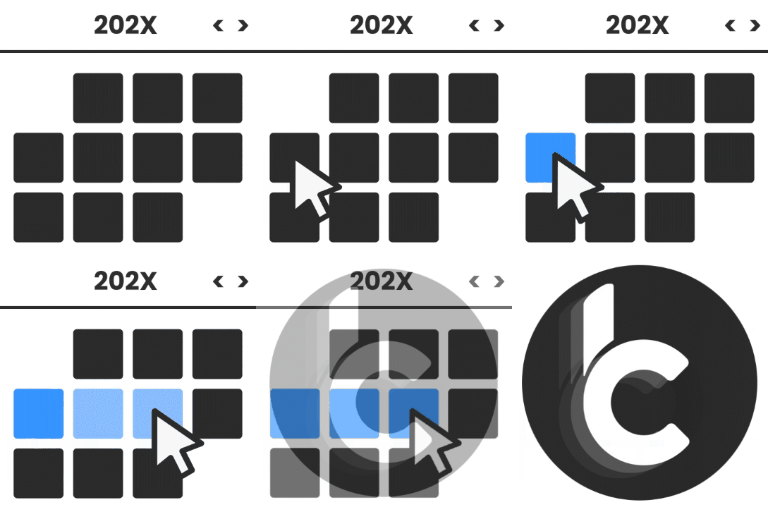
WP Booking Calendar plugin for full-day bookings, time-slot appointments, rentals & events. Accept bookings and inquiries with flexible contact forms
Build faster with 376+ Gutenberg blocks for layouts, content, marketing, media, business, charts, calculators, animations, and more.

By abourri
Tours, activities and private transfers for WordPress: tour pages, itineraries and booking requests. SEO-plugin friendly.
CHOOSE WHAT YOUR WEBSITE NEEDS
Start with the task you need to solve. Compare features, WordPress and PHP requirements, update history and the author’s documentation. Test changes on a private copy and avoid adding several plugins for the same job.
This independent directory displays plugin information on WebFulHost and links to the official source. Packages are not mirrored or installed here. A plugin can include paid extensions or services with separate terms from its author.



