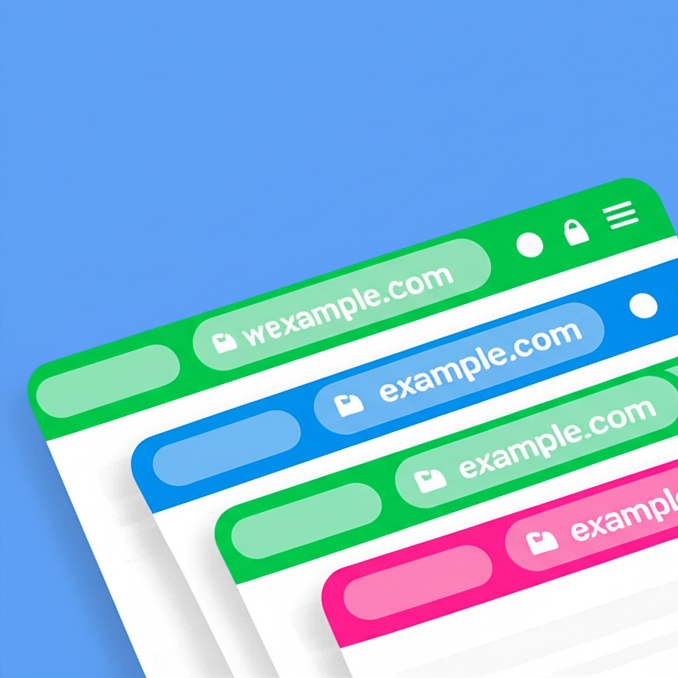
Browser Address Bar Color
By mendibass
Customize your mobile browsing experience by setting theme colors for the address bar of your pages on your WordPress site
★ 4.5/5 (2)300+ active installations
- Version
- 4.2
- WordPress
- 4.6+
- Updated
- 19 Apr 2026
WORDPRESS RESOURCES
Explore public plugin information from the official WordPress.org directory. Compare what a plugin does, its requirements and update history before adding it to your website.
Explore WordPress hosting →4,007 matching plugins reported by WordPress.org · Page 5 of 50
Source: WordPress.org
Data refreshed 27 Nov 2026 01:05 UTC
By mendibass
Customize your mobile browsing experience by setting theme colors for the address bar of your pages on your WordPress site

By Nextendweb
Responsive slider plugin to create sliders in visual editor easily. Build beautiful image slider, layer slider, video slider, post slider, and more.
Create high-converting popups, floating hello bars, slide-ins, opt-in forms & CTAs in minutes. Unlimited campaigns, no pageview limits & no coding.
100% free notification bar, marquee & news ticker: countdown, free shipping bar, signup, click stats, A/B tests. No Pro version.
Join millions who empower their websites with ElementsKit Elementor Addons. Get templates, & 100+ widgets like header-footer, mega menu, custom widget
Display a notification, announcement, sale banner or promotion using the top bar, bottom bar, widget, shortcode or WooCommerce product integration

By Bongdevs
Smooth, accessible scrolling announcement bars and news tickers for your header, footer or any page. Live preview, block and Elementor widget.

🌠 Shorten, brand, and track any URL on your own domain. Keep your links — and your data — where they belong. 🔗

By JayBee
Display your Twitch, YouTube, or Kick live online status directly in a sticky bar at the top of your site.
Want to boost business trust & conversions? 97% of visitors hesitate to buy because of credibility. Instantly succeed with WooCommerce Sales Alert!

By mailmunch
The best free plugin to get more email subscribers. Beautiful opt-in forms that integrate with MailChimp, Constant Contact, AWeber, Campaign Monitor a …
Represent your data by symbols, such as bars, lines,or pie charts.
CHOOSE WHAT YOUR WEBSITE NEEDS
Start with the task you need to solve. Compare features, WordPress and PHP requirements, update history and the author’s documentation. Test changes on a private copy and avoid adding several plugins for the same job.
This independent directory displays plugin information on WebFulHost and links to the official source. Packages are not mirrored or installed here. A plugin can include paid extensions or services with separate terms from its author.