

Define a min/max, step, decimal & default quantity for products, show a dropdown and much more on WooCommerce stores.
★ 4.9/5 (51)3,000+ active installations
- Version
- 5.4.8
- WordPress
- 6.1+
- Updated
- 18 Nov 2026
WORDPRESS RESOURCES
Explore public plugin information from the official WordPress.org directory. Compare what a plugin does, its requirements and update history before adding it to your website.
Explore WordPress hosting →280 matching plugins reported by WordPress.org · Page 5 of 24
Source: WordPress.org
Data refreshed 22 Nov 2026 16:06 UTC
Define a min/max, step, decimal & default quantity for products, show a dropdown and much more on WooCommerce stores.

By Arraytics
Divi modules for Eventin. Build event calendars, event listings, schedules, speaker showcases, registration pages, and conference websites visually.

By Bukza
Flexible Online Booking Tools. Reservation System for Services, Rentals and Events.
Create Google Meet meetings from WordPress, each with a Google Calendar event and a meeting page your visitors join from.
By PI Web Solution
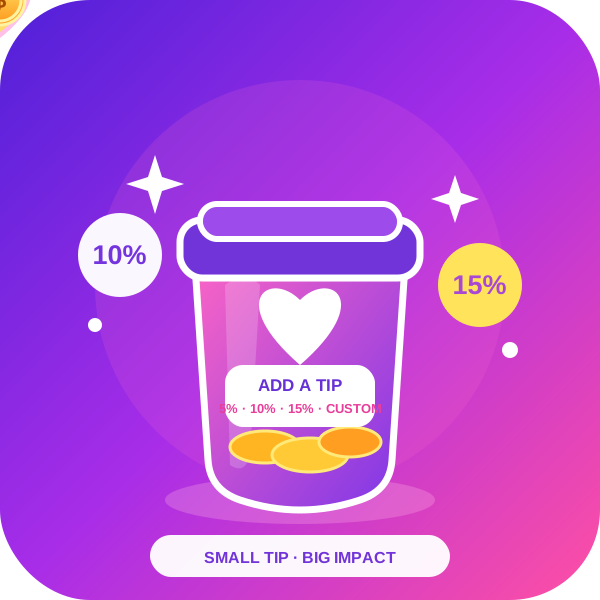
Order Tip for WooCommerce adds an option for customer service tips, tips for waitresses, in WooCommerce.
Copy Anything to Clipboard is the #1 WordPress copy-to-clipboard plugin trusted by 10,000+ active websites with 352,151+ downloads 🚀.

By jetmonsters
MotoPress Appointment Booking makes it easy for time and service-based businesses to accept bookings and appointments online.

By Inflow Surge
Beautiful appointment booking — calendar, staff, group bookings, online payments (Square) and a customer panel. Stripe, PayPal & WooCommerce in PRO.

By FooEvents
The simplest way to display any post, page or custom post type in a dynamic events calendar on your WordPress website.
WordPress events calendar plugin. Take RSVPs and registrations, sell event tickets with WooCommerce, run virtual events. Works with Elementor.
AI-powered form builder that’s built for performance, simplicity, and feels like a part of WordPress, not a separate platform.

By Moiseefweb
Free, open-source booking and appointments for WordPress: services, staff, locations, capacity-aware availability and optional payments.
CHOOSE WHAT YOUR WEBSITE NEEDS
Start with the task you need to solve. Compare features, WordPress and PHP requirements, update history and the author’s documentation. Test changes on a private copy and avoid adding several plugins for the same job.
This independent directory displays plugin information on WebFulHost and links to the official source. Packages are not mirrored or installed here. A plugin can include paid extensions or services with separate terms from its author.



