

WP Image Zoom
By SilkyPress
Awesome image zoom plugin for images in posts/pages and for WooCommerce products.
★ 4.3/5 (119)10,000+ active installations
- Version
- 1.63
- WordPress
- 3.6+
- PHP
- 5.2.4+
- Updated
- 25 Aug 2026
WORDPRESS RESOURCES
Explore public plugin information from the official WordPress.org directory. Compare what a plugin does, its requirements and update history before adding it to your website.
Explore WordPress hosting →3,916 matching plugins reported by WordPress.org · Page 5 of 50
Source: WordPress.org
Data refreshed 20 Nov 2026 14:02 UTC
By SilkyPress
Awesome image zoom plugin for images in posts/pages and for WooCommerce products.
Automatically share your WordPress posts on multiple social networks like Facebook, X (Twitter), LinkedIn, Instagram and more.

All-in-one automation plugin: Automate everything & connect your website, plugins and services together with no-code automations. 100+ integrations…

By Rank Math SEO
Grow your organic traffic and AI visibility with powerful SEO tools, XML sitemaps, Schema automation, and built-in AI SEO, all in one place.

By Barry Kooij
The best WordPress plugin for related posts. Simple, flexible, powerful algorithm, and built-in caching. Fully set up with only 1 click!
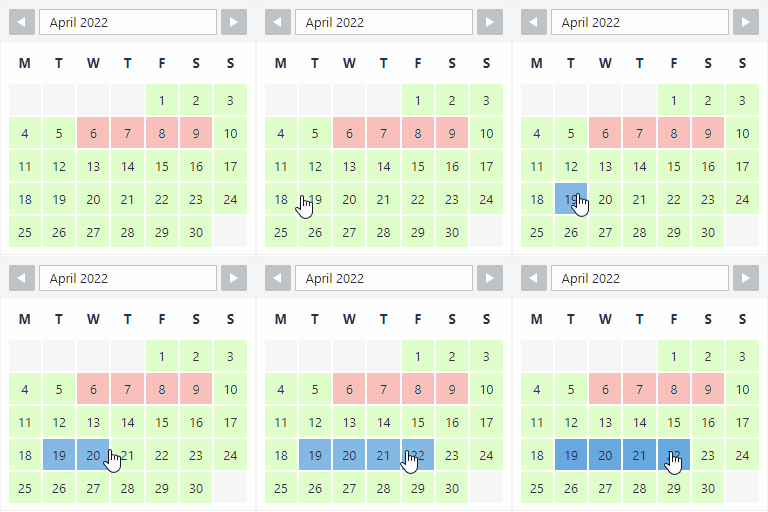
By Roland Murg
The booking calendar plugin for WordPress. Get easy online booking with this lightweight and powerful booking calendar.

By Smackcoders Inc.,
The best WordPress Import Export plugin. Easily import and export posts, pages, CPTs, WooCommerce products, users and more using CSV, XML and Excel.

By WP Lab
List products from WordPress on eBay. The easy way.
Easy to show posts, pages, custom posts in customizable grid, list, slider, accordion... Available as Widgets (for Elementor), Shortcode, and Blocks.

By tmeister
Extends the WP REST API using JSON Web Tokens Authentication as an authentication method.

By Connect Think
Compiles .scss files to .css and enqueues them.
By Roland Murg
This booking calendar shows when something is booked or available. Use it to show when your holiday home is available for rent, for example.
CHOOSE WHAT YOUR WEBSITE NEEDS
Start with the task you need to solve. Compare features, WordPress and PHP requirements, update history and the author’s documentation. Test changes on a private copy and avoid adding several plugins for the same job.
This independent directory displays plugin information on WebFulHost and links to the official source. Packages are not mirrored or installed here. A plugin can include paid extensions or services with separate terms from its author.

