

A true Web Application Firewall to protect and secure WordPress.
★ 4.9/5 (220)100,000+ active installations
- Version
- 4.10.1
- WordPress
- 4.9+
- PHP
- 7.1+
- Updated
- 7 Nov 2026
WORDPRESS RESOURCES
Explore public plugin information from the official WordPress.org directory. Compare what a plugin does, its requirements and update history before adding it to your website.
Explore WordPress hosting →4,372 matching plugins reported by WordPress.org · Page 6 of 50
Source: WordPress.org
Data refreshed 21 Nov 2026 10:09 UTC
A true Web Application Firewall to protect and secure WordPress.

By Vsourz Digital
Save Contact Form 7 submissions to the database and manage entries from the WordPress admin.

Create stunning FAQ & accordion blocks. SEO-optimized, fully accessible, zero performance impact. No coding needed.

By Sumit Singh
Extend search functionality to search in selected post meta, taxonomies, post types, and all authors.
Elementor addon: 120+ widgets & templates — Elementor Gallery, Mega Menu, Slider, Form, Post Grid, Accordion, Header Footer Builder & WooCommerce.
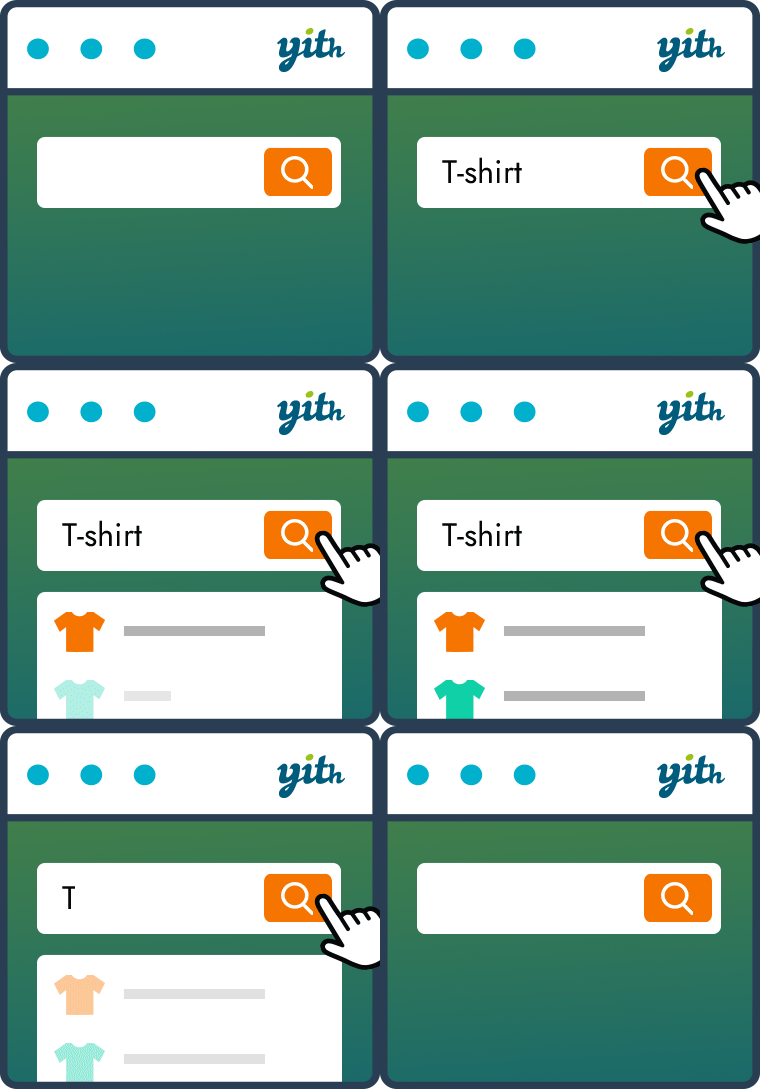
By YITHEMES
YITH WooCommerce Ajax Search allows your users to search products in real time.
Advanced WooCommerce product search and filter plugin. Customizable search bar, live search suggestions and auto-generated filters for search results.

By ThemeHigh
The FAQ Manager plugin lets you create & manage FAQs in an accordion style. Use this WordPress FAQ plugin to group and display FAQs with ease.

By CleanTalk Inc
Advanced antispam for comments, registrations & contact forms. No CAPTCHA, plus email validation and honeypot. We catch spam others miss!
Google Maps with unlimited markers, custom icons, marker categories, clustering and map themes. Gutenberg block, Elementor widget, no coding.
Replaces WooCommerce search with AI semantic search. Finds products even with natural language queries. No OpenAI key needed. Free forever.

By bennettmcelwee
Search Meter tracks what your readers are searching for on your site. View full details of recent searches or stats for the last day, week or month.
CHOOSE WHAT YOUR WEBSITE NEEDS
Start with the task you need to solve. Compare features, WordPress and PHP requirements, update history and the author’s documentation. Test changes on a private copy and avoid adding several plugins for the same job.
This independent directory displays plugin information on WebFulHost and links to the official source. Packages are not mirrored or installed here. A plugin can include paid extensions or services with separate terms from its author.



