

Checkout Files Upload for WooCommerce
By WP Wham
Let your customers upload files on (or after) WooCommerce checkout.
★ 4.4/5 (14)7,000+ active installations
- Version
- 2.4.2
- WordPress
- 4.4+
- Updated
- 12 Nov 2026
WORDPRESS RESOURCES
Explore public plugin information from the official WordPress.org directory. Compare what a plugin does, its requirements and update history before adding it to your website.
Explore WordPress hosting →3,891 matching plugins reported by WordPress.org · Page 6 of 50
Source: WordPress.org
Data refreshed 27 Nov 2026 18:34 UTC
By WP Wham
Let your customers upload files on (or after) WooCommerce checkout.

By Link Nacional
Brazilian checkout fields: CPF/CNPJ, address number, neighborhood and phone, with automatic CEP address pre-filling and much more for WooCommerce.

By YummyWP
Boost WooCommerce sales with instant Ajax product search — live suggestions, fullscreen popup, SKU search, and GA4 analytics, all in one plugin.

By Dhrumil Kumbhani
Enhance your WordPress site's user experience with the Remove WP Admin Bar. Easily customize admin bar visibility for a cleaner interface.

By BeRocket
Display on cart page notices based on products and product categories in cart, cart cost, current day and time, customer referrer.
WooCommerce checkout field editor and manager helps to manage checkout fields in WooCommerce

By Rock Solid Plugins
Speed up WooCommerce and WordPress. Disable WooCommerce Admin, Analytics, Marketing Hub, cart fragments, Gutenberg and other bloat you don't use.

By WPFactory
Enhance WooCommerce security with Email Verification. Ensure genuine customer interactions, eliminate spam, and boost email marketing efficiency.
Create and send marketing emails and campaigns. Enable email automations, Popups, spin-a-wheel, sign-up forms, and more. Customize WooCommerce emails.
Create unlimited notifications, announcements, or notices for your visitors
By mendibass
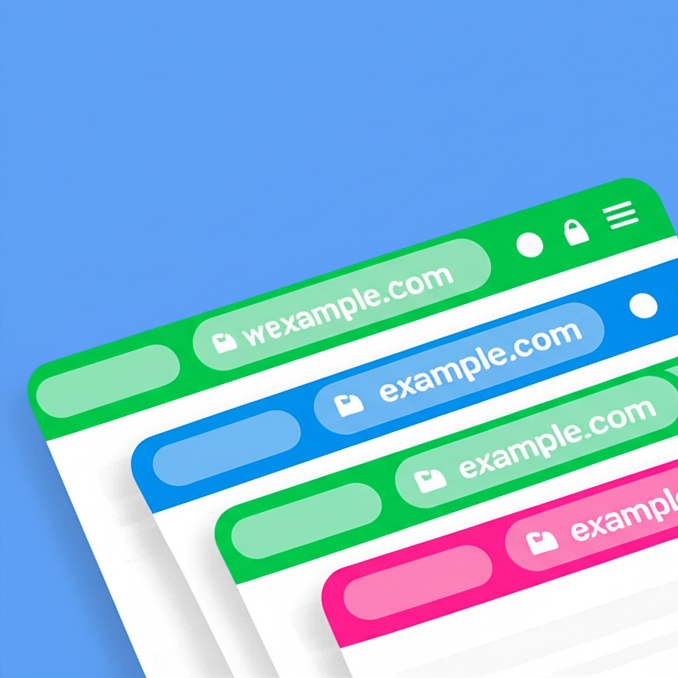
Customize your mobile browsing experience by setting theme colors for the address bar of your pages on your WordPress site

By VillaTheme
Easily migrate all Shopify products and their collections(categories) to WooCommerce after several clicks
CHOOSE WHAT YOUR WEBSITE NEEDS
Start with the task you need to solve. Compare features, WordPress and PHP requirements, update history and the author’s documentation. Test changes on a private copy and avoid adding several plugins for the same job.
This independent directory displays plugin information on WebFulHost and links to the official source. Packages are not mirrored or installed here. A plugin can include paid extensions or services with separate terms from its author.


