

Accessibility Magic
By handyplugins
Accessibility Magic provides an accessibility widget that helps visitors personalize their browsing experience.
0+ active installations
- Version
- 1.1.0
- WordPress
- 5.0+
- PHP
- 7.2+
- Updated
- 15 Aug 2026
WORDPRESS RESOURCES
Explore public plugin information from the official WordPress.org directory. Compare what a plugin does, its requirements and update history before adding it to your website.
Explore WordPress hosting →273 matching plugins reported by WordPress.org · Page 7 of 23
Source: WordPress.org
Data refreshed 20 Nov 2026 09:21 UTC
By handyplugins
Accessibility Magic provides an accessibility widget that helps visitors personalize their browsing experience.

Ultra-lightweight WordPress security plugin. Offering robust WAF, 2FA, Malware Scanners, Magic Links, Activity Log & Emergency Recovery Toolkit.

By dessky
Patch wp2shell instantly by Disabling REST API access.

By WP Radiant
WordClever AI Content Writer generates SEO-friendly product descriptions, meta titles, and more for WooCommerce with just a few clicks.

By 3D Virge
Zero Password - One touch - Two Factor Authentication. Secure your WordPress site with a passwordless, simple and intuitive 2-factor authentication.

Take control of your content. Restrict any post, page, or custom content based on user roles, login state, or custom rules. No code needed.
Limit concurrent WordPress logins, prevent account sharing, and choose whether to block new logins or remove older sessions.

By netcashpaynow
This is the Netcash Pay Now plugin for WooCommerce giving you the ability to accept recurring and credit card payments in your WooCommerce store.

By MantraBrain
WordPress travel booking plugin for tour operators. Trips, departures, payments, OTAs, AI. Free + Pro from $99/yr.
By Tamas Rottenbacher
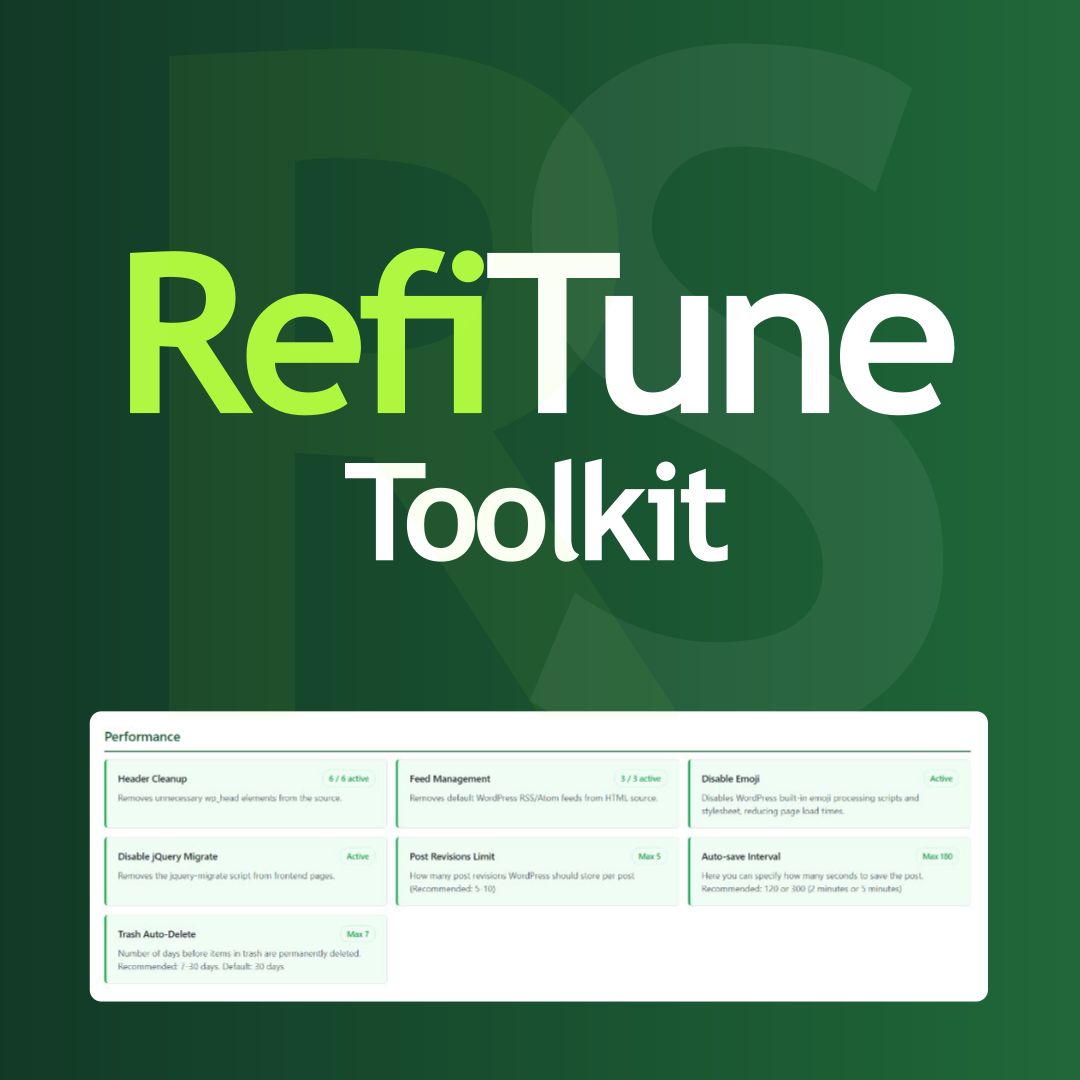
Take control of WordPress with smart performance tweaks, security enhancements, and usability improvements. RefiTune is an all-in-one toolkit.
Social Linkz plugin helps you easily share your content to social media.

By flobamedia
Passwordless login with Passkeys, Email Code, Magic Link and SSO. Email access rules, shared rate limits, security log and alerts.
CHOOSE WHAT YOUR WEBSITE NEEDS
Start with the task you need to solve. Compare features, WordPress and PHP requirements, update history and the author’s documentation. Test changes on a private copy and avoid adding several plugins for the same job.
This independent directory displays plugin information on WebFulHost and links to the official source. Packages are not mirrored or installed here. A plugin can include paid extensions or services with separate terms from its author.

