

Blokko Payments
By blokko
Accept stablecoins, crypto and real-time payments in your WooCommerce checkout, and with a payment button on any WordPress page.
0+ active installations
- Version
- 1.0.0
- WordPress
- 6.4+
- PHP
- 8.1+
- Updated
- 9 Oct 2026
WORDPRESS RESOURCES
Explore public plugin information from the official WordPress.org directory. Compare what a plugin does, its requirements and update history before adding it to your website.
Explore WordPress hosting →135 matching plugins reported by WordPress.org · Page 7 of 12
Source: WordPress.org
Data refreshed 21 Nov 2026 10:14 UTC
By blokko
Accept stablecoins, crypto and real-time payments in your WooCommerce checkout, and with a payment button on any WordPress page.

By Tribulant Software
Feature content in a JavaScript powered slideshow gallery showcase on your WordPress website.

By FFLMonkey.com
Let buyers choose a licensed FFL dealer at checkout, split mixed carts, and record the dealer on the WooCommerce order.

Returns portal and RMA for WooCommerce with the EU withdrawal button. Guest and partial returns, photos, refund and cancel order requests.

By mra13 / Team Tips and Tricks HQ
Create and manage license keys for your software applications easily

By Martin Cipriano
Enhance your WordPress site's search functionality by offering search suggestions sourced from selected post types and metadata.

By Kevin Pirnie
This plugin generates the proper security HTTP response headers to keep your site secured.
Optimize image sizes, regenerate thumbnails, enable retina, convert to WebP/AVIF, or use cloud optimization. An essential image toolkit.
By WP Methods
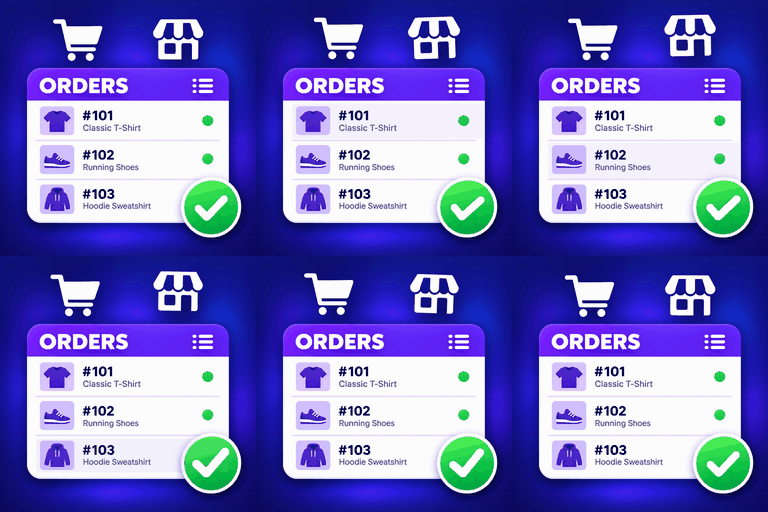
Display WooCommerce orders and products in modern, customizable Elementor tables with mobile layouts, product filters and Load More.

By WPManageNinja
Feature Rich and Super Fast Support and Customer Ticketing System for WordPress.

By Aslam Doctor
Boost WooCommerce sales with the Rearrange Products for WooCommerce plugin. Easily reorder products with a simple drag-and-drop tool!

By Matthias Nordwig
Invisible spam protection for every form, login and checkout. No puzzles, no checkboxes, no lost visitors — a CAPTCHA your users never see.
CHOOSE WHAT YOUR WEBSITE NEEDS
Start with the task you need to solve. Compare features, WordPress and PHP requirements, update history and the author’s documentation. Test changes on a private copy and avoid adding several plugins for the same job.
This independent directory displays plugin information on WebFulHost and links to the official source. Packages are not mirrored or installed here. A plugin can include paid extensions or services with separate terms from its author.
