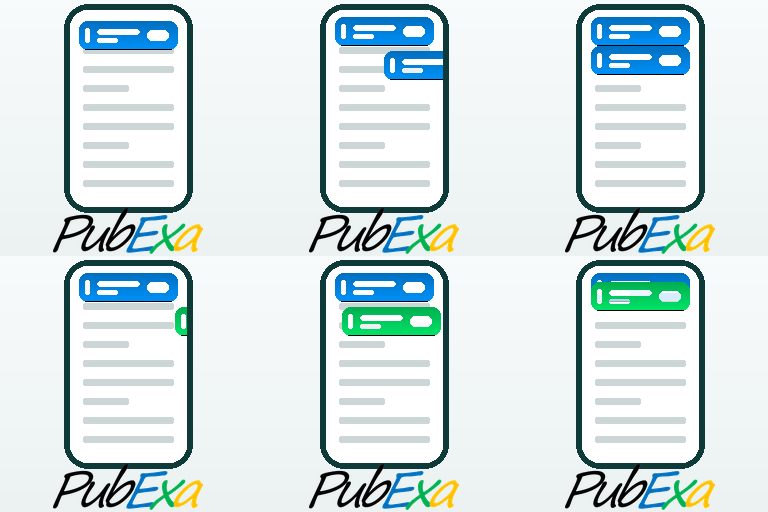
Share buttons and pop up share icons for social media sharing
★ 4.8/5 (5,333)100,000+ active installations
- Version
- 3.0.2
- WordPress
- 3.5+
- Updated
- 18 Sep 2026
WORDPRESS RESOURCES
Explore public plugin information from the official WordPress.org directory. Compare what a plugin does, its requirements and update history before adding it to your website.
Explore WordPress hosting →868 matching plugins reported by WordPress.org · Page 7 of 50
Source: WordPress.org
Data refreshed 20 Nov 2026 18:03 UTC
Share buttons and pop up share icons for social media sharing
Protect your AdSense account from invalid clicks and click bombing in real time. Works without any account needed.
Ad manager and ad inserter for WordPress, plus an ad network that pays you. Monetize your site with scroll-in mobile ad tabs. AdSense alternative.

By Craig Hewitt
Podcasting the way it's meant to be. No mess, no fuss - just you and your content taking over the world.

By Arthur Yarwood
eBay WordPress Plugin to display live eBay products from your store or across eBay. Add affiliate eBay Partner Network links to earn money.

By webmarkadigital
Detect invalid Google Ads clicks on your own server and exclude fraudulent IPs from your campaigns automatically. Free, self-hosted, cache friendly.

By Jordy Meow
Reliable WordPress email through the provider of your choice, with a real email log, one click resend, failure alerts and offline mode. All free.

By beaconmartinb
Adds the VeracityAI tag to your site, so bots and invalid traffic are detected and intercepted in real time and more ad budget reaches humans.

By Passionate Brains
Connect Google Analytics to WordPress in a few clicks. Track key WooCommerce & WordPress events with a GA4 dashboard built into wp-admin.

By Automattic
Manage your ad codes through the WordPress admin safely and easily.

By micropat
Share buttons for WordPress including the AddToAny button, Facebook, Bluesky, Mastodon, WhatsApp, Pinterest, Reddit, many more, and follow icons too.

By rankshield
Protect your Google rankings and ad budget from bot-driven CTR manipulation, sitemap-sweep attacks, and pay-per-click ad fraud.
CHOOSE WHAT YOUR WEBSITE NEEDS
Start with the task you need to solve. Compare features, WordPress and PHP requirements, update history and the author’s documentation. Test changes on a private copy and avoid adding several plugins for the same job.
This independent directory displays plugin information on WebFulHost and links to the official source. Packages are not mirrored or installed here. A plugin can include paid extensions or services with separate terms from its author.