

Accessibility toolbar for WordPress in 44 languages: one-click setup, statement generator, no account, no visitor data. Helps with WCAG and the EAA.
★ 4.9/5 (80)60,000+ active installations
- Version
- 2.15.0
- WordPress
- 6.6+
- PHP
- 7.4+
- Updated
- 19 Nov 2026
WORDPRESS RESOURCES
Explore public plugin information from the official WordPress.org directory. Compare what a plugin does, its requirements and update history before adding it to your website.
Explore WordPress hosting →5,642 matching plugins reported by WordPress.org · Page 7 of 50
Source: WordPress.org
Data refreshed 20 Nov 2026 02:03 UTC
Accessibility toolbar for WordPress in 44 languages: one-click setup, statement generator, no account, no visitor data. Helps with WCAG and the EAA.

By Spacetime
Manage Google AdSense ads, banners, ad rotation, sticky widgets, AMP ads, ads.txt, tracking, header and footer code, PHP code, global custom fields
Accept Square payments, donations, and subscriptions on WordPress with a secure payment form builder.
By John Regan
Add Custom CSS to your WordPress site without any hassles.
By PI Web Solution
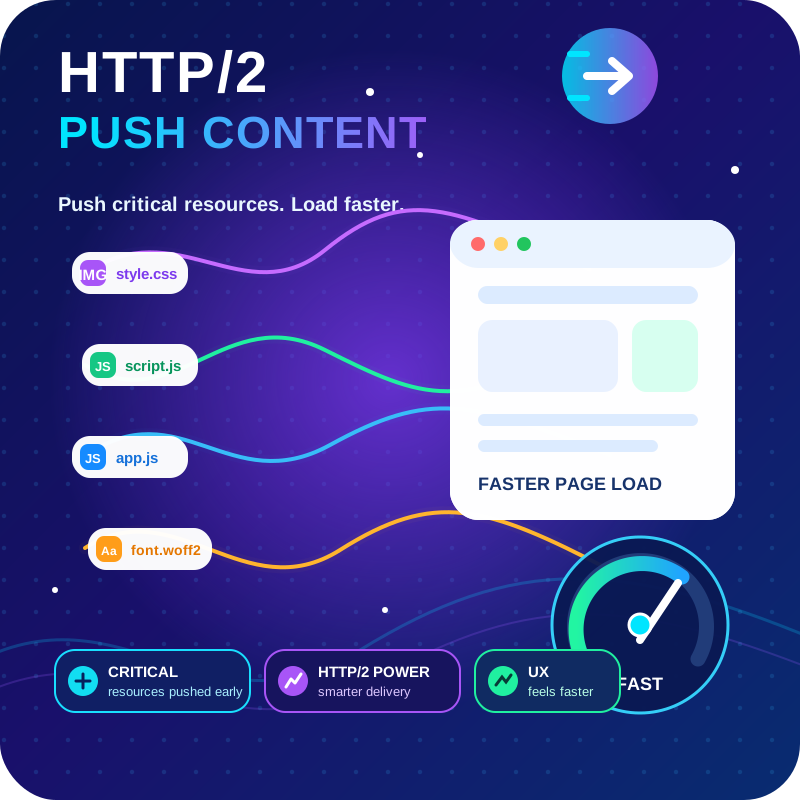
HTTP2 Server push, Async JavaScript, Defer Render Blocking CSS, with fine rule set to control js and css on different page types,

By WebFactory
Advanced shipping rate for WooCommerce. Calculate rate shipping using country, weight, or price. Supports WooCommerce shipping zones.

Get a fast contact form plugin. Create advanced forms using drag and drop form builder with all smart features.

By BoldGrid
Search Engine (SEO) & Performance Optimization (WPO) via caching. Integrated caching: CDN, Page, Minify, Object, Fragment, Database support.

By Daan van den Bergh
The original Google Fonts self-hosting plugin. Automagically caches your fonts locally — no configuration (or brains) required!
Optimize and tweak WordPress by disable unused features. Improve performance, SEO and security using Clearfy — super easy, fast and zero code.

By Chetan Vaghela
Manage, remove, or replace CSS and JavaScript version numbers with file modified timestamps for better cache management.
Add extra data fields, custom post types and taxonomies, and manage all your WordPress content visually — without writing any code.
CHOOSE WHAT YOUR WEBSITE NEEDS
Start with the task you need to solve. Compare features, WordPress and PHP requirements, update history and the author’s documentation. Test changes on a private copy and avoid adding several plugins for the same job.
This independent directory displays plugin information on WebFulHost and links to the official source. Packages are not mirrored or installed here. A plugin can include paid extensions or services with separate terms from its author.


