

Ultimate VPN/Proxy Shield Blocker! Real-time IP defense. Target Anything: Logins, Checkout, Post Types, URLs & more!. 1000 Free Daily API Checks!
★ 5.0/5 (8)200+ active installations
- Version
- 1.0.5
- WordPress
- 5.5+
- PHP
- 7.4+
- Updated
- 3 Feb 2026
WORDPRESS RESOURCES
Explore public plugin information from the official WordPress.org directory. Compare what a plugin does, its requirements and update history before adding it to your website.
Explore WordPress hosting →629 matching plugins reported by WordPress.org · Page 7 of 50
Source: WordPress.org
Data refreshed 27 Nov 2026 17:56 UTC
Ultimate VPN/Proxy Shield Blocker! Real-time IP defense. Target Anything: Logins, Checkout, Post Types, URLs & more!. 1000 Free Daily API Checks!

By Differenz System
Secure and harden your WordPress admin area with powerful features like custom login URLs, reCAPTCHA, brute-force protection, and more.
By Tamas Rottenbacher
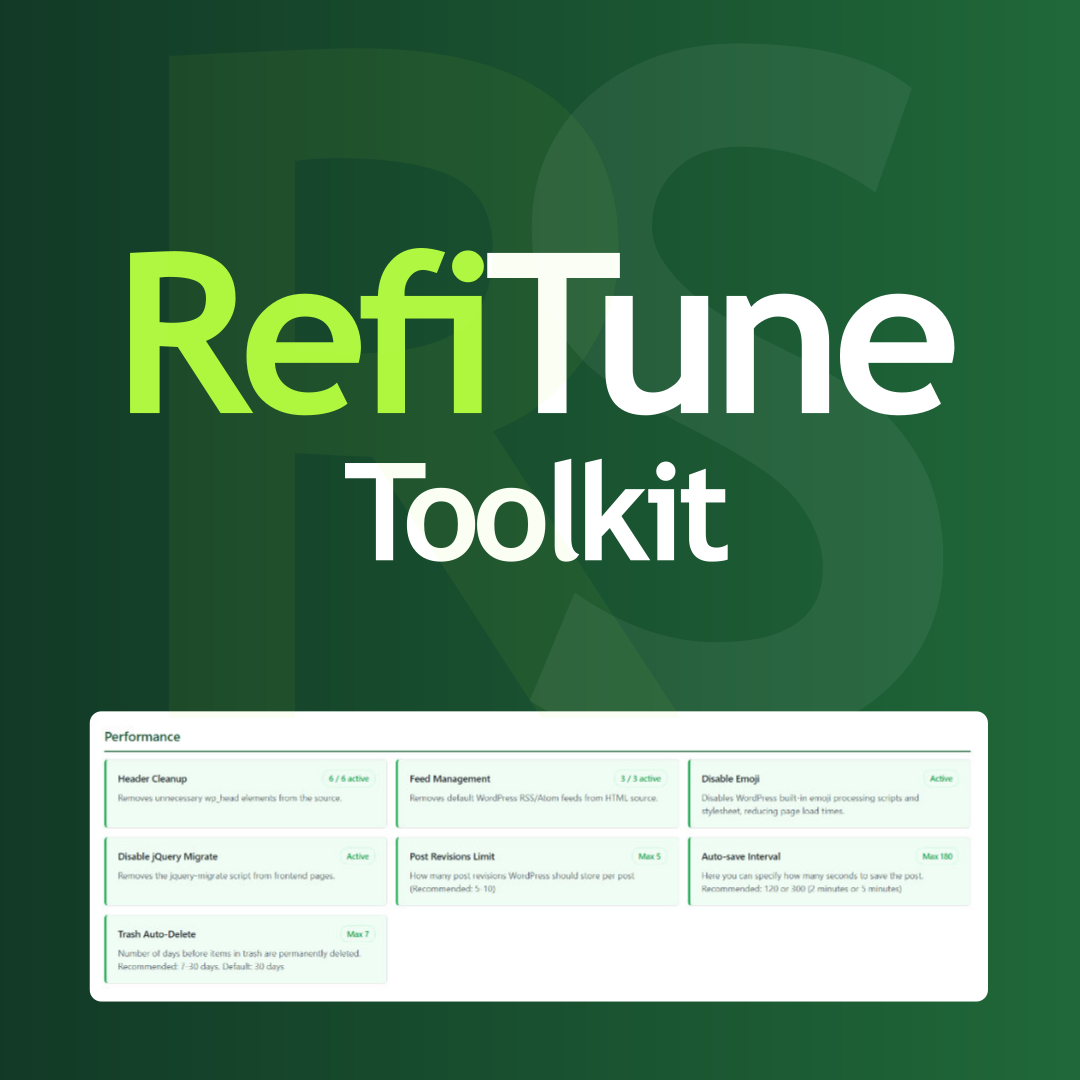
Take control of WordPress with smart performance tweaks, security enhancements, and usability improvements. RefiTune is an all-in-one toolkit.

By Mustafa Uysal
Easy way to use Yandex Metrica on your WordPress site.

By iTRON
Add theme-defined custom options to the WordPress Settings -> Reading page with the plugin's established field and filter API.

By Palasthotel GmbH
Stop bots from brute force hacking your wp-login.php

By Paul Ryan
Authorizer limits login attempts, restricts access to specific users, and authenticates against external sources (OAuth2, Google, LDAP, or CAS).

By WPGreeks Pro
An advanced, robust, modular security, SEO, and productivity toolkit. Mask vulnerable routes, duplicate pages/posts, harden environments, generate HTM …

By prosolution
Find job and apply , wordpress plugin for prosolution.com jobs (ProSolution WP Client)

By bdthemes
All-in-one admin toolkit: custom login URL, limit login attempts, duplicate posts, hide admin bar, disable comments, page cache and security headers.

By SuperPWA
SuperPWA helps you convert your WordPress website into a Progressive Web App instantly.

By Marc Armengou
Hardens WordPress with secure headers, login protection, user enumeration blocking, rate limiting, and a built-in security checklist.
CHOOSE WHAT YOUR WEBSITE NEEDS
Start with the task you need to solve. Compare features, WordPress and PHP requirements, update history and the author’s documentation. Test changes on a private copy and avoid adding several plugins for the same job.
This independent directory displays plugin information on WebFulHost and links to the official source. Packages are not mirrored or installed here. A plugin can include paid extensions or services with separate terms from its author.