

WP Revision List
By Pete Nelson
Show revisions when viewing lists of posts, pages, or custom post types in the admin dashboard
★ 5.0/5 (1)80+ active installations
- Version
- 1.1.9
- WordPress
- 4.0+
- Updated
- 13 Jan 2025
WORDPRESS RESOURCES
Explore public plugin information from the official WordPress.org directory. Compare what a plugin does, its requirements and update history before adding it to your website.
Explore WordPress hosting →898 matching plugins reported by WordPress.org · Page 7 of 50
Source: WordPress.org
Data refreshed 24 Nov 2026 13:09 UTC
By Pete Nelson
Show revisions when viewing lists of posts, pages, or custom post types in the admin dashboard
By Tamas Rottenbacher
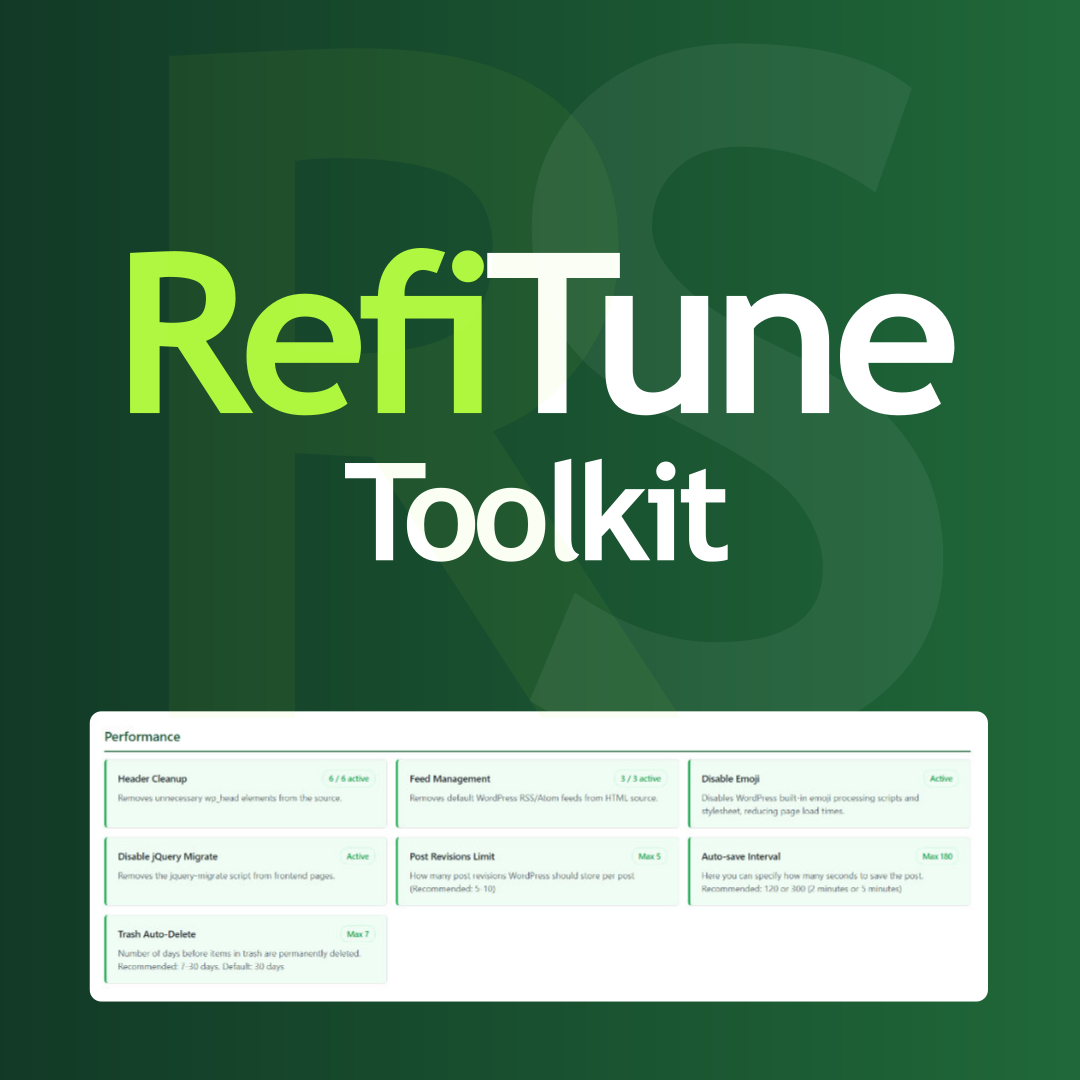
Take control of WordPress with smart performance tweaks, security enhancements, and usability improvements. RefiTune is an all-in-one toolkit.

Define checklist tasks to complete before publishing posts. Make sure your content meets your requirements.

By Sajad Hussain
Set how many revisions WordPress keeps for each post type.

By Helmut Wandl
Adds settings that you might expect to find in the WordPress core.

By revmakx
Backup and Staging by WP Time Capsule is an automated incremental backup plugin that backs up your website changes as per your schedule to Dropbox, Go …
Better Search replaces the default WordPress search with a better search engine that gives contextual results sorted by relevance.
PageSpeed optimization is vital for SEO: A faster website equals better conversions. Optimize your Core Web Vitals metrics (CLS, LCP, TBT) today!

By Giorgos Sarigiannidis
Dozens of settings aiming at creating a friendlier administration environment for both Administrators and Editors.
A complete WordPress caching plugin: page cache, object cache, CDN, database cleanup and Core Web Vitals optimization, plus a built-in MCP server.

By WPExtent
Find out exactly what is using space on your WordPress site -- database, autoload, transients, uploads, plugins, and themes.

By Trusty Plugins
AJAX filter & WooCommerce product filter. Filter posts, CPTs & products by category, taxonomy, attribute & price. Build with drag & drop or AI (MCP).
CHOOSE WHAT YOUR WEBSITE NEEDS
Start with the task you need to solve. Compare features, WordPress and PHP requirements, update history and the author’s documentation. Test changes on a private copy and avoid adding several plugins for the same job.
This independent directory displays plugin information on WebFulHost and links to the official source. Packages are not mirrored or installed here. A plugin can include paid extensions or services with separate terms from its author.


