

All-in-one admin tools to speed up a slow WordPress admin, harden security, disable XML-RPC and turn on maintenance mode, with no code.
★ 5.0/5 (4)60+ active installations
- Version
- 2.8.1
- WordPress
- 5.3+
- PHP
- 7.4+
- Updated
- 19 Nov 2026
WORDPRESS RESOURCES
Explore public plugin information from the official WordPress.org directory. Compare what a plugin does, its requirements and update history before adding it to your website.
Explore WordPress hosting →617 matching plugins reported by WordPress.org · Page 8 of 50
Source: WordPress.org
Data refreshed 24 Nov 2026 08:47 UTC
All-in-one admin tools to speed up a slow WordPress admin, harden security, disable XML-RPC and turn on maintenance mode, with no code.

By WPFactory
Enhance SEO and organize media effortlessly. Fix upload issues, sanitize & optimize filenames, and improve SEO seamlessly.
Manage all your WordPress sites from one place. Automate updates, backups, uptime monitoring, security, reports, and more.

By frontmanai
Update an existing WordPress site with AI beside a live preview. Select a page element, describe the change, and review the result.
Simplify site management with Login/Logout Redirect, Hide Admin Bar, Disable Comments, Header Footer Scripts and Remove Footer Credit.

By WPExtent
Find out exactly what is using space on your WordPress site -- database, autoload, transients, uploads, plugins, and themes.

By Dan Rossiter
This plugin generates thumbnails for documents and displays them in a gallery-like format for easy sharing.
By Tamas Rottenbacher
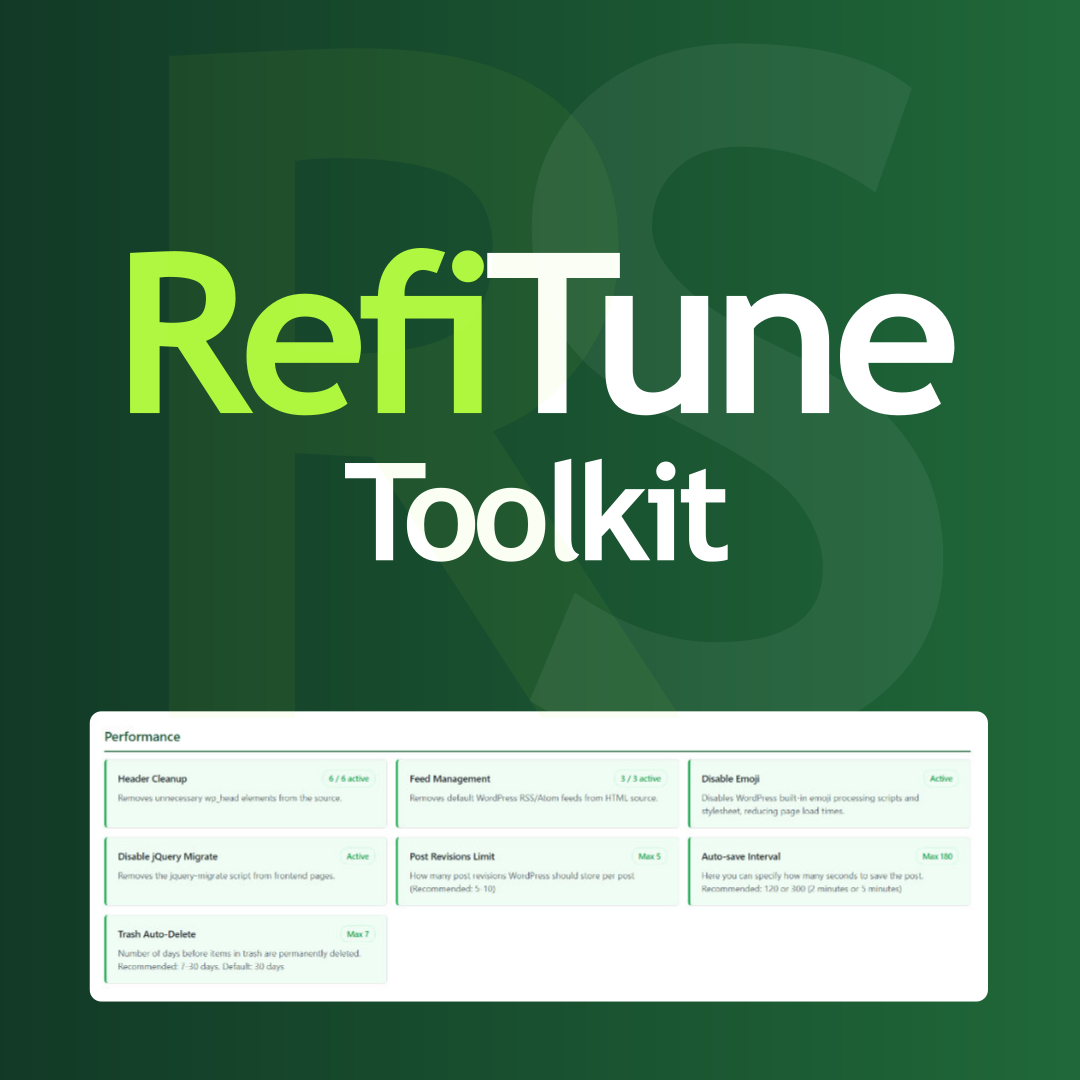
Take control of WordPress with smart performance tweaks, security enhancements, and usability improvements. RefiTune is an all-in-one toolkit.

By ArtistScope
Copy protect images and web pages. Add encrypted images to copy protect pages from PrintScreen and screen capture.

By jody nesbitt
Fast, easy to use cache for WordPress with option for 3 separate CDN's. Optimize Database.

By Abhishek Sinha
Selectively disable WordPress features to improve performance, security, and cleanliness. Toggle each feature individually from a single settings page …
Manage multiple WordPress sites from one dashboard.
CHOOSE WHAT YOUR WEBSITE NEEDS
Start with the task you need to solve. Compare features, WordPress and PHP requirements, update history and the author’s documentation. Test changes on a private copy and avoid adding several plugins for the same job.
This independent directory displays plugin information on WebFulHost and links to the official source. Packages are not mirrored or installed here. A plugin can include paid extensions or services with separate terms from its author.


