Supercharge Elementor Free with 100+ custom dynamic tags. Unlocks WooCommerce, ACF, SCF, and advanced system metrics in Elementor.
★ 5.0/5 (3)700+ active installations
- Version
- 1.4.7
- WordPress
- 5.8+
- PHP
- 7.4+
- Updated
- 20 Oct 2026
View plugin details ↗Customized content matters! Dynamically personalize your website content based on your user segments, connect your content directly with your Analytic …
★ 5.0/5 (1)10+ active installations
- Version
- 2.0.2
- WordPress
- 5.0.0+
- PHP
- 7.4.0+
- Updated
- 23 Oct 2026
View plugin details ↗AI Events Calendar plugin for creating free or paid events. Supports Event Types, Bookings, Tickets, Venues, Performers, AI abilities, and a lot more.
★ 4.4/5 (86)7,000+ active installations
- Version
- 4.4.0.0
- WordPress
- 4.8+
- PHP
- 7.2+
- Updated
- 18 Nov 2026
View plugin details ↗Monetize your Amazon Affiliate Income with Amazon API Integration & Amazon Product Blocks!
★ 5.0/5 (3)500+ active installations
- Version
- 1.0.17.1
- WordPress
- 6.0+
- Updated
- 24 Oct 2026
View plugin details ↗All-in-one WordPress toolkit: contact channels, SMTP, maintenance, AI, spam filter, WooCommerce — one plugin.
★ 3.6/5 (8)1,000+ active installations
- Version
- 4.7.8
- WordPress
- 6.7+
- PHP
- 7.4+
- Updated
- 9 Sep 2026
View plugin details ↗Passwordless login for WordPress. Streamline the login process by sending magic links to your users.
★ 4.8/5 (26)3,000+ active installations
- Version
- 2.8.1
- WordPress
- 5.0+
- PHP
- 7.4+
- Updated
- 11 Aug 2026
View plugin details ↗WooCommerce AI toolkit: bulk product descriptions, titles, SEO meta, FAQs, chatbot. Run it from ChatGPT or Claude via MCP. Less effort, more output.
★ 4.8/5 (16)500+ active installations
- Version
- 2.8.3
- WordPress
- 6.6+
- PHP
- 7.4+
- Updated
- 10 Nov 2026
View plugin details ↗A free WCAG accessibility plugin with an accessibility widget, panel, built-in WCAG analyzer and accessibility statement generator.
★ 5.0/5 (1)100+ active installations
- Version
- 1.2.1
- WordPress
- 5.8+
- PHP
- 7.4+
- Updated
- 29 Aug 2026
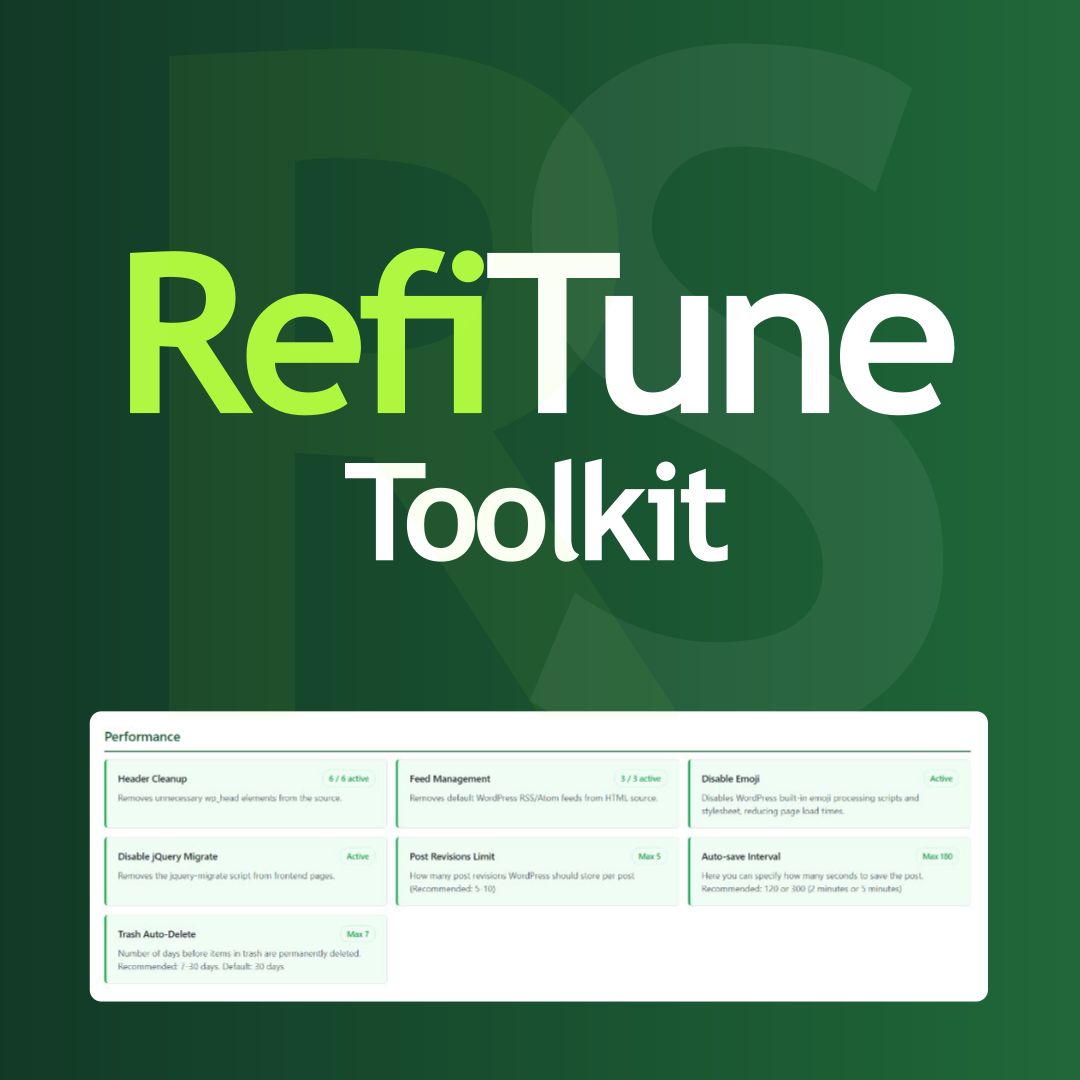
View plugin details ↗Take control of WordPress with smart performance tweaks, security enhancements, and usability improvements. RefiTune is an all-in-one toolkit.
★ 5.0/5 (1)20+ active installations
- Version
- 1.4.0
- WordPress
- 6.2+
- PHP
- 7.4+
- Updated
- 3 Oct 2026
View plugin details ↗Dokan Kits is the ultimate toolkit for Dokan multivendor stores—vendor controls plus Vendor Product Video Gallery and more add-ons.
★ 4.6/5 (11)300+ active installations
- Version
- 3.1.11
- WordPress
- 6.4.2+
- PHP
- 7.4+
- Updated
- 14 Oct 2026
View plugin details ↗Launch complete WordPress starter sites in one click and insert ready-made section & page templates right inside the Block Editor & Elementor.
★ 5.0/5 (1)10,000+ active installations
- Version
- 2.1.3
- WordPress
- 6.6+
- PHP
- 7.4+
- Updated
- 2 Nov 2026
View plugin details ↗CMB2 is a metabox, custom fields, and forms library for WordPress that will blow your mind.
★ 5.0/5 (91)300,000+ active installations
- Version
- 2.13.5
- WordPress
- 3.8.0+
- PHP
- 7.4+
- Updated
- 27 Oct 2026
View plugin details ↗