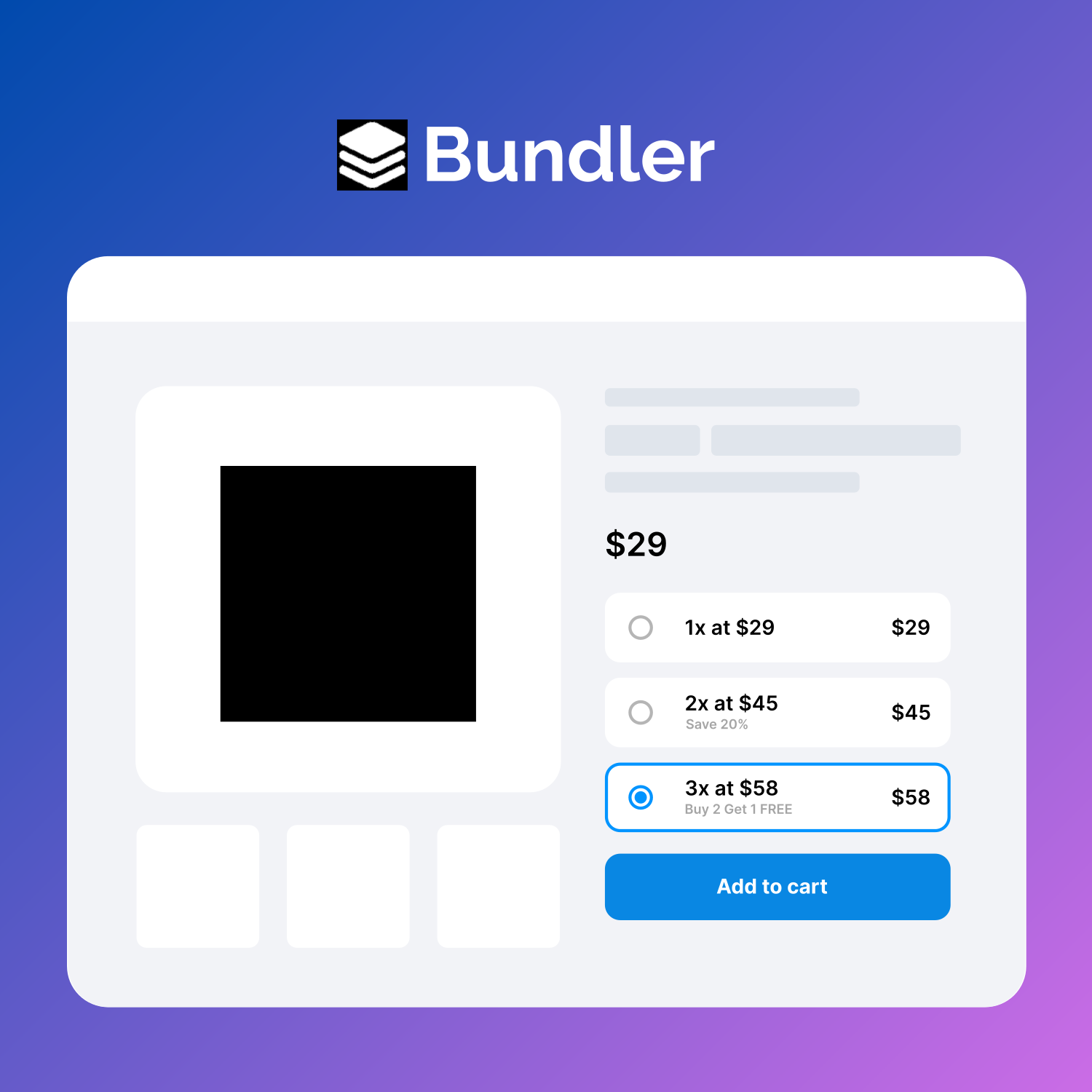
🚀 Boost your Woocommerce sales with Quantity Discounts, Quantity Breaks, Product Bundles, Volume Discounts and Dynamic Pricing.
★ 4.5/5 (51)400+ active installations
- Version
- 3.4.3
- WordPress
- 6.0+
- PHP
- 7.0+
- Updated
- 17 Aug 2026
WORDPRESS RESOURCES
Explore public plugin information from the official WordPress.org directory. Compare what a plugin does, its requirements and update history before adding it to your website.
Explore WordPress hosting →3,185 matching plugins reported by WordPress.org · Page 8 of 50
Source: WordPress.org
Data refreshed 21 Nov 2026 16:33 UTC
🚀 Boost your Woocommerce sales with Quantity Discounts, Quantity Breaks, Product Bundles, Volume Discounts and Dynamic Pricing.

By xootix
Cart Popup for WooCommerce enables Ajax add-to-cart and displays an instant popup showing the added product.

By WPFactory
Enhance WooCommerce security with Email Verification. Ensure genuine customer interactions, eliminate spam, and boost email marketing efficiency.

By BeRocket
Display on cart page notices based on products and product categories in cart, cart cost, current day and time, customer referrer.

By Afterpay
Provide Afterpay as a payment option for WooCommerce orders.
Increase loyalty & sales by letting customers create, manage & share multiple wishlists on your WooCommerce store.
Build a waiting list for your products and notify customers by email based on product availability.
Checkout Field Editor for WooCommerce – The best WooCommerce checkout manager plugin to manage checkout fields in both Classic & Block Checkout.
WooCommerce Product Badge and Label, Sale Badge, Sold Out Badge, Countdown Timer, Notification Bar (PRO), Quick View, out-of-stock badge.
WooCommerce Product Catalog, product enquiry, and request a quote plugin. Hide prices, disable cart, and collect enquiries easily.

By PI Web Solution
Add conditional cart fee / Payment processing fee / Extra cost / Extra fees plugin for WooCommerce / Additional fees / Service charge at checkout for …
Add extra product options and product addons to WooCommerce: 30 custom fields, swatches, file uploads, conditional logic and dynamic pricing.
CHOOSE WHAT YOUR WEBSITE NEEDS
Start with the task you need to solve. Compare features, WordPress and PHP requirements, update history and the author’s documentation. Test changes on a private copy and avoid adding several plugins for the same job.
This independent directory displays plugin information on WebFulHost and links to the official source. Packages are not mirrored or installed here. A plugin can include paid extensions or services with separate terms from its author.