

Insert Blocks Before or After Posts Content
By Jb Audras
Automatically insert blocks of content before and/or after each posts/page content.
★ 4.7/5 (6)1,000+ active installations
- Version
- 0.3
- WordPress
- 5.3+
- PHP
- 5.6+
- Updated
- 28 Aug 2026
WORDPRESS RESOURCES
Explore public plugin information from the official WordPress.org directory. Compare what a plugin does, its requirements and update history before adding it to your website.
Explore WordPress hosting →10,000 matching plugins reported by WordPress.org · Page 9 of 50
Source: WordPress.org
Data refreshed 20 Nov 2026 22:48 UTC
By Jb Audras
Automatically insert blocks of content before and/or after each posts/page content.

By Joshua David Nelson
Use an "Archived" status to unpublish content without having to trash it.
Organize your pages, posts, and custom post types into folders. Upgrade to pro for media library folders, WooCommerce integration, and more.
Display list of posts, pages or any custom post types anywhere using block and widget. Show as grid, list or posts slider.

By silverplugins217
Custom Post Type List Field For Contact Form 7 Custom Post Type List Field For Contact Form 7 Custom Post Type List Field For Contact Form 7 using to …

By Basar Ventures
AI Content Writer & Rewriter. Write content with AI from zero. Import content from RSS, Wordpress, Google News and rewrite with AI.

By Matt Cromwell
Quickly reorder posts, pages, and custom post types using an intuitive drag-and-drop interface. Reordering supports auto-sorting and nested pages.

By Johan van der Wijk
This plugin enables you to edit and display Content Blocks in a sidebar widget or using a shortcode.

By wptools
Conditionally restrict partial content on divi page. Divi visual builder compatible. Grant access to logged-in users, users belonging to any/all selec …
By PI Web Solution
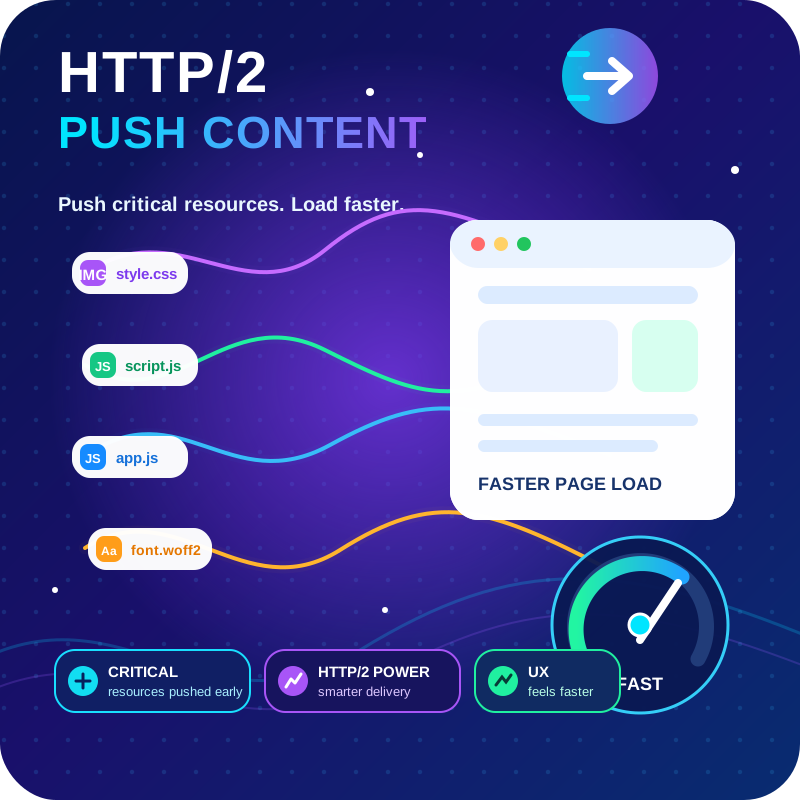
HTTP2 Server push, Async JavaScript, Defer Render Blocking CSS, with fine rule set to control js and css on different page types,
Create unlimited folders with the Folders WordPress plugin, organize & manage your Media Library files, Pages & Posts in folders 📁
A complete WordPress LMS plugin to create any eLearning website easily.
CHOOSE WHAT YOUR WEBSITE NEEDS
Start with the task you need to solve. Compare features, WordPress and PHP requirements, update history and the author’s documentation. Test changes on a private copy and avoid adding several plugins for the same job.
This independent directory displays plugin information on WebFulHost and links to the official source. Packages are not mirrored or installed here. A plugin can include paid extensions or services with separate terms from its author.



