

Payment Button for PayPal
By Noor Alam
Easily accept payment in WordPress by adding a PayPal button to your website.
★ 4.5/5 (40)4,000+ active installations
- Version
- 1.2.3.49
- WordPress
- 5.3+
- Updated
- 13 Oct 2026
WORDPRESS RESOURCES
Explore public plugin information from the official WordPress.org directory. Compare what a plugin does, its requirements and update history before adding it to your website.
Explore WordPress hosting →1,375 matching plugins reported by WordPress.org · Page 9 of 50
Source: WordPress.org
Data refreshed 21 Nov 2026 22:19 UTC
By Noor Alam
Easily accept payment in WordPress by adding a PayPal button to your website.

By Paul Bearne
Display lists of user avatars using widgets or shortcodes. With Gutenberg support.
Add stunning image hover effects to WordPress. 500+ CSS3 animations, 10 effect modules. Native Elementor widget, Gutenberg block & WPBakery widget.

By Noor Alam
Easy Media Download allows you to embed download buttons on your WordPress site. Add file download functionality with this WordPress download plugin.
Enhance the power of your WordPress editor with the dynamic Gutenberg blocks by BlockArt Blocks. Build any layout imaginable.
Add custom CSS, JS, and HTML snippets to WordPress with a live visual editor, AI code generation, and file-based storage.
By YITHEMES
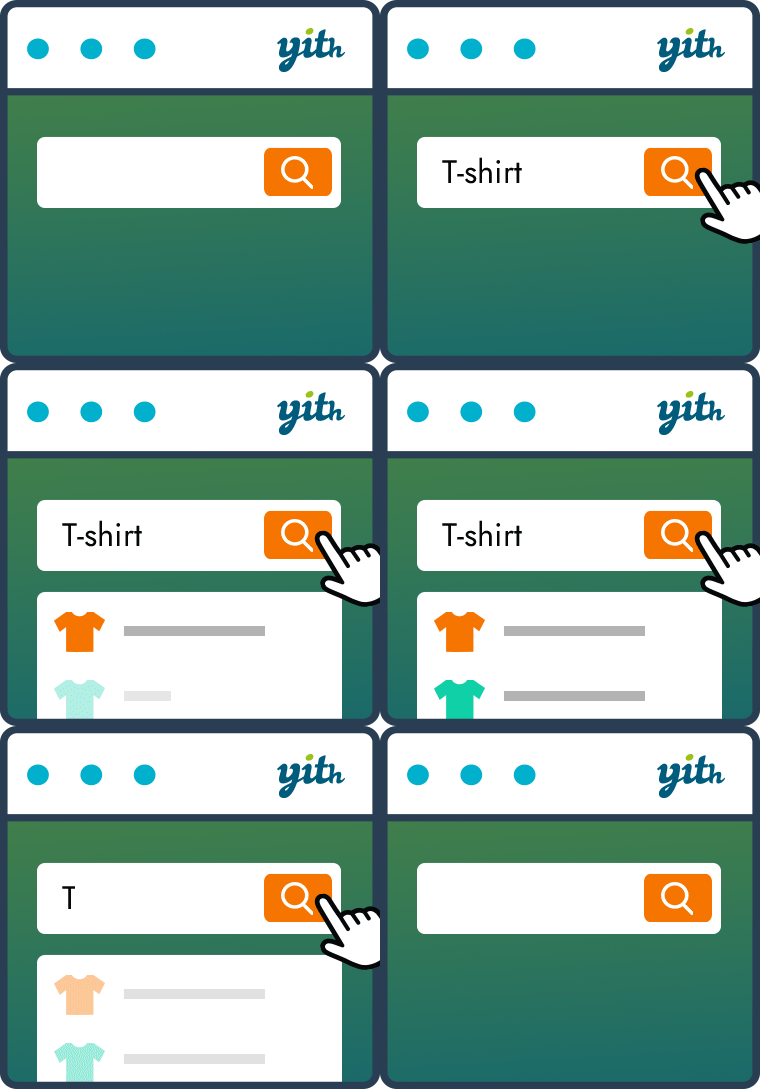
YITH WooCommerce Ajax Search allows your users to search products in real time.
Manage PHP & JS snippets the clean way, then turn any function into an AI tool, a workflow step, or a REST endpoint. Write once, use everywhere. 🤟
90+ Gutenberg Blocks & AI Website Builder with 1000+ Templates. Complete Page Builder, Popup Builder, Mega Menu, Form Builder & More. No Code.

By Darren Cooney
Add infinite scroll, lazy loading, and load more buttons to posts, pages, and WooCommerce products — fast and fully customizable for WordPress.

By Wow-Company
Increase user engagement by incorporating sticky buttons that highlight relevant information on your website.

By DevriX
Easily create an image gallery on your posts, pages or any custom post type
CHOOSE WHAT YOUR WEBSITE NEEDS
Start with the task you need to solve. Compare features, WordPress and PHP requirements, update history and the author’s documentation. Test changes on a private copy and avoid adding several plugins for the same job.
This independent directory displays plugin information on WebFulHost and links to the official source. Packages are not mirrored or installed here. A plugin can include paid extensions or services with separate terms from its author.



