

Real-time sync inventory and products across multiple WooCommerce and Shopify stores.
★ 5.0/5 (1)100+ active installations
- Version
- 1.2.1
- WordPress
- 4.6+
- PHP
- 7.4+
- Updated
- 11 Nov 2026
WORDPRESS RESOURCES
Explore public plugin information from the official WordPress.org directory. Compare what a plugin does, its requirements and update history before adding it to your website.
Explore WordPress hosting →979 matching plugins reported by WordPress.org · Page 9 of 50
Source: WordPress.org
Data refreshed 29 Nov 2026 22:35 UTC
Real-time sync inventory and products across multiple WooCommerce and Shopify stores.

By WP Swings
Provide an easy refund service and increase customer satisfaction with WooCommerce Return Refund, and Exchange Warranty Management Plugin.
Finale lets you create scheduled one time or recurring campaigns. It induces urgency with visual elements such as Countdown Timer and Counter Bar to m …
Keep separate stock for every store or warehouse, let shoppers pick their store, and save each order with its location in WooCommerce.

Visually build any type of table in WordPress data tables, WooCommerce product tables, and post tables from scratch or use table templates.
Want to add Square Payment Gateway for WooCommerce? Download WC Shop Sync plugin to add Square payments, inventory sync, customer data, orders, etc.

By Digital Challenge
This plugin helps you create an XML feed for Skroutz and BestPrice marketplaces.
WooCommerce subscriptions made simple: flexible billing cycles, automated recurring payments and built-in Stripe and PayPal support.

By YITHEMES
It allows you to manage recurring payments for product subscription that grant you constant periodical income

By Coders Time Team
Out of Stock Message Manager is an official plugin maintained by the Coderstime that add features on the woocommerce product stock out.
By PI Web Solution
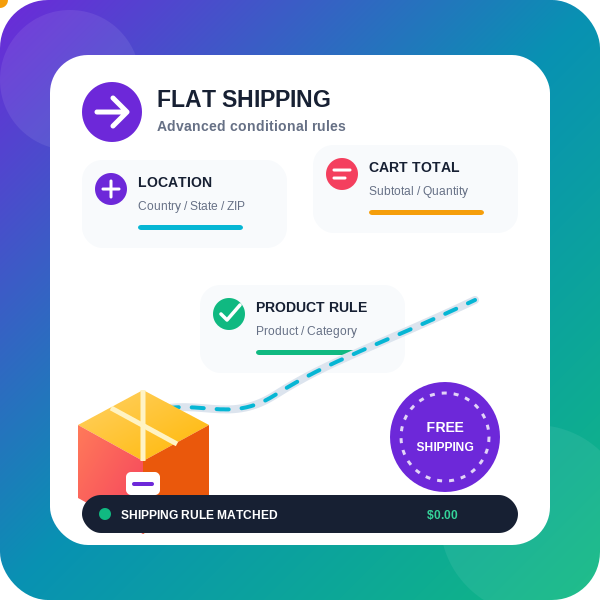
WooCommerce conditional shipping & WooCommerce Advanced shipping rates plugin to create Advanced Flat rate shipping or Free shipping method or tab …

By Naked Cat Plugins
Export a simple CSV file report with the current WooCommerce products stock.
CHOOSE WHAT YOUR WEBSITE NEEDS
Start with the task you need to solve. Compare features, WordPress and PHP requirements, update history and the author’s documentation. Test changes on a private copy and avoid adding several plugins for the same job.
This independent directory displays plugin information on WebFulHost and links to the official source. Packages are not mirrored or installed here. A plugin can include paid extensions or services with separate terms from its author.



