
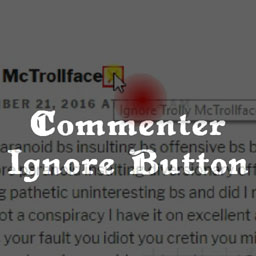
Commenter Ignore Button
By CK MacLeod
Empower your users with a convenient tool to conceal comments by trolls and other annoying commenters.
★ 5.0/5 (1)10+ active installations
- Version
- 1.0
- WordPress
- 3.1+
- Updated
- 11 Nov 2016
WORDPRESS RESOURCES
Explore public plugin information from the official WordPress.org directory. Compare what a plugin does, its requirements and update history before adding it to your website.
Explore WordPress hosting →3 matching plugins reported by WordPress.org · Page 1 of 1
Source: WordPress.org
Data refreshed 19 Nov 2026 18:20 UTC
By CK MacLeod
Empower your users with a convenient tool to conceal comments by trolls and other annoying commenters.
By CK MacLeod
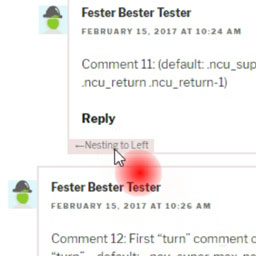
Enable open-ended maximum depth for nested comments, preserve comment-reply-links for all comments, keep the results readable.

By CK MacLeod
Highlight (or bury) extraordinary comments, and display them in a widget, archive, or both. (Extends "Featured Comments.")
CHOOSE WHAT YOUR WEBSITE NEEDS
Start with the task you need to solve. Compare features, WordPress and PHP requirements, update history and the author’s documentation. Test changes on a private copy and avoid adding several plugins for the same job.
This independent directory displays plugin information on WebFulHost and links to the official source. Packages are not mirrored or installed here. A plugin can include paid extensions or services with separate terms from its author.