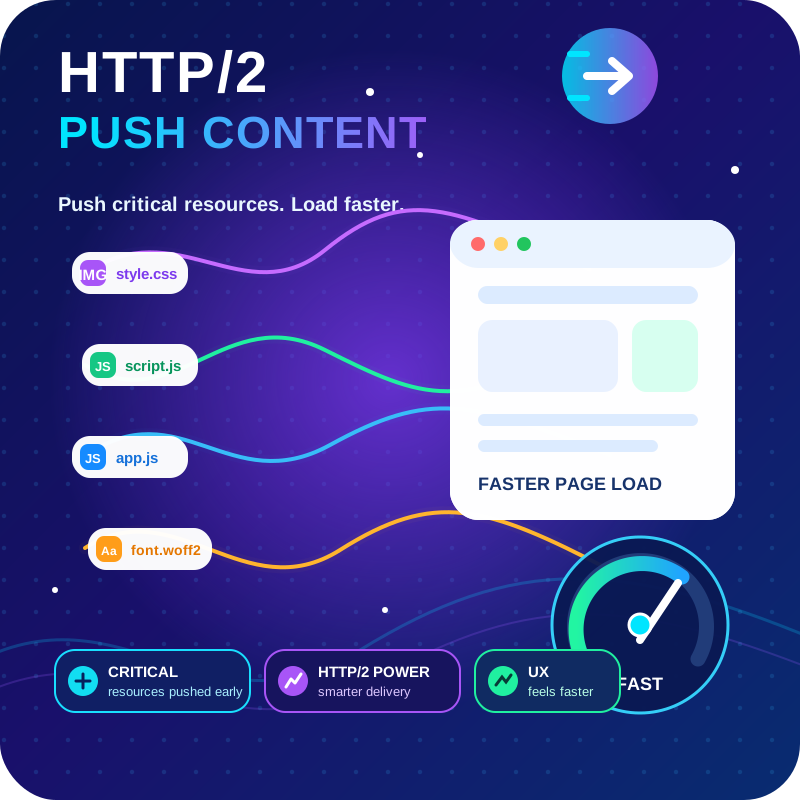
CSS JS Manager, Async JavaScript, Defer Render Blocking CSS, Remove javascript, Remove CSS, Defer Render Blocking CSS, Both CSS and JS can be loaded A …
★ 4.8/5 (90)1,000+ active installations
- Version
- 2.4.49.76
- WordPress
- 3.0.1+
- Updated
- 28 Oct 2026
View plugin details ↗HTTP2 Server push, Async JavaScript, Defer Render Blocking CSS, with fine rule set to control js and css on different page types,
★ 4.7/5 (64)6,000+ active installations
- Version
- 1.10.61
- WordPress
- 4.0+
- PHP
- 7.4+
- Updated
- 27 Oct 2026
View plugin details ↗Autoptimize speeds up your website by optimizing JS, CSS, images (incl. lazy-load), HTML and Google Fonts, asyncing JS, removing emoji cruft and more.
★ 4.7/5 (1,429)800,000+ active installations
- Version
- 3.1.17
- WordPress
- 5.3+
- PHP
- 7.4+
- Updated
- 25 Oct 2026
View plugin details ↗The simplest and fastest WP Cache system
★ 4.9/5 (4,234)1,000,000+ active installations
- Version
- 1.5.5
- WordPress
- 5.7+
- Updated
- 5 Nov 2026
View plugin details ↗
By WPMU DEV - Your All-in-One WordPress Platform
Optimize PageSpeed Performance & Core Web Vitals, Advanced Cache, Minify CSS & JavaScript, Inline Critical CSS, Defer CSS & JS, Smush & Lazy Load, CDN
★ 4.7/5 (1,488)70,000+ active installations
- Version
- 4.0.3
- WordPress
- 6.4+
- PHP
- 7.4+
- Updated
- 16 Nov 2026
View plugin details ↗This plugin load the stylesheets asynchronously and improve page load times.
★ 5.0/5 (8)500+ active installations
- Version
- 1.0.14
- WordPress
- 6.0+
- PHP
- 7.0+
- Updated
- 26 Jul 2026
View plugin details ↗Optimize pages for faster load and render in the browser.
★ 3.0/5 (5)300,000+ active installations
- Version
- 0.6.4
- WordPress
- 5.3+
- PHP
- 7.4+
- Updated
- 19 Oct 2026
View plugin details ↗
By creativeinteractivemedia
Scroll animations, hover effects, typewriter text and count-up numbers for Gutenberg, Elementor and Bricks. CSS and 3D WebGL effects. No code.
★ 5.0/5 (22)2,000+ active installations
- Version
- 1.8.0
- WordPress
- 6.6+
- PHP
- 7.4+
- Updated
- 12 Nov 2026
View plugin details ↗Boost your website performance and page speed, and increase conversions with powerful caching, frontend, media, and environment optimizations.
★ 4.2/5 (641)1,000,000+ active installations
- Version
- 7.8.6
- WordPress
- 5.5.1+
- PHP
- 7.0+
- Updated
- 2 Nov 2026
View plugin details ↗Publish your cookie banner or notice in minutes. Automatically scan cookies, and create policies to align with GDPR, CCPA, and Google Consent Mode.
★ 4.7/5 (1,672)1,000,000+ active installations
- Version
- 7.5.7
- WordPress
- 5.9+
- PHP
- 7.4+
- Updated
- 4 Nov 2026
View plugin details ↗Adds a lightweight and smooth "Scroll to Top" button to your WordPress site, improving navigation and user experience with customizable options.
★ 4.9/5 (141)200,000+ active installations
- Version
- 3.0.1
- WordPress
- 5.3+
- PHP
- 7.2+
- Updated
- 18 Aug 2026
View plugin details ↗A complete WordPress caching plugin: page cache, object cache, CDN, database cleanup and Core Web Vitals optimization, plus a built-in MCP server.
★ 5.0/5 (29)10,000+ active installations
- Version
- 1.4.8
- WordPress
- 6.0+
- PHP
- 7.4+
- Updated
- 12 Nov 2026
View plugin details ↗