

Advanced Partial Payment or Deposit for WooCommerce
By magepeopleteam
Accept partial payments, deposits, and installments on your WooCommerce store.
★ 4.6/5 (14)200+ active installations
- Version
- 4.0.31
- WordPress
- 5.8+
- PHP
- 7.4+
- Updated
- 26 Oct 2026
WORDPRESS RESOURCES
Explore public plugin information from the official WordPress.org directory. Compare what a plugin does, its requirements and update history before adding it to your website.
Explore WordPress hosting →233 matching plugins reported by WordPress.org · Page 1 of 20
Source: WordPress.org
Data refreshed 20 Nov 2026 17:51 UTC
By magepeopleteam
Accept partial payments, deposits, and installments on your WooCommerce store.
Appointment scheduling & event booking plugin for WordPress. Let clients self-schedule 24/7, register for events, and pay at booking.

By WPMU DEV - Your All-in-One WordPress Platform
Compress and optimize images, enable lazy load, serve WebP & AVIF, and speed up your site with a global image CDN.

By Benbodhi
Securely upload SVG files to your media library, with built-in sanitization and advanced features for styling and animation.

By Seraphinite Solutions
Turns on site high speed to be attractive for people and search engines.
This plugin adds a digital wallet and Buy Now Pay Later feature to your WooCommerce store, allowing customers to add funds, check balances, and make s …
Free vacation rental booking engine with direct bookings, two-way iCal sync, booking calendar, online payments, and guest automation.
By YITHEMES
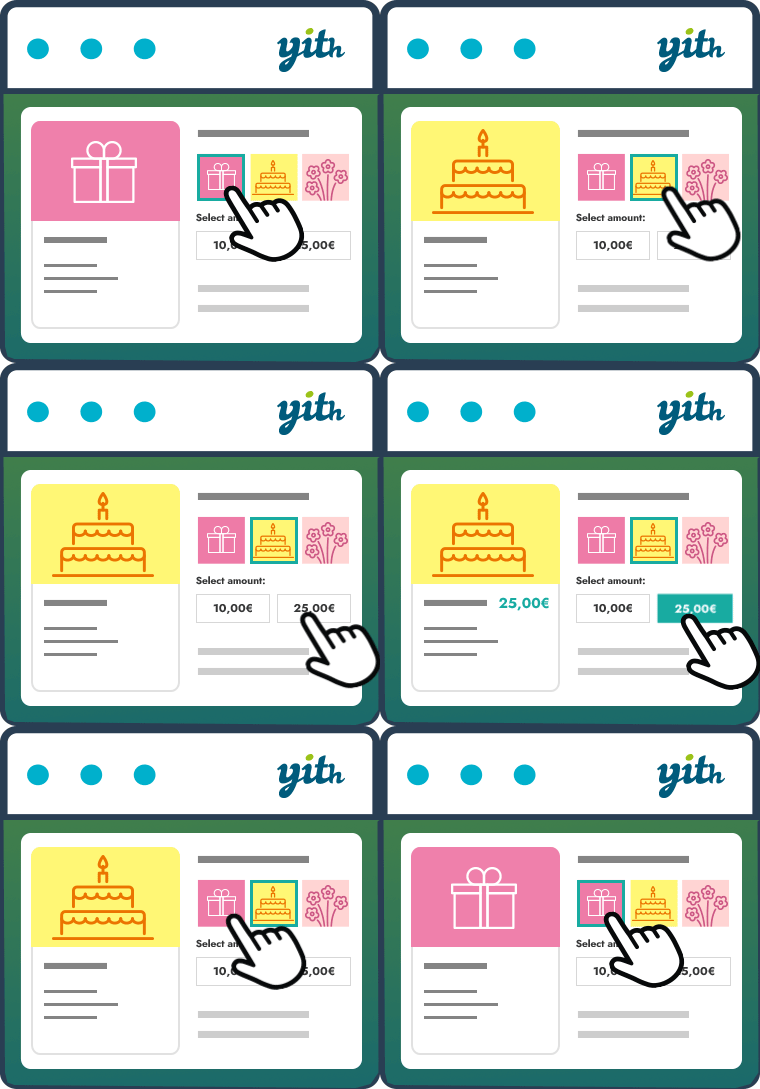
The essential tool for selling gift cards in your store, increasing your conversion rate and attracting new customers.

By MatrixAddons
Invoices, quotes, PDFs and payments inside WordPress. Unlimited documents, PayPal, credit notes, statements and a REST API — free.
Image Optimizer is an easy-to-use WordPress plugin that reduces image size through various compression and resizing techniques – all of which preserve …
Self-hosted ERP for WordPress with HR, CRM, accounting, and recruitment. Run your business from one dashboard and keep your data yours.
Add unlimited RSS feeds, import their items automatically, and show them anywhere on your site with a block or shortcode.
CHOOSE WHAT YOUR WEBSITE NEEDS
Start with the task you need to solve. Compare features, WordPress and PHP requirements, update history and the author’s documentation. Test changes on a private copy and avoid adding several plugins for the same job.
This independent directory displays plugin information on WebFulHost and links to the official source. Packages are not mirrored or installed here. A plugin can include paid extensions or services with separate terms from its author.




