

No Right Click Images
By WebFactory
Disables right click context menu on images to help deter leeches from stealing images.
★ 4.7/5 (52)20,000+ active installations
- Version
- 4.1
- WordPress
- 3.0+
- Updated
- 16 Aug 2026
WORDPRESS RESOURCES
Explore public plugin information from the official WordPress.org directory. Compare what a plugin does, its requirements and update history before adding it to your website.
Explore WordPress hosting →212 matching plugins reported by WordPress.org · Page 1 of 18
Source: WordPress.org
Data refreshed 19 Nov 2026 04:32 UTC
By WebFactory
Disables right click context menu on images to help deter leeches from stealing images.

By Protect Uploads
Protect your uploads directory. Prevent browsing, password-protect files, add watermarks, and discourage right-click copying.
Embed PDF files in WordPress posts and pages with a responsive PDF viewer block, live Block Editor preview, and no third-party services.

WooCommerce conversion tracking: Google Ads, GA4, Meta Pixel & Conversions API, TikTok, OpenAI (ChatGPT). Recover 30% more conversions server-side.
Disable right click, text selection and copy paste. Content copy protection for WordPress: protect text and images, prevent copying, add watermarks.

By motov.net
Sell ebooks and digital downloads on WordPress. Upload, drop a shortcode, get paid with PayPal. Pro watermarks every PDF and ePub to its buyer.

By Horea Radu
The Mesmerize Companion plugin adds drag and drop page builder functionality to the Mesmerize theme.

By Slickstream
Use Slickstream to upgrade your site search. Get beautiful as-you-type search, relevant content recommendations, user favorites and more!

By GutenSuite
Easily embed and showcase Trustpilot reviews on your WordPress site to build trust and boost conversions.

By Jotform
AI chatbot that automates support, answers FAQs, drives WooCommerce sales, generates leads, and boosts engagement — easy setup, no coding!
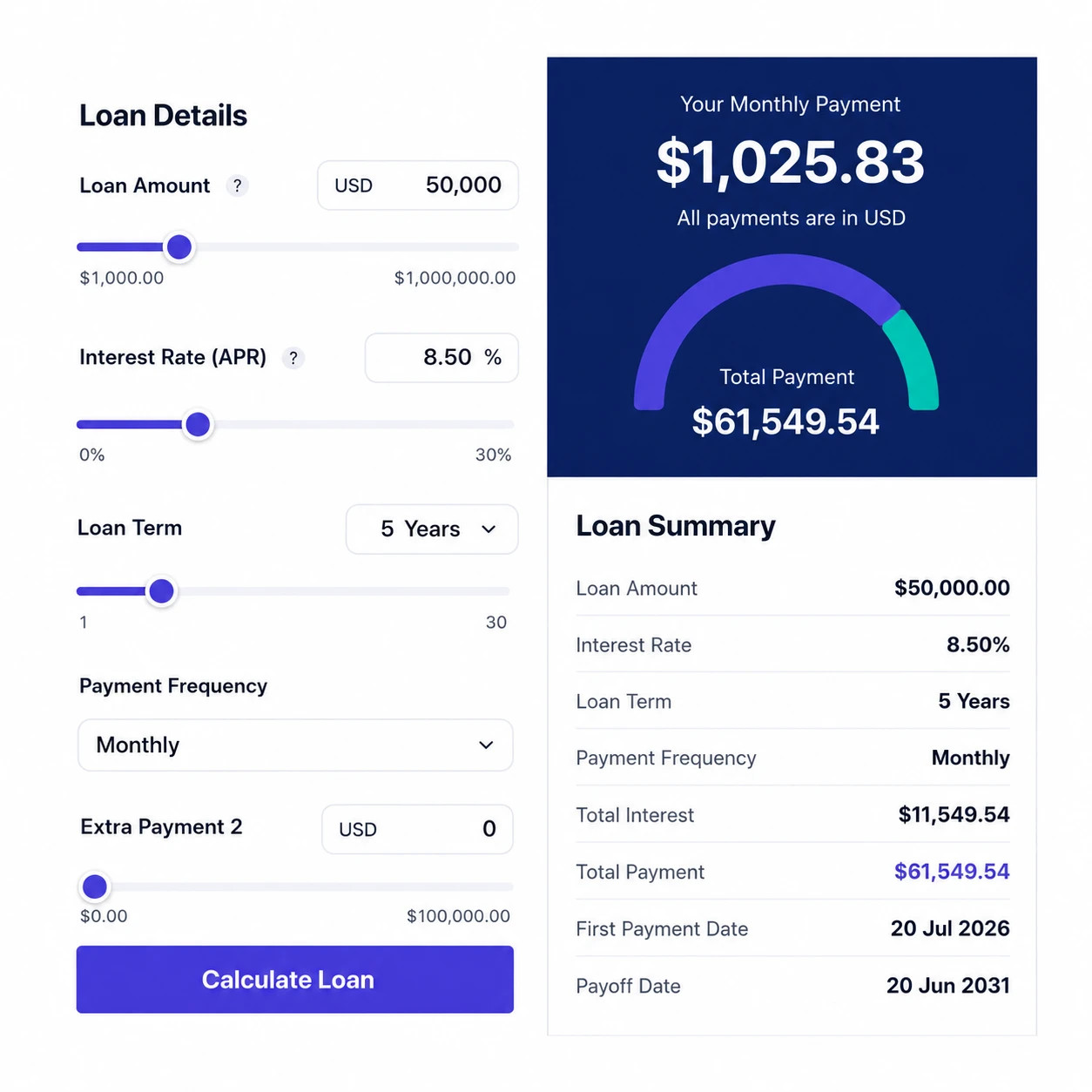
By hayyatapps
Turn casual visitors into qualified loan leads. A beautiful, mobile-friendly loan & mortgage calculator with amortization schedule, charts, full d …

By M. Nasikin
Import your Blogger .atom file from Google Takeout and migrate to WordPress, free and automatic.
CHOOSE WHAT YOUR WEBSITE NEEDS
Start with the task you need to solve. Compare features, WordPress and PHP requirements, update history and the author’s documentation. Test changes on a private copy and avoid adding several plugins for the same job.
This independent directory displays plugin information on WebFulHost and links to the official source. Packages are not mirrored or installed here. A plugin can include paid extensions or services with separate terms from its author.

