

Code Block Pro – Beautiful Syntax Highlighting
By Kevin Batdorf
Code highlighting powered by the VS Code engine. Performance focused. No bloat.
★ 4.8/5 (50)10,000+ active installations
- Version
- 1.28.0
- WordPress
- 6.0+
- PHP
- 7.0+
- Updated
- 15 Aug 2026
WORDPRESS RESOURCES
Explore public plugin information from the official WordPress.org directory. Compare what a plugin does, its requirements and update history before adding it to your website.
Explore WordPress hosting →8 matching plugins reported by WordPress.org · Page 1 of 1
Source: WordPress.org
Data refreshed 22 Nov 2026 10:12 UTC
By Kevin Batdorf
Code highlighting powered by the VS Code engine. Performance focused. No bloat.

By Topher
Uses the posts table as an Ottendorf cypher.

By Vijay Samtani
Map your WordPress content into an interactive knowledge graph. See relationships between posts, terms, and authors. No API keys required.
By conlabltd
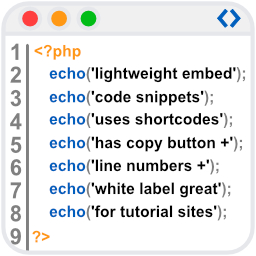
WpBetterCodeHighlighting allows you to show code snippets in over 290+ languages. Its completly free and perfect for blog/tutorial sites.

By sosidee
Allows you to create dynamic QR codes whose destination can be changed without reprinting the QR code.

By Erik
A trustworthy antispam plugin for Contact Form 7. Wave goodbye to spam and keep your inbox clean!

By EXNCE EXCHANGE
Döviz hesaplama ve kripto para çevirici servisi ile istediğiniz elektronik kripto para birimini, canlı döviz kuruna, bugüne ait döviz kurları üzerinde …

By agmorpheus
Syntax Highlighter ComPress is a plugin for code syntax highlighting. It loads fast on the website and code can pasted easily into Wordpress.
CHOOSE WHAT YOUR WEBSITE NEEDS
Start with the task you need to solve. Compare features, WordPress and PHP requirements, update history and the author’s documentation. Test changes on a private copy and avoid adding several plugins for the same job.
This independent directory displays plugin information on WebFulHost and links to the official source. Packages are not mirrored or installed here. A plugin can include paid extensions or services with separate terms from its author.