
WPC Linked Variation for WooCommerce
By WPClever
WPC Linked Variation is built to link separate products together by attributes.
★ 4.7/5 (15)3,000+ active installations
- Version
- 4.5.2
- WordPress
- 5.9+
- Updated
- 6 Oct 2026
WORDPRESS RESOURCES
Explore public plugin information from the official WordPress.org directory. Compare what a plugin does, its requirements and update history before adding it to your website.
Explore WordPress hosting →2,758 matching plugins reported by WordPress.org · Page 1 of 50
Source: WordPress.org
Data refreshed 19 Nov 2026 19:59 UTC
By WPClever
WPC Linked Variation is built to link separate products together by attributes.
The Linked Variations lets you create product variations from separate products.
WPC Smart Linked Products plugin simplifies managing related, upsells, and cross-sells products in bulk with custom rules and mixed combinations.

By nutsmuggler
Allows you to insert a list of the Wordpress plugins you are using into any post/page.

By Anssi Laitila
Build a custom staff directory, address book or any kind of listing with this easy-to-use plugin.

By Douglas Karr
List a page's child pages anywhere with one shortcode, with optional featured images, excerpts, custom ordering, and CSS classes.

By AA Web Servant
This plugin helps twelve step recovery programs list their meetings. It standardizes addresses, and displays results in a searchable list and map.

By WPKube
Use a shortcode to display a list or grid of post authors (or any other user role) and links to their post archives page.

By Paul Bearne
Display lists of user avatars using widgets or shortcodes. With Gutenberg support.

By WooCommerce
Native integration with Google that allows merchants to easily display their products across Google’s network.
By WP Methods
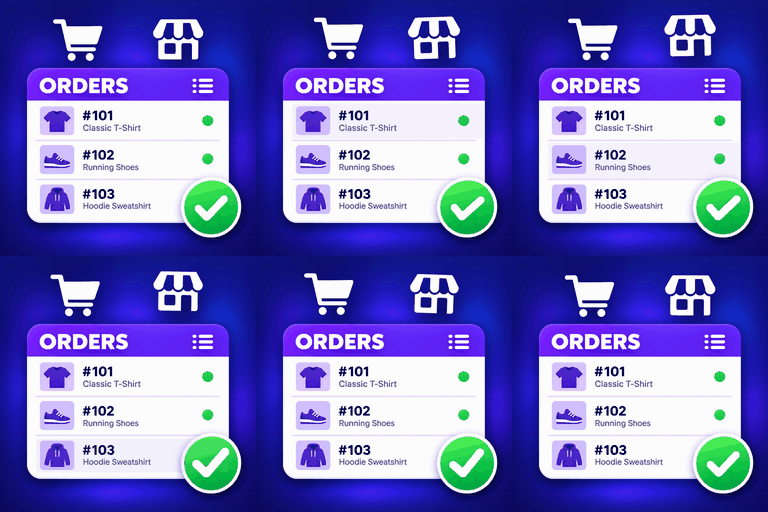
Display WooCommerce orders and products in modern, customizable Elementor tables with mobile layouts, product filters and Load More.

By Elementor
The Elementor Website Builder has it all: drag and drop page builder, Atomic Editor, pixel perfect design, global and reusable style systems, mobile r …
CHOOSE WHAT YOUR WEBSITE NEEDS
Start with the task you need to solve. Compare features, WordPress and PHP requirements, update history and the author’s documentation. Test changes on a private copy and avoid adding several plugins for the same job.
This independent directory displays plugin information on WebFulHost and links to the official source. Packages are not mirrored or installed here. A plugin can include paid extensions or services with separate terms from its author.