

Min Max Control plugin offers to set product's minimum, maximum quantity and step of each product individually.
★ 4.7/5 (79)10,000+ active installations
- Version
- 8.1.1
- WordPress
- 4.0.0+
- PHP
- 5.6+
- Updated
- 6 Oct 2026
WORDPRESS RESOURCES
Explore public plugin information from the official WordPress.org directory. Compare what a plugin does, its requirements and update history before adding it to your website.
Explore WordPress hosting →62 matching plugins reported by WordPress.org · Page 1 of 6
Source: WordPress.org
Data refreshed 19 Nov 2026 09:04 UTC
Min Max Control plugin offers to set product's minimum, maximum quantity and step of each product individually.
Define a min/max, step, decimal & default quantity for products, show a dropdown and much more on WooCommerce stores.

Sell event tickets with WooCommerce. Event registration, recurring events, RSVP, attendee management & event calendar — free.

By WPClever
WPC Product Quantity for WooCommerce is a handy plugin for fully controlling the quantity number of products in your online store.
Configure advanced shipping options for your WooCommerce store with custom shipping methods. Be it weight based shipping or volume based shipping or q …

By Dotstore
Allows store owners to hide shipping methods based on specific conditions!

By Dotstore
Create flexible flat rate shipping methods with custom rules i.e. for specific products or countries where the products will be shipped to.

By WPClever
WPC Product Bundles is a plugin that helps you bundle a few products, offer them at a discount, and watch the sales go up!

B2BKing is the complete solution for running a Wholesale, B2B or B2B + B2C hybrid store with WooCommerce.

By GrandPlugins
Protect PDF files by passwords on your WordPress Website.

Create rental and booking products with WooCommerce for cars, bikes, equipment, dresses, resorts, appointments, and more.
By PI Web Solution
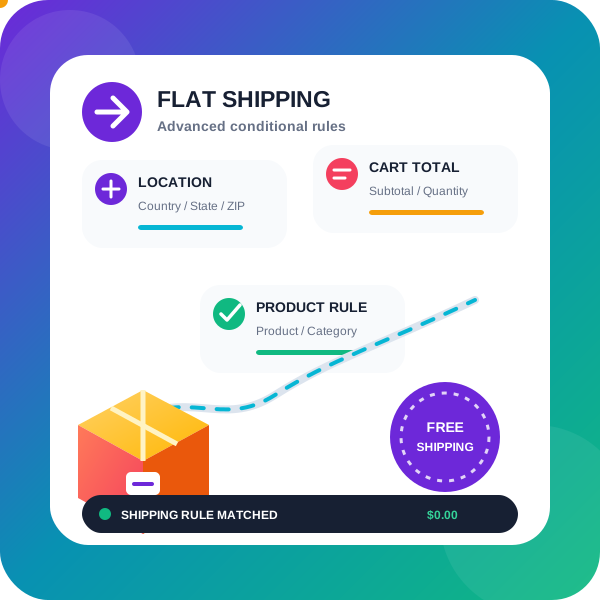
WooCommerce conditional shipping & WooCommerce Advanced shipping rates plugin to create Advanced Flat rate shipping or Free shipping method or tab …
CHOOSE WHAT YOUR WEBSITE NEEDS
Start with the task you need to solve. Compare features, WordPress and PHP requirements, update history and the author’s documentation. Test changes on a private copy and avoid adding several plugins for the same job.
This independent directory displays plugin information on WebFulHost and links to the official source. Packages are not mirrored or installed here. A plugin can include paid extensions or services with separate terms from its author.

