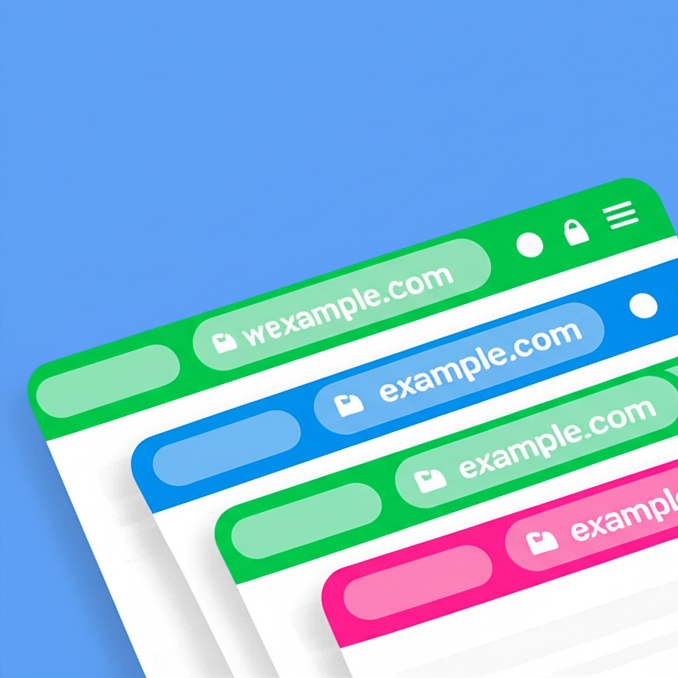
Color the mobile browser address bar with your brand color, with a separate color for dark mode.
★ 5.0/5 (1)2,000+ active installations
- Version
- 2.0.1
- WordPress
- 5.0+
- PHP
- 7.0+
- Updated
- 5 Oct 2026
View plugin details ↗Try FREE Theme Builder for Elementor with 50+ FREE widgets. Create a custom header, footer, singular, and archive layout in no time.
★ 5.0/5 (14)20,000+ active installations
- Version
- 1.2.16
- WordPress
- 5.0+
- PHP
- 7.0+
- Updated
- 13 Oct 2026
View plugin details ↗A WordPress plugin to create block themes.
★ 4.8/5 (38)20,000+ active installations
- Version
- 2.10.2
- WordPress
- 6.8+
- PHP
- 7.4+
- Updated
- 1 Oct 2026
View plugin details ↗Many devices and browsers provide less-than-ideal colors when selecting text on sites. Users may select text for a variety of reasons, including as a …
★ 5.0/5 (5)900+ active installations
- Version
- 1.2
- WordPress
- 4.5+
- Updated
- 13 Jul 2026
View plugin details ↗Variation Swatches for WooCommerce replaces dropdowns with color, image & size swatches, helping shoppers decide faster and buy with confidence.
★ 4.6/5 (51)200,000+ active installations
- Version
- 1.0.14
- WordPress
- 5.4+
- PHP
- 7.4+
- Updated
- 26 Aug 2026
View plugin details ↗YITH WooCommerce Color and Label Variations replaces the dropdown select of your variable products with Colors and Labels
★ 3.6/5 (22)8,000+ active installations
- Version
- 2.33.0
- WordPress
- 6.9+
- PHP
- 8.0+
- Updated
- 3 Nov 2026
View plugin details ↗Not a big fan of green and black? Love the layout of Twenty Fourteen, but need its colors to match your brand? Don't have time to create a child …
★ 4.8/5 (48)8,000+ active installations
- Version
- 1.6
- WordPress
- 3.6+
- Updated
- 18 Jul 2026
View plugin details ↗Change Gutenberg block editor colors or create new ones.
★ 4.8/5 (13)3,000+ active installations
- Version
- 1.2.7
- WordPress
- 5.0+
- PHP
- 5.6+
- Updated
- 30 Jun 2026
View plugin details ↗Easy Drag & Drop Page Builder. A complete solution to create a WordPress Website, Custom Themes, Landing Pages, Coming Soon & Maintenance Mode Pages.
★ 4.9/5 (4,699)600,000+ active installations
- Version
- 6.20.13
- WordPress
- 5.0+
- PHP
- 5.6+
- Updated
- 17 Nov 2026
View plugin details ↗Great looking maintenance, coming soon & under construction pages. Put your site under maintenance in minutes.
★ 4.4/5 (872)1,000,000+ active installations
- Version
- 4.33
- WordPress
- 4.4+
- PHP
- 5.2+
- Updated
- 4 Nov 2026
View plugin details ↗Customize your mobile browsing experience by setting theme colors for the address bar of your pages on your WordPress site
★ 4.5/5 (2)300+ active installations
- Version
- 4.2
- WordPress
- 4.6+
- Updated
- 19 Apr 2026
View plugin details ↗Free Theme Builder For Elementor – header, footer, posts and archives, plus starter templates and whole websites to import. No Elementor Pro needed.
★ 4.2/5 (5)2,000+ active installations
- Version
- 2.0.1
- WordPress
- 6.5+
- PHP
- 7.4+
- Updated
- 8 Nov 2026
View plugin details ↗