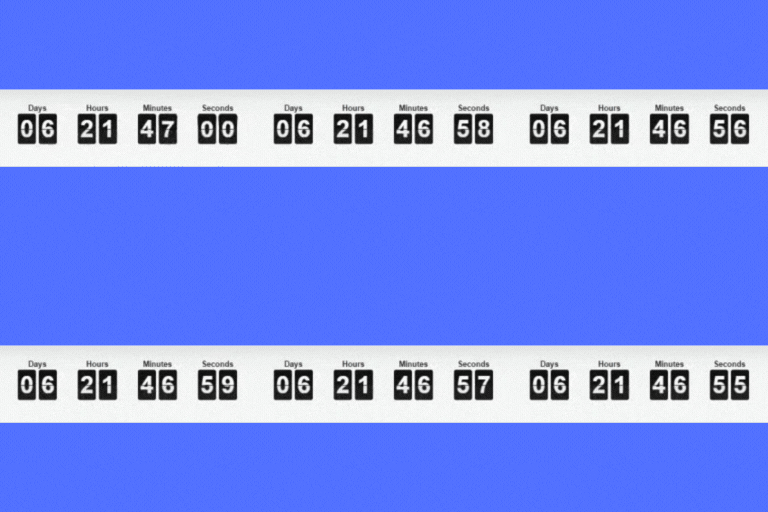
Create versatile countdown timers for your WordPress site and WooCommerce products, including progress bars and upcoming sale countdowns.
★ 4.4/5 (26)5,000+ active installations
- Version
- 1.1.13
- WordPress
- 5.2+
- PHP
- 7.4+
- Updated
- 7 Nov 2026
View plugin details ↗Countdown builder - Customizable Countdown Timer
★ 4.7/5 (183)10,000+ active installations
- Version
- 3.0.9
- WordPress
- 3.8+
- PHP
- 5.3+
- Updated
- 15 Nov 2026
View plugin details ↗Create unlimited urgency and scarcity countdown timers for WordPress and WooCommerce to boost conversions and sales instantly.
★ 4.8/5 (171)20,000+ active installations
- Version
- 2.19.0
- WordPress
- 4.0+
- PHP
- 5.6+
- Updated
- 20 Nov 2026
View plugin details ↗WPC Countdown Timer helps you display countdown timer in single product pages and shop page.
★ 5.0/5 (3)1,000+ active installations
- Version
- 3.2.4
- WordPress
- 5.9+
- Updated
- 22 Oct 2026
View plugin details ↗
By Data443 Risk Mitigation, Inc.
Evergreen Countdown is a plugin built for marketers that need a reliable solution to use scarcity on their websites and landing pages.
★ 3.6/5 (14)2,000+ active installations
- Version
- 2.2.0
- WordPress
- 2.7+
- PHP
- 7.4+
- Updated
- 3 Aug 2026
View plugin details ↗Elementor templates, Header footer builder, Elementor Post Grid, Woocommerce Grid builder, Slider, Forms, Gallery, Nav menu addons, Elementor widgets.
★ 4.8/5 (613)600,000+ active installations
- Version
- 1.7.1072
- WordPress
- 5.0+
- PHP
- 5.6+
- Updated
- 13 Nov 2026
View plugin details ↗Finale lets you create scheduled one time or recurring campaigns. It induces urgency with visual elements such as Countdown Timer and Counter Bar to m …
★ 4.7/5 (152)3,000+ active installations
- Version
- 2.21.0
- WordPress
- 5.0+
- PHP
- 7.4+
- Updated
- 21 Aug 2026
View plugin details ↗Add a countdown to any page or post for a sale, launch or event. Build one in a click, or customise every part of it.
★ 5.0/5 (2)1,000+ active installations
- Version
- 1.0.6
- WordPress
- 5.3.0+
- PHP
- 7.0.0+
- Updated
- 6 Sep 2026
View plugin details ↗Highlight Upcoming Events With Countdown Timer with Countdown Block.
★ 4.1/5 (7)4,000+ active installations
- Version
- 1.5.3
- WordPress
- 6.0+
- PHP
- 7.4+
- Updated
- 15 Nov 2026
View plugin details ↗Display your event's date on a timer to your visitor with a countdown timer block
★ 4.0/5 (4)2,000+ active installations
- Version
- 1.3.4
- WordPress
- 6.5+
- PHP
- 7.4+
- Updated
- 17 Nov 2026
View plugin details ↗Event countdown timer for The Events Calendar. Show a countdown to upcoming events with a shortcode, block, Elementor widget or sticky floating bar.
★ 4.6/5 (48)3,000+ active installations
- Version
- 2.0.2
- WordPress
- 6.3+
- PHP
- 7.2+
- Updated
- 5 Nov 2026
View plugin details ↗WooCommerce Product Badge and Label, Sale Badge, Sold Out Badge, Countdown Timer, Notification Bar (PRO), Quick View, out-of-stock badge.
★ 4.8/5 (30)4,000+ active installations
- Version
- 7.7.0
- WordPress
- 5.0+
- PHP
- 5.6+
- Updated
- 5 Nov 2026
View plugin details ↗