

Make your website load faster by removing unused CSS. Automatically strips bloated stylesheets down to only what each page actually needs.
★ 5.0/5 (2)60+ active installations
- Version
- 1.0.19
- WordPress
- 5.0+
- PHP
- 7.4+
- Updated
- 14 Oct 2026
WORDPRESS RESOURCES
Explore public plugin information from the official WordPress.org directory. Compare what a plugin does, its requirements and update history before adding it to your website.
Explore WordPress hosting →8,623 matching plugins reported by WordPress.org · Page 1 of 50
Source: WordPress.org
Data refreshed 18 Nov 2026 03:00 UTC
Make your website load faster by removing unused CSS. Automatically strips bloated stylesheets down to only what each page actually needs.

By LiteSpeed Technologies
All-in-one unbeatable acceleration & PageSpeed improvement: caching, image/CSS/JS optimization...

By wipeoutmedia
Add CSS, JavaScript, PHP and HTML code snippets to your site.

By GravityWP
Quickly select custom and add-on CSS classes.

By WPMU DEV - Your All-in-One WordPress Platform
Optimize PageSpeed Performance & Core Web Vitals, Advanced Cache, Minify CSS & JavaScript, Inline Critical CSS, Defer CSS & JS, Smush & Lazy Load, CDN
Speed up your WordPress site with one-click optimizations like Page Cache, Critical CSS, and Image CDN to improve Core Web Vitals.
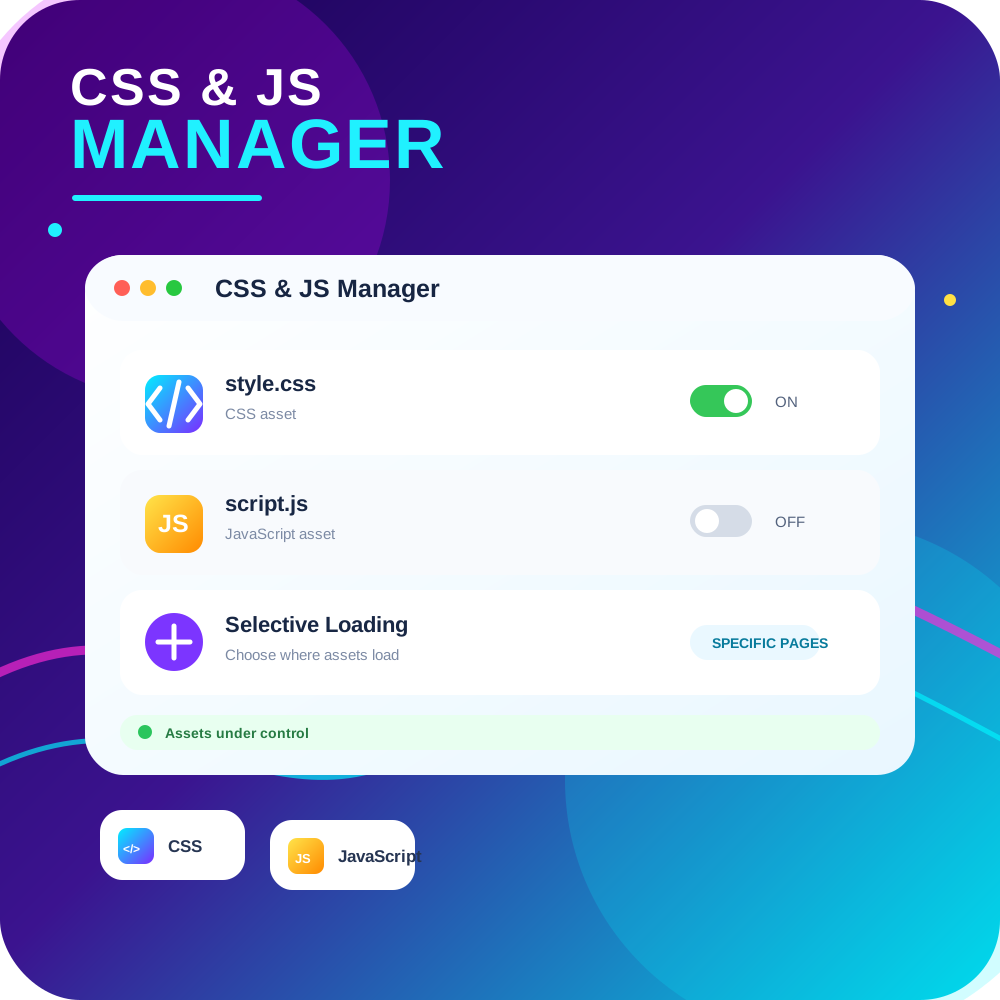
By PI Web Solution
CSS JS Manager, Async JavaScript, Defer Render Blocking CSS, Remove javascript, Remove CSS, Defer Render Blocking CSS, Both CSS and JS can be loaded A …

By Elementor
The Elementor Website Builder has it all: drag and drop page builder, Atomic Editor, pixel perfect design, global and reusable style systems, mobile r …

By Nick Halsey
WordPress core provides custom CSS functionality in the customizer that's specific to the current theme; you can switch themes freely with each t …

By Scott Reilly
Easily define additional CSS (inline and/or by URL) to be added to all administration pages.
Easily add code snippets in WordPress. Insert header & footer scripts, add PHP code snippets with conditional logic, insert ads pixel code, and more.
Insert PHP, JavaScript, CSS, HTML, ads & tracking code into WordPress headers, footers, pages & content with conditional logic — no theme editing.
CHOOSE WHAT YOUR WEBSITE NEEDS
Start with the task you need to solve. Compare features, WordPress and PHP requirements, update history and the author’s documentation. Test changes on a private copy and avoid adding several plugins for the same job.
This independent directory displays plugin information on WebFulHost and links to the official source. Packages are not mirrored or installed here. A plugin can include paid extensions or services with separate terms from its author.


