

Description
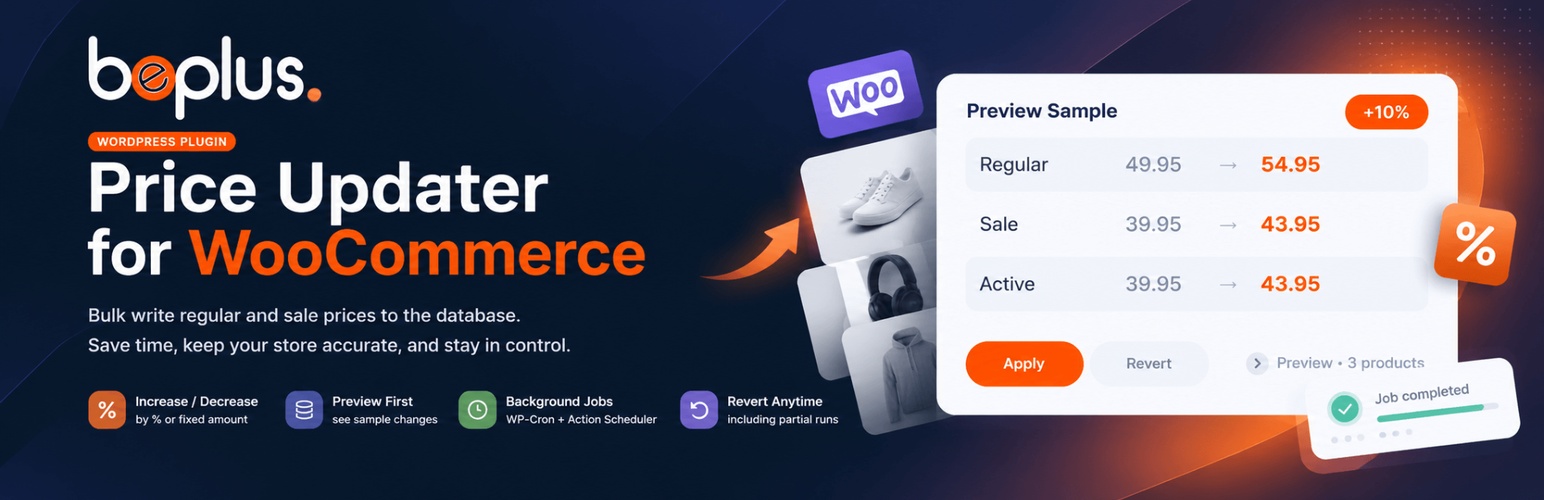
Beplus Price Updater for WooCommerce writes new regular and sale prices into the WooCommerce database. Use it when you want a one-time catalogue change (increase or decrease by a percentage or a fixed amount) instead of a runtime overlay that recalculates prices on every page load.
Jobs keep running in the background through WP-Cron and Action Scheduler, even if you close the admin tab. You can preview the impact first, then apply, and revert the last apply if you need to undo it.
Key features
- Increase or decrease prices by percentage or fixed amount
- Optional nearest/up/down step rounding and decimal price endings (requires two currency decimals)
- Regular-only, sale-only, both, or sale-from-regular targets; set exact prices and clear sales
- Cost markup and target margin pricing using native WooCommerce COGS or a configured product meta key
- Advanced stock, price, product type, tag, brand and attribute filters
- Named presets, CSV export/import previews, scheduled campaigns and opt-in completion emails
- Scope: all products, or selected products and categories
- Exclude products and categories when updating the full catalogue
- Preview sample before writing anything
- Background jobs with progress, history, and per-item details
- Cancel a running job; revert the last apply that wrote prices, including partial runs
- Updates both regular and sale prices; variation parents are synced after writes
- Works with simple, variable, and WooCommerce Subscriptions products
How it works
- Open WooCommerce → Price Updater.
- Choose the action, amount, rounding, and product scope.
- Click Preview to scan matching products and see sample results.
- Click Apply to database to write the confirmed preview snapshots. Changed settings require a fresh preview. Price conflicts are skipped, not overwritten.
- Use Revert last apply if you need to restore the previous stored prices.
- Use Cancel job to stop a running preview, apply, or revert.
Privacy
The plugin stores job settings and price snapshots in custom tables on your site (beplus_pu_jobs and beplus_pu_items). It does not send product, customer, or price data to Beplus. Optional completion notifications are sent to the initiating user’s email through WordPress wp_mail and your configured mail transport. Named presets and email preferences are stored in user metadata. Scheduled campaigns store per-job price snapshots and depend on WordPress cron; they may execute later than the requested time on low-traffic sites. Uninstalling the plugin drops those custom tables and unschedules background jobs, which deletes job history. Product prices already written to WooCommerce are kept. Deactivating the plugin only unschedules jobs and does not delete history.
About BePlus
This plugin is developed and maintained by BePlus, a WordPress and Shopify development studio with 10+ years of experience building themes and plugins for nonprofits and eCommerce brands.
Learn more at beplusthemes.com.
Installation
- Upload the
beplus-price-updaterfolder to/wp-content/plugins/. - Activate the plugin through the Plugins menu in WordPress.
- Make sure WooCommerce is installed and active.
- Go to WooCommerce → Price Updater to start a preview or apply run.
FAQ
Does this change prices only on the storefront?
No. It writes regular, sale, and active prices into the WooCommerce product records. Storefront and admin both use the new stored values.
Can I undo a run?
Yes. Revert last apply restores the prices saved for the most recent apply that wrote changes. Cancelled or failed applies can still be reverted if some prices were written.
Can I stop a job that is stuck?
Yes. Cancel job appears while a preview, apply, or revert is running. Already-written prices stay in the database; use Revert afterwards if you need to undo them.
What happens if I close the browser tab?
The job continues via WP-Cron and Action Scheduler. If WP-Cron is disabled (common on some local development environments), keep the plugin page open so the admin tick can keep the job moving.
Which products are supported?
Published and private simple, variable, subscription, and variable-subscription products. Variable parents are not priced themselves; their variations are.
Does this work with Price Changer Pro?
You can apply prices while Price Changer Pro is active, but you should deactivate Price Changer afterwards. Otherwise storefront prices may be changed twice: once in the database, then again by Price Changer’s runtime overlay.
Can I translate the plugin?
Yes. The text domain is beplus-price-updater-for-woocommerce. A POT file is included in /languages.
Screenshots


Changelog
1.1.1
- Redesign the admin workspace with guided steps, responsive cards and collapsible advanced tools.
- Add keyboard-accessible help, clearer option descriptions and contextual pricing controls.
1.1.0
- Apply confirmed preview snapshots with conflict-aware apply and revert; previews expire after 24 hours and cannot be applied twice.
- Select regular, sale, both, or create sale prices from regular; set exact prices or clear sales explicitly.
- Add step/ending rounding, price/stock/type/tag/brand/attribute filters, and optional result limits.
- Add cost markup and target margin pricing with configurable cost source; missing costs are skipped.
- Add named user presets, full preview details, CSV export and validated CSV import previews (1 MB / 1000 rows).
- Add scheduled campaigns with campaign-specific, conflict-aware restoration using the site timezone.
- Add failed-item retry, heartbeat/error/conflict reporting, configurable history retention and opt-in completion emails.
- Add WP-CLI beplus-prices status, preview, apply and revert commands and before/after write hooks.
- Respect scheduled sale active prices in preview and read back persisted prices after writes.
1.0.0
- Initial public release.