

Simple Custom CSS and JS
By SilkyPress
Easily add Custom CSS or JS to your website with an awesome editor.
★ 4.4/5 (104)600,000+ active installations
- Version
- 3.55
- WordPress
- 4.2+
- PHP
- 5.2.4+
- Updated
- 2 Nov 2026
WORDPRESS RESOURCES
Explore public plugin information from the official WordPress.org directory. Compare what a plugin does, its requirements and update history before adding it to your website.
Explore WordPress hosting →10,000 matching plugins reported by WordPress.org · Page 1 of 50
Source: WordPress.org
Data refreshed 28 Nov 2026 14:45 UTC
By SilkyPress
Easily add Custom CSS or JS to your website with an awesome editor.

By Greg - SiteOrigin
Powerful, simple CSS editing for WordPress. Visual controls & real-time previews for effortless site customization.

By LiteSpeed Technologies
All-in-one unbeatable acceleration & PageSpeed improvement: caching, image/CSS/JS optimization...

By wipeoutmedia
Add CSS, JavaScript, PHP and HTML code snippets to your site.

By Elementor
The Elementor Website Builder has it all: drag and drop page builder, Atomic Editor, pixel perfect design, global and reusable style systems, mobile r …

By WP Zone
Easily add custom CSS and JavaScript code to your WordPress site, with draft previewing, revisions, and minification!

By GravityWP
Quickly select custom and add-on CSS classes.

By Azizul Hasan
Free text to speech with browser voices + premium AI voices from Google, OpenAI & ElevenLabs. Add an audio player to any WordPress post.
By FullStackWP
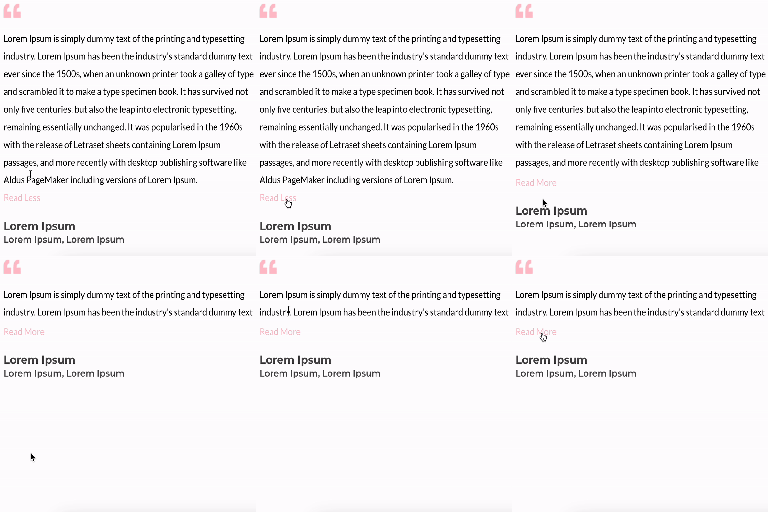
Unfold Text is a straightforward yet powerful add-on for Elementor that allows you to expand and collapse text with ease.
Animated Text Block – Add dynamic, customizable text animations to your WordPress site with ease .

By WPMU DEV - Your All-in-One WordPress Platform
Optimize PageSpeed Performance & Core Web Vitals, Advanced Cache, Minify CSS & JavaScript, Inline Critical CSS, Defer CSS & JS, Smush & Lazy Load, CDN

By Bongdevs
Smooth, accessible scrolling announcement bars and news tickers for your header, footer or any page. Live preview, block and Elementor widget.
CHOOSE WHAT YOUR WEBSITE NEEDS
Start with the task you need to solve. Compare features, WordPress and PHP requirements, update history and the author’s documentation. Test changes on a private copy and avoid adding several plugins for the same job.
This independent directory displays plugin information on WebFulHost and links to the official source. Packages are not mirrored or installed here. A plugin can include paid extensions or services with separate terms from its author.
