

Animations for Blocks
By ska-dev
Allows to add animations to Block Editor blocks on scroll.
★ 4.8/5 (27)10,000+ active installations
- Version
- 1.2.8
- WordPress
- 6.6+
- PHP
- 8.1+
- Updated
- 24 Nov 2026
WORDPRESS RESOURCES
Explore public plugin information from the official WordPress.org directory. Compare what a plugin does, its requirements and update history before adding it to your website.
Explore WordPress hosting →4,119 matching plugins reported by WordPress.org · Page 10 of 50
Source: WordPress.org
Data refreshed 26 Nov 2026 09:03 UTC
By ska-dev
Allows to add animations to Block Editor blocks on scroll.

By StudioPress
A collection of content blocks, sections, & full-page layouts for the block editor.
WordPress login security with brute force protection, Two-factor authentication (2FA/MFA), firewall, IP/country blocking, and login monitoring
Add icon, responsive spacing, typography, alignment, shadow, transform, transition, color, hover style to blocks. Lightweight, fast, and clean.
Create responsive portfolios in Gutenberg with grid, masonry, filters, lightbox, slider, and customizable project layouts.
Supercharge the WordPress block editor with enhanced core blocks, hundreds of block patterns, professional starter sites, and portfolio tools.
Add self-hosted, YouTube, or Vimeo video backgrounds with customizable overlays and responsive controls .
Manage in-store pickups, notify customers & streamline every order from one place. Click & collect for WooCommerce with ready-for-pickup emails.
Create responsive photo, image and masonry galleries in WordPress with FooGallery, plus carousel, lightbox, albums, SEO and video gallery support.
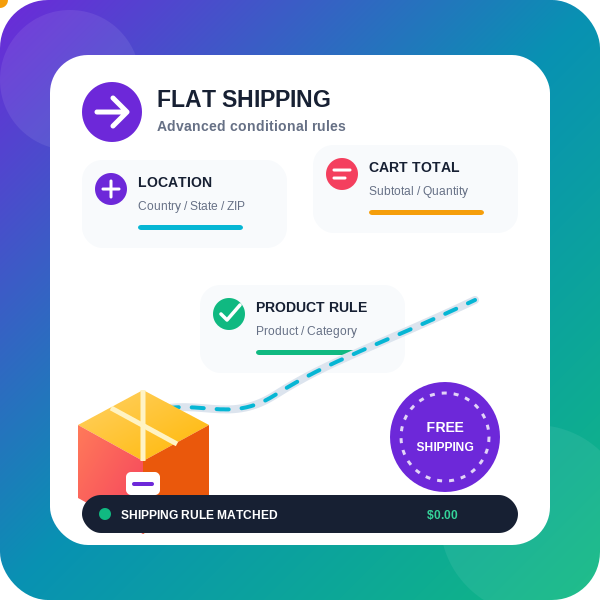
By PI Web Solution
WooCommerce conditional shipping & WooCommerce Advanced shipping rates plugin to create Advanced Flat rate shipping or Free shipping method or tab …

By Nexcess
The Events Calendar: #1 calendar plugin for WordPress. Create/manage events (virtual too!) on your site with the free plugin.

Advanced autocomplete CSS class control for blocks with inline styling, body/post classes, and powerful management tools.
CHOOSE WHAT YOUR WEBSITE NEEDS
Start with the task you need to solve. Compare features, WordPress and PHP requirements, update history and the author’s documentation. Test changes on a private copy and avoid adding several plugins for the same job.
This independent directory displays plugin information on WebFulHost and links to the official source. Packages are not mirrored or installed here. A plugin can include paid extensions or services with separate terms from its author.






