

Accept Stripe payments on WordPress without WooCommerce. One-time and recurring forms, 26 form templates, Elementor, and PayPal one-time checkout.
★ 5.0/5 (22)200+ active installations
- Version
- 1.6.1
- WordPress
- 6.1+
- PHP
- 7.4+
- Updated
- 26 Nov 2026
WORDPRESS RESOURCES
Explore public plugin information from the official WordPress.org directory. Compare what a plugin does, its requirements and update history before adding it to your website.
Explore WordPress hosting →7,791 matching plugins reported by WordPress.org · Page 10 of 50
Source: WordPress.org
Data refreshed 28 Nov 2026 18:58 UTC
Accept Stripe payments on WordPress without WooCommerce. One-time and recurring forms, 26 form templates, Elementor, and PayPal one-time checkout.

By Chouby
Go multilingual in a simple and efficient way. Keep writing posts and taxonomy terms as usual while defining their languages all at once.
ShopLentor – More than a WooCommerce builder. A complete growth plugin to boost conversions, UX, and sales for your store.

By Marcus (aka @msykes)
Events calendar and booking system: bookings, reservations, appointments, scheduling, event registration, tickets and recurring events.

By flycart
Boost conversions by adding a WooCommerce side cart & let customers reach checkout faster. Add upsells & cross-sells to boost AOV.
WooCommerce Extra Product Options plugin lets you add product addons (custom products field) of 20 different field types to your product page.
By PI Web Solution
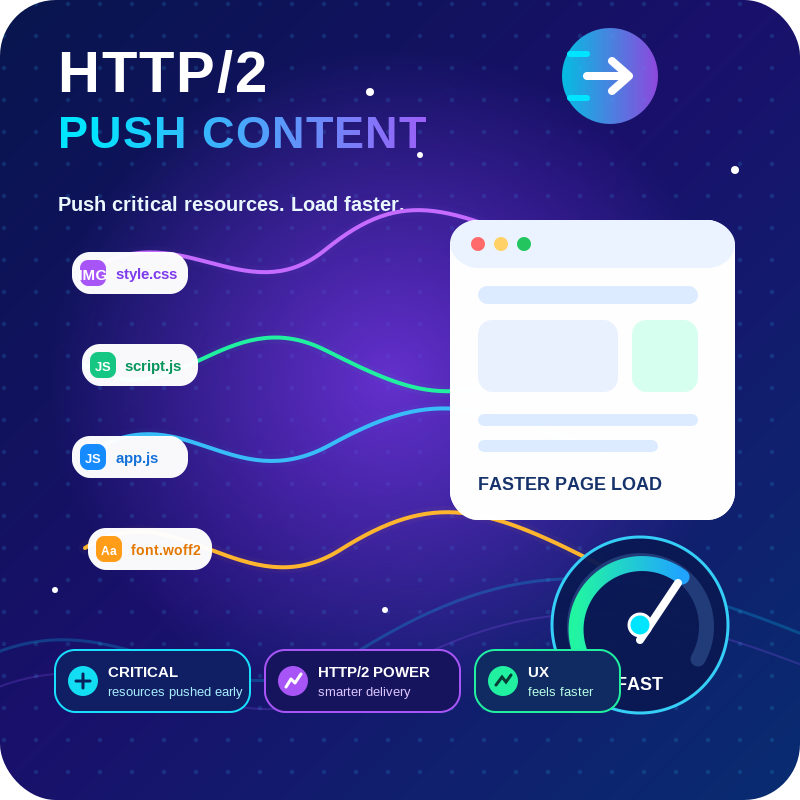
HTTP2 Server push, Async JavaScript, Defer Render Blocking CSS, with fine rule set to control js and css on different page types,
Min Max Control plugin offers to set product's minimum, maximum quantity and step of each product individually.

Elementor addons with 18+ free widgets, Header & Footer Builder, WooCommerce widgets & templates. Trusted by 2+ million websites.

By SoftSprint
Plugin sets a redirect link to the WooCommerce "Add To Cart" button

By Md Ruhel Khan
Add To Cart Button Customizations is a powerful WooCommerce extension that gives you complete control over your WooCommerce add to cart buttons.

By Anzar Ahmed
Show WooCommerce variation dropdowns on the shop and category pages so customers can pick options and add variable products to cart faster.
CHOOSE WHAT YOUR WEBSITE NEEDS
Start with the task you need to solve. Compare features, WordPress and PHP requirements, update history and the author’s documentation. Test changes on a private copy and avoid adding several plugins for the same job.
This independent directory displays plugin information on WebFulHost and links to the official source. Packages are not mirrored or installed here. A plugin can include paid extensions or services with separate terms from its author.


