Prevents browser cache problems: visitors always get the current version of your CSS, JS, images and pages, while caching keeps working.
★ 4.9/5 (29)10,000+ active installations
- Version
- 3.2.2
- WordPress
- 4.7+
- PHP
- 7.2+
- Updated
- 14 Oct 2026
View plugin details ↗All-in-One Authorship Solution: Seamless Author Box, Guest Authors, and Co-Authors to enhance your site's authority, credibility, engagement, and SEO.
★ 4.7/5 (158)10,000+ active installations
- Version
- 5.3.2
- WordPress
- 5.2+
- PHP
- 5.6.20+
- Updated
- 8 Oct 2026
View plugin details ↗Display Facebook events on your WordPress site with auto-updating feeds using Live Feed Builder or Events Importer. No API key needed.
★ 4.8/5 (116)3,000+ active installations
- Version
- 1.9.2
- WordPress
- 6.0+
- PHP
- 5.3+
- Updated
- 29 Oct 2026
View plugin details ↗This plugin easily creates articles for new posts for your site using the same AI that powers ChatGPT.
★ 5.0/5 (2)400+ active installations
- Version
- 1.3.1
- WordPress
- 6.2+
- PHP
- 7.0+
- Updated
- 4 Oct 2026
View plugin details ↗Hide My WP Ghost is a WordPress security plugin that hides WP paths and protects your site with Path Security, Firewall, Brute Force Protection, 2FA
★ 4.5/5 (373)100,000+ active installations
- Version
- 7.0.22
- WordPress
- 5.8+
- PHP
- 7.4+
- Updated
- 27 Nov 2026
View plugin details ↗Accessible WordPress event calendar plugin. Manage single or recurring events, event venues, and display your calendar anywhere on your site.
★ 4.7/5 (159)20,000+ active installations
- Version
- 3.8.14
- WordPress
- 6.5+
- PHP
- 7.4+
- Updated
- 15 Nov 2026
View plugin details ↗Developed exclusively between Payment Plugins and PayPal, PayPal for WooCommerce integrates with PayPal's newest API's.
★ 4.8/5 (128)80,000+ active installations
- Version
- 2.0.30
- WordPress
- 4.7+
- PHP
- 7.4+
- Updated
- 19 Nov 2026
View plugin details ↗A plugin to check the age of a visitor before view site or specified content
★ 4.6/5 (64)40,000+ active installations
- Version
- 3.8.1
- WordPress
- 6.6.0+
- PHP
- 8.3+
- Updated
- 10 Nov 2026
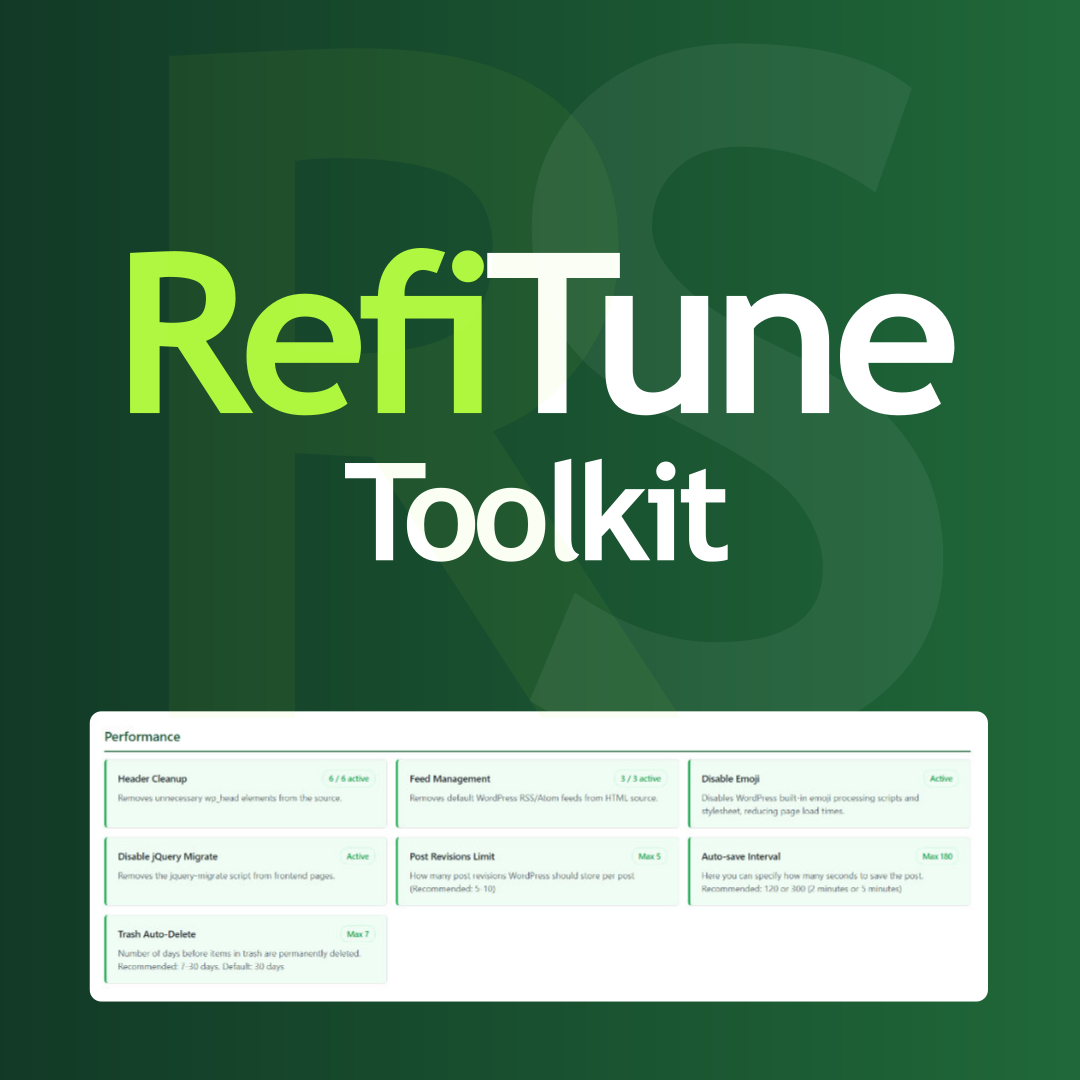
View plugin details ↗Take control of WordPress with smart performance tweaks, security enhancements, and usability improvements. RefiTune is an all-in-one toolkit.
★ 5.0/5 (1)20+ active installations
- Version
- 1.4.0
- WordPress
- 6.2+
- PHP
- 7.4+
- Updated
- 3 Oct 2026
View plugin details ↗Display Amazon affiliate products in WordPress with Creators API v3, responsive product boxes, comparison layouts, caching, and global marketplaces.
★ 5.0/5 (2)300+ active installations
- Version
- 3.8
- WordPress
- 5.0+
- PHP
- 7.2+
- Updated
- 17 Aug 2026
View plugin details ↗The most popular gallery plugin that lets you create galleries and albums in seconds.
★ 4.3/5 (4,346)300,000+ active installations
- Version
- 4.6.1
- WordPress
- 5.5.4+
- PHP
- 7.4+
- Updated
- 24 Nov 2026
View plugin details ↗Easily add a custom favicon and Apple touch icon to your WordPress site, including support for dark mode, SVG icons, and admin dashboard branding.
★ 5.0/5 (17)5,000+ active installations
- Version
- 1.1.1
- WordPress
- 6.0+
- PHP
- 8.2+
- Updated
- 17 Nov 2026
View plugin details ↗