

Envision Page Builder makes it easy to create stunning, responsive WordPress websites with custom blocks, templates, animations, and more.
★ 5.0/5 (1)100+ active installations
- Version
- 0.23
- WordPress
- 6.5+
- PHP
- 7.4+
- Updated
- 21 Aug 2026
WORDPRESS RESOURCES
Explore public plugin information from the official WordPress.org directory. Compare what a plugin does, its requirements and update history before adding it to your website.
Explore WordPress hosting →10,000 matching plugins reported by WordPress.org · Page 10 of 50
Source: WordPress.org
Data refreshed 22 Nov 2026 19:42 UTC
Envision Page Builder makes it easy to create stunning, responsive WordPress websites with custom blocks, templates, animations, and more.

By shuvo66
Generate a human-readable sitemap of your pages and posts with a simple shortcode.
Customize your WooCommerce thank you page. Redirect customers after purchase based on products, categories, payment methods & more.
By PI Web Solution
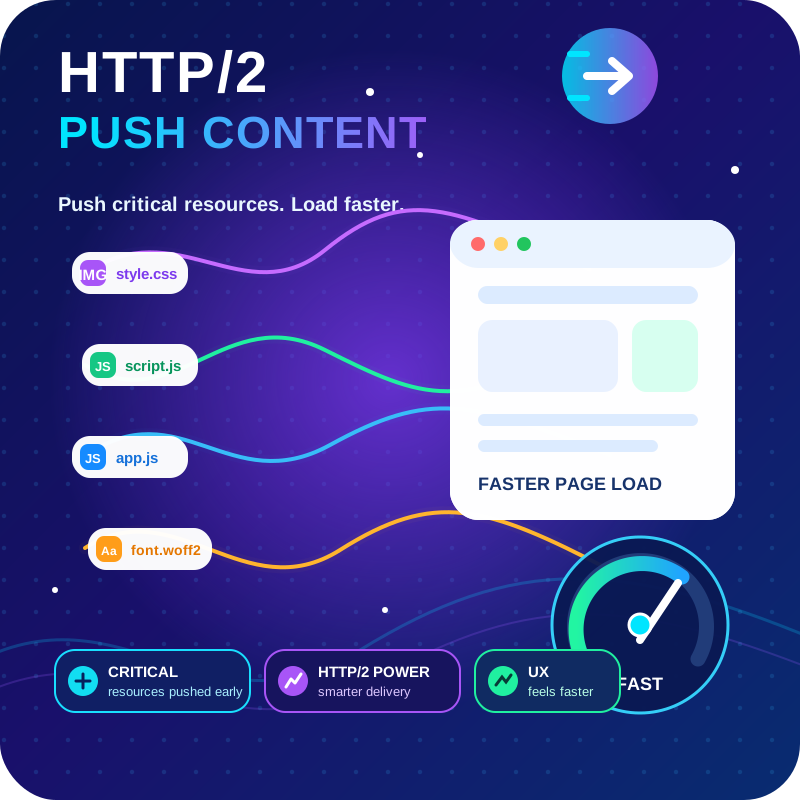
HTTP2 Server push, Async JavaScript, Defer Render Blocking CSS, with fine rule set to control js and css on different page types,
Firewall, Malware Scanner, Two Factor Auth, and Comprehensive Security Features, powered by our 24-hour team. Make security a priority with Wordfence.
The most popular gallery plugin that lets you create galleries and albums in seconds.

Boost site speed and performance with an all-in-one cache and speed optimization plugin. Pass Core Web Vitals with CDN, image optimization, lazy loadi …

By Plugincy
One Page Checkout for WooCommerce with popup, direct, and single-page checkout options for faster checkout, more sales, and reduced cart abandonment.

By Aasim Ghaffar
Auto refresh posts and pages on a schedule — full reloads or seamless AJAX updates, countdown timers, role exclusions and smart pausing.

By Thomas Geiger
Advanced tag management for WordPress with Google Tag Manager

By Cloudways
Breeze is a caching plugin developed by Cloudways. Breeze uses advance caching systems to improve site loading times exponentially.

By CleanTalk Inc
Protect WordPress from malware, hackers, brute-force attacks & suspicious traffic. Includes firewall, login security, 2FA & vulnerability checks.
CHOOSE WHAT YOUR WEBSITE NEEDS
Start with the task you need to solve. Compare features, WordPress and PHP requirements, update history and the author’s documentation. Test changes on a private copy and avoid adding several plugins for the same job.
This independent directory displays plugin information on WebFulHost and links to the official source. Packages are not mirrored or installed here. A plugin can include paid extensions or services with separate terms from its author.


