

All-in-one admin tools to speed up a slow WordPress admin, harden security, disable XML-RPC and turn on maintenance mode, with no code.
★ 5.0/5 (4)60+ active installations
- Version
- 2.8.1
- WordPress
- 5.3+
- PHP
- 7.4+
- Updated
- 19 Nov 2026
WORDPRESS RESOURCES
Explore public plugin information from the official WordPress.org directory. Compare what a plugin does, its requirements and update history before adding it to your website.
Explore WordPress hosting →1,069 matching plugins reported by WordPress.org · Page 15 of 50
Source: WordPress.org
Data refreshed 25 Nov 2026 06:55 UTC
All-in-one admin tools to speed up a slow WordPress admin, harden security, disable XML-RPC and turn on maintenance mode, with no code.

By David Shanske
Adds geographic location and weather support to WordPress.

By WPPoland (Mariusz Szatkowski)
WordPress backup and migration in one file. Free scheduled backups, FTP off-site copies, safe URL rewrite and DB rollback. No account, no size cap.

By Innosend
Integrate Innosend pickup points into your WooCommerce checkout. Let customers choose convenient delivery locations from multiple carriers.

By Baxter Jones
Create interactive WordPress maps with routes, custom markers and POIs using ACF and OpenStreetMap.
WordPress security for Japanese sites: login protection, 2FA, file protection and malware scanning, each explained in clear Japanese.
By Tamas Rottenbacher
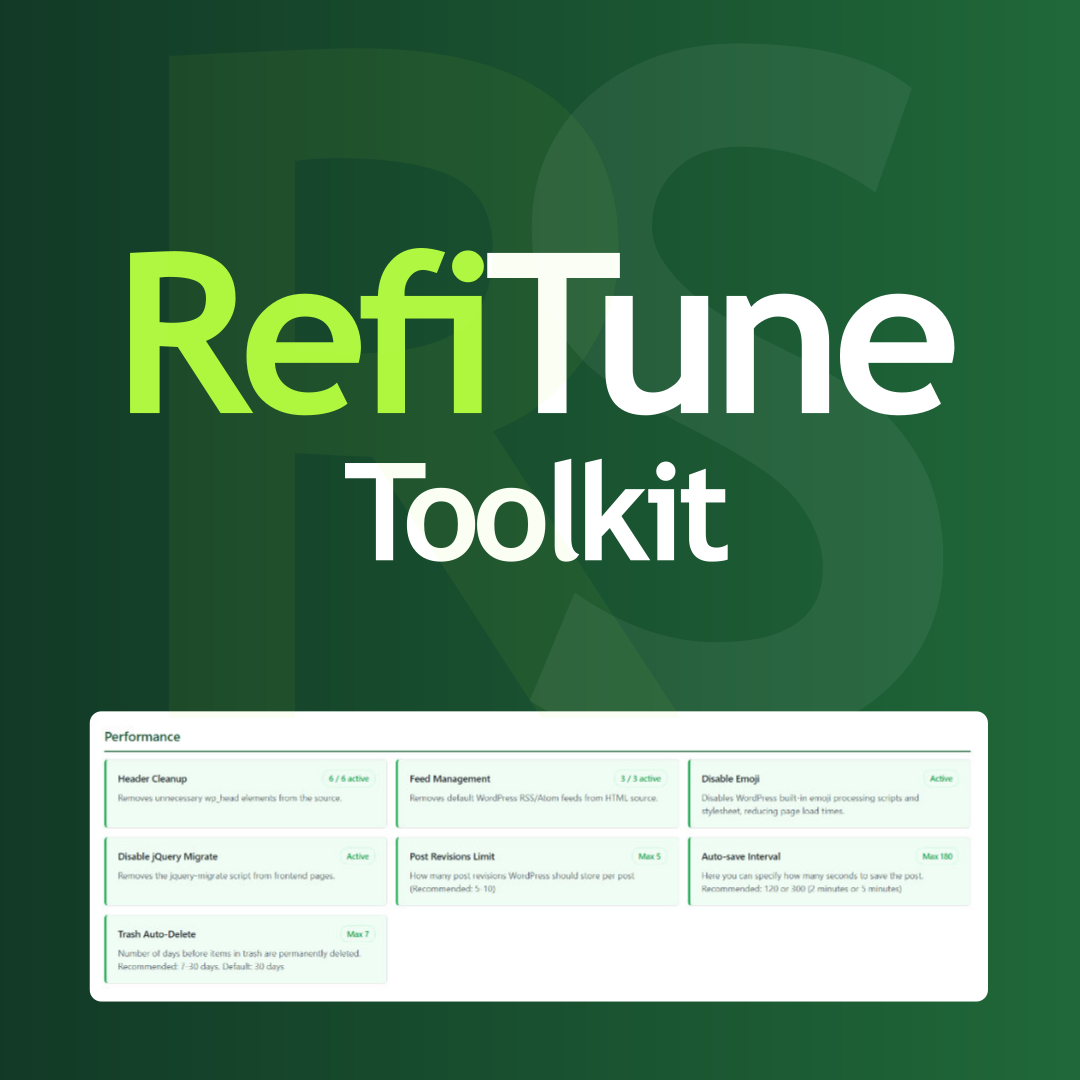
Take control of WordPress with smart performance tweaks, security enhancements, and usability improvements. RefiTune is an all-in-one toolkit.

By Climax Themes
ShopPress is a shop builder that works with WooCommerce and Elementor. Design store pages (shop, product, cart, checkout, my account) and product loop …
Keep radio, podcasts and audio playing while visitors browse. Ajax navigation turns your site into a fast single page application.
Free, simple cookieless website visitor tracking and traffic sources with human vs bot traffic split. Google Analytics alternative for WordPress.
Video and audio player, floating video bubble and playlists with call-to-action buttons and built-in analytics.

By Sean Mullins
Curate what your site tells machines: decide what is represented, arrange it visually, and see why every decision was made.
CHOOSE WHAT YOUR WEBSITE NEEDS
Start with the task you need to solve. Compare features, WordPress and PHP requirements, update history and the author’s documentation. Test changes on a private copy and avoid adding several plugins for the same job.
This independent directory displays plugin information on WebFulHost and links to the official source. Packages are not mirrored or installed here. A plugin can include paid extensions or services with separate terms from its author.



