AI powered meta, clustering, content, schema & rank tracking, plus an AI website builder - the AI SEO weapon most WordPress users haven't found yet.
★ 4.9/5 (51)10,000+ active installations
- Version
- 7.1.0.54
- WordPress
- 5.6+
- PHP
- 7.0+
- Updated
- 17 Nov 2026
View plugin details ↗Web Accessibility (formally known as Ally) is a free, powerful, and user-friendly plugin that helps WordPress creators build more accessible websites …
★ 2.9/5 (163)500,000+ active installations
- Version
- 4.1.4
- WordPress
- 6.7+
- PHP
- 7.4+
- Updated
- 24 Aug 2026
View plugin details ↗The best WordPress FAQ plugin: easy & fast single page drag n drop editor, lightweight, no jQuery, block-enabled, schema.org, optimized for SEO.
★ 4.2/5 (5)600+ active installations
- Version
- 1.3.11
- WordPress
- 4.0.0+
- PHP
- 5.6+
- Updated
- 15 Oct 2026
View plugin details ↗Simple and effective SEO. Non-invasive, elegant. Ideal for client facing projects.
★ 4.6/5 (12)2,000+ active installations
- Version
- 1.9.8
- WordPress
- 3.4+
- Updated
- 13 Oct 2026
View plugin details ↗A lightweight and simple tool to track your post statistics with real insights.
★ 4.8/5 (4)1,000+ active installations
- Version
- 3.2
- WordPress
- 4.1+
- Updated
- 31 Jul 2026
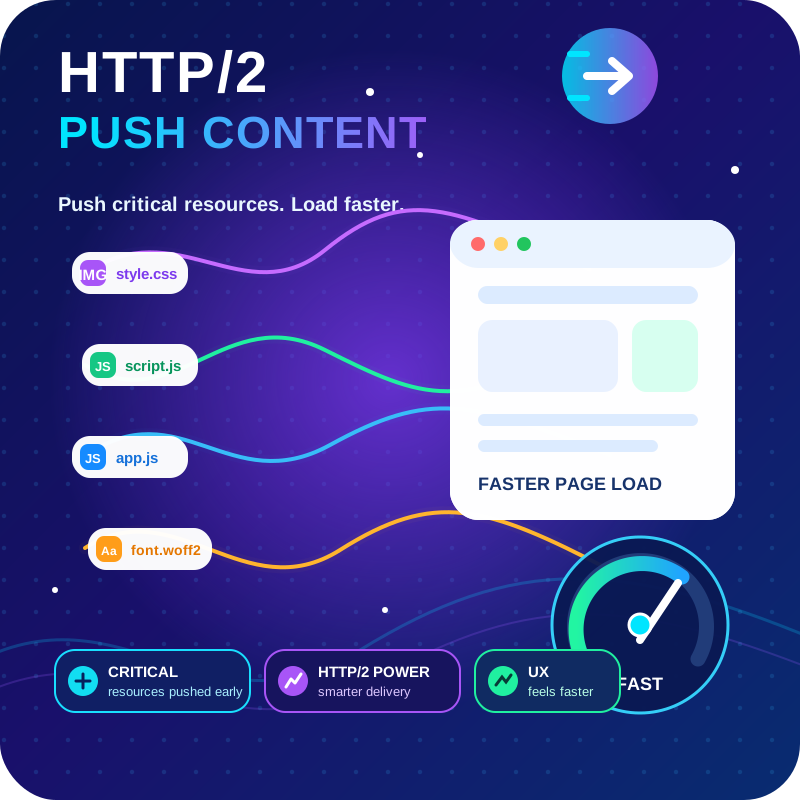
View plugin details ↗HTTP2 Server push, Async JavaScript, Defer Render Blocking CSS, with fine rule set to control js and css on different page types,
★ 4.7/5 (64)6,000+ active installations
- Version
- 1.10.61
- WordPress
- 4.0+
- PHP
- 7.4+
- Updated
- 27 Oct 2026
View plugin details ↗Ultimate Multisite turns your WordPress network into a WaaS platform with subscriptions, site provisioning, and domain mapping.
★ 5.0/5 (12)90+ active installations
- Version
- 2.20.0
- WordPress
- 5.3+
- PHP
- 8.2+
- Updated
- 21 Nov 2026
View plugin details ↗Enhance the power of your WordPress editor with the dynamic Gutenberg blocks by BlockArt Blocks. Build any layout imaginable.
★ 4.9/5 (16)10,000+ active installations
- Version
- 2.4.4
- WordPress
- 6.6+
- PHP
- 7.4+
- Updated
- 16 Nov 2026
View plugin details ↗The most complete free AMP plugin for WordPress. Supercharge mobile performance with Google Accelerated Mobile Pages, no coding required.
★ 4.5/5 (55)600+ active installations
- Version
- 1.8.3
- WordPress
- 5.0+
- PHP
- 7.4+
- Updated
- 15 Jun 2026
View plugin details ↗Convert PNG, JPG and GIF images to WebP and speed up your web
★ 4.4/5 (32)9,000+ active installations
- Version
- 5.0
- WordPress
- 5.0+
- PHP
- 7.0+
- Updated
- 17 Sep 2026
View plugin details ↗Boost the performance of your WordPress site by optimizing your images and videos with the Cloudinary WordPress Plugin. WordPress developers, content …
★ 4.0/5 (64)4,000+ active installations
- Version
- 3.3.9
- WordPress
- 6.3+
- PHP
- 7.4+
- Updated
- 11 Nov 2026
View plugin details ↗Manage WordPress files, edit code and add PHP, CSS, JavaScript and HTML snippets from your dashboard.
★ 4.8/5 (306)40,000+ active installations
- Version
- 3.6.5
- WordPress
- 5.9+
- PHP
- 7.4.0+
- Updated
- 8 Nov 2026
View plugin details ↗