

Click-to-chat button for WordPress. Connect to WhatsApp, Messenger, Telegram, or Instagram in one click. Smart FAQ bot included, funnels in Pro.
★ 4.5/5 (2)7,000+ active installations
- Version
- 1.4.6
- WordPress
- 5.8+
- PHP
- 8.0+
- Updated
- 12 Nov 2026
WORDPRESS RESOURCES
Explore public plugin information from the official WordPress.org directory. Compare what a plugin does, its requirements and update history before adding it to your website.
Explore WordPress hosting →4,406 matching plugins reported by WordPress.org · Page 17 of 50
Source: WordPress.org
Data refreshed 21 Nov 2026 00:02 UTC
Click-to-chat button for WordPress. Connect to WhatsApp, Messenger, Telegram, or Instagram in one click. Smart FAQ bot included, funnels in Pro.
Easy-to-use 3D product configurator to show your products in 360°
Boost conversions with WP Guidant! Drive sales using guided selling, product recommendations, and quizzes to help customers find the perfect choice.

By fifu.app
Use external image URLs for WordPress featured images and WooCommerce product images. No uploads required. FIFU PRO adds videos and galleries.
By PI Web Solution
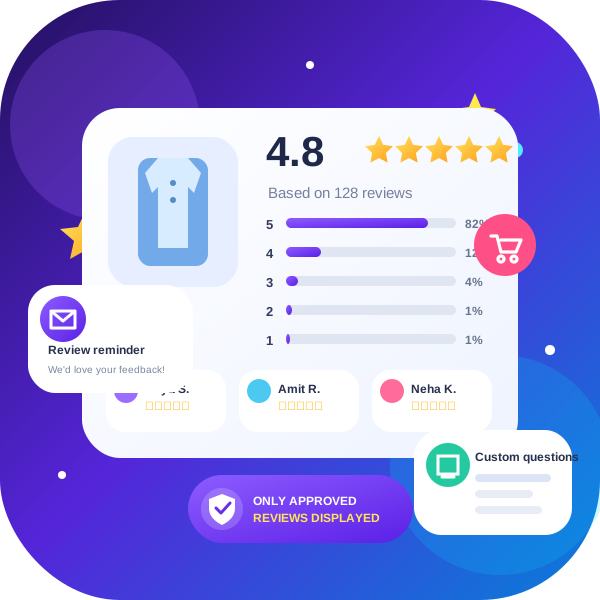
Send a reminder email to customers for WooCommerce product reviews. You can send manual reminders or configure the plugin to send automatic review rem …

By Ethan Lin
Provides an A to Z index page and widget.

By Qode
Qi Addons for Elementor is a comprehensive library of 60+ custom, flexible & easily styled Elementor widgets developed by Qode Interactive.

By Eduardo Villão
Add a WhatsApp order button to your WooCommerce store. Completely free. Automatic customer notifications with MyD Notifications.

By WPDeveloper
Add a customizable, SEO-friendly Table of Contents block to WordPress posts & pages — auto-generated from your headings in the Block Editor.

B2BKing is the complete solution for running a Wholesale, B2B or B2B + B2C hybrid store with WooCommerce.

By WP Zone
Easily add custom CSS and JavaScript code to your WordPress site, with draft previewing, revisions, and minification!
Photo gallery plugin that writes your image SEO with a built-in AI. Create responsive image galleries in minutes.
CHOOSE WHAT YOUR WEBSITE NEEDS
Start with the task you need to solve. Compare features, WordPress and PHP requirements, update history and the author’s documentation. Test changes on a private copy and avoid adding several plugins for the same job.
This independent directory displays plugin information on WebFulHost and links to the official source. Packages are not mirrored or installed here. A plugin can include paid extensions or services with separate terms from its author.


