

The ultimate snippet manager for WordPress. Create and manage custom HTML, CSS, or JS code snippets and control where and when they are displayed.
★ 4.8/5 (10)1,000+ active installations
- Version
- 2.4.5
- WordPress
- 6.7+
- PHP
- 7.4+
- Updated
- 21 Nov 2026
WORDPRESS RESOURCES
Explore public plugin information from the official WordPress.org directory. Compare what a plugin does, its requirements and update history before adding it to your website.
Explore WordPress hosting →10,000 matching plugins reported by WordPress.org · Page 18 of 50
Source: WordPress.org
Data refreshed 24 Nov 2026 10:51 UTC
The ultimate snippet manager for WordPress. Create and manage custom HTML, CSS, or JS code snippets and control where and when they are displayed.

By Kerfred
A plugin to migrate categories, posts, tags, images and other medias from Joomla to WordPress

By yonifre
Blocks spam the moment you activate it. No CAPTCHA, no setup, no API key. Multi-Layer. Just install and forget.

By Black Studio
The visual editor widget for WordPress.

By Syam Mohan
Adds a lightweight and smooth "Scroll to Top" button to your WordPress site, improving navigation and user experience with customizable options.

By PixelYourSite
Add Meta Pixel with Conversion API, Google Analytics (GA4) + Consent Mode, Google Tag Manager, OpenAI Pixel & API, and Head & Footer scripts.
By ATechSol
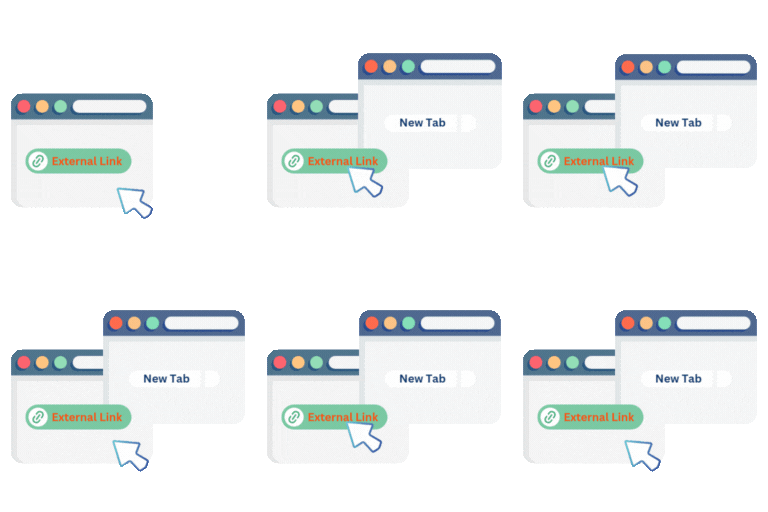
Automatically opens external links in a new browser tab, improving user engagement and site security.

Powered Cache is the most powerful caching and performance suite for WordPress. Easily Improve PageSpeed & Web Vitals Score.
Free WordPress accessibility widget to improve accessibility for your website visitors. Supports efforts towards meeting WCAG, ADA & EAA requirements.
The AI chatbot, AI agent and MCP server for WordPress. Connect OpenAI, Claude, Gemini and more to chat, write, search and automate your site.

By Wow-Company
Add code snippets, header & footer scripts and custom HTML, CSS, JS & PHP — site-wide or by shortcode and block, no theme edits.
Disable Source(Ctrl+U), Disable Right click, Disable F12 functional key, and Disable save the page(Ctrl+S) and Content Protection of your WordPress We …
CHOOSE WHAT YOUR WEBSITE NEEDS
Start with the task you need to solve. Compare features, WordPress and PHP requirements, update history and the author’s documentation. Test changes on a private copy and avoid adding several plugins for the same job.
This independent directory displays plugin information on WebFulHost and links to the official source. Packages are not mirrored or installed here. A plugin can include paid extensions or services with separate terms from its author.


