

Widgets for Social Photo Feed
By Trustindex
Instagram Feed Widgets. Display your Instagram feed on your website to increase engagement, sales and SEO.
★ 4.7/5 (28)10,000+ active installations
- Version
- 1.8.4
- WordPress
- 6.2+
- PHP
- 7.2+
- Updated
- 19 Nov 2026
WORDPRESS RESOURCES
Explore public plugin information from the official WordPress.org directory. Compare what a plugin does, its requirements and update history before adding it to your website.
Explore WordPress hosting →7,126 matching plugins reported by WordPress.org · Page 18 of 50
Source: WordPress.org
Data refreshed 21 Nov 2026 20:20 UTC
By Trustindex
Instagram Feed Widgets. Display your Instagram feed on your website to increase engagement, sales and SEO.

By Trustindex
Embed Airbnb reviews fast and easily into your WordPress site. Increase SEO, trust and sales using Airbnb reviews.

By pipdig
Easily add the Bloglovin' Button to your WordPress blog ...without having to touch any code!
Log in as any WordPress user with one click. Troubleshoot issues and support customers without asking for their password.

By Trustindex
Embed Tripadvisor reviews fast and easily into your WordPress site. Increase SEO, trust and sales using Tripadvisor reviews.

By Weblizar - WordPress Themes & Plugin
Lightbox slider plugin is allow users to view larger versions of images, simple slide shows and Gallery view with Responsive grid layout.
Best live chat and help desk plugin for WordPress websites. Add the LiveChat widget to engage visitors and provide real‑time customer support! 🚀

By tychesoftwares
Arconix Shortcodes provides a number of useful design elements like buttons, boxes, tabs and toggles to help compliment any website.

By Hossni Mubarak
It hides the default role dropdown list and displays a list of role checkboxes to select multiple roles for a user.
By YITHEMES
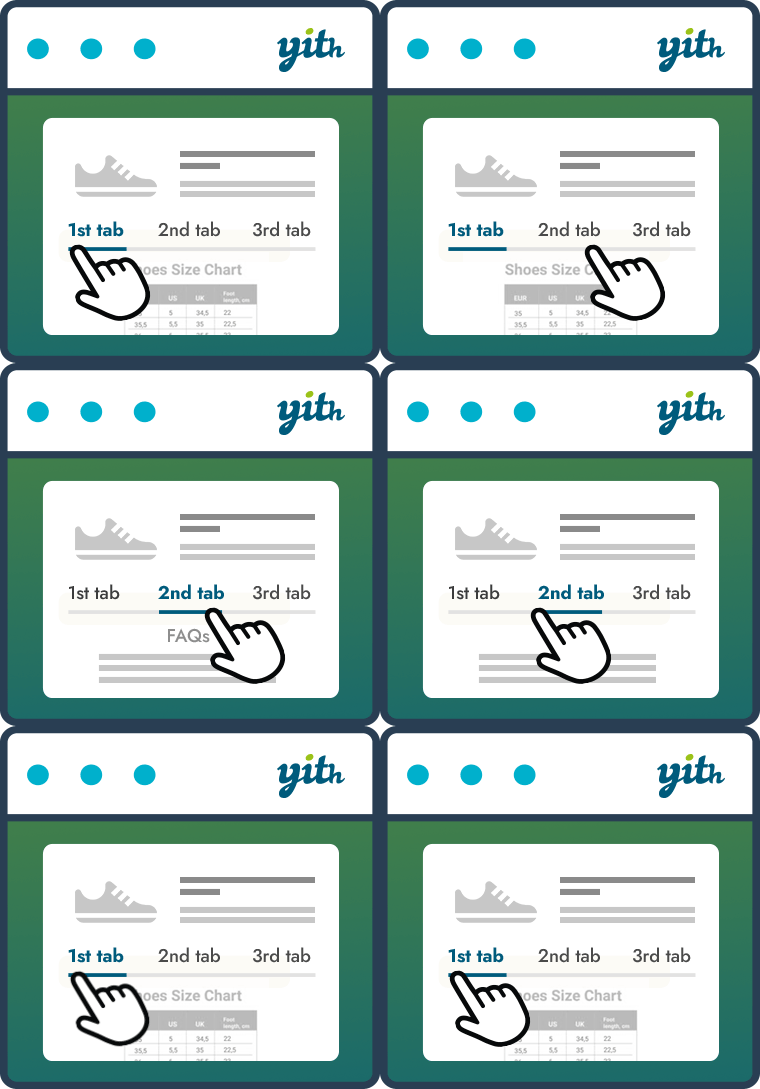
Improve your WooCommerce product pages by adding custom tabs and ad hoc content for your customers

By socranext
AI-ready content: articles CPT and per-page FAQ widget with FAQ JSON-LD. Integrates with the SocraNext platform for auto-publishing.

By SiteAuditHub
Import blog posts from Google Docs or .docx files with headings, tables, images, SEO fields and FAQ schema filled in automatically.
CHOOSE WHAT YOUR WEBSITE NEEDS
Start with the task you need to solve. Compare features, WordPress and PHP requirements, update history and the author’s documentation. Test changes on a private copy and avoid adding several plugins for the same job.
This independent directory displays plugin information on WebFulHost and links to the official source. Packages are not mirrored or installed here. A plugin can include paid extensions or services with separate terms from its author.

