

Ko-fi Button
By koficommunity
Receive donations on your Ko-fi page with a button on your WordPress site.
★ 5.0/5 (1)5,000+ active installations
- Version
- 1.4.1
- WordPress
- 4.6+
- PHP
- 5.6+
- Updated
- 19 May 2026
WORDPRESS RESOURCES
Explore public plugin information from the official WordPress.org directory. Compare what a plugin does, its requirements and update history before adding it to your website.
Explore WordPress hosting →10,000 matching plugins reported by WordPress.org · Page 2 of 50
Source: WordPress.org
Data refreshed 19 Nov 2026 05:01 UTC
By koficommunity
Receive donations on your Ko-fi page with a button on your WordPress site.

By veks
A version of your site for the visually impaired: a settings panel, Gutenberg blocks, a shortcode and a widget.

By Tanvirul Haque
WooCommerce Buy Now Button makes your customers' checkout process easier and faster.
By FullStackWP
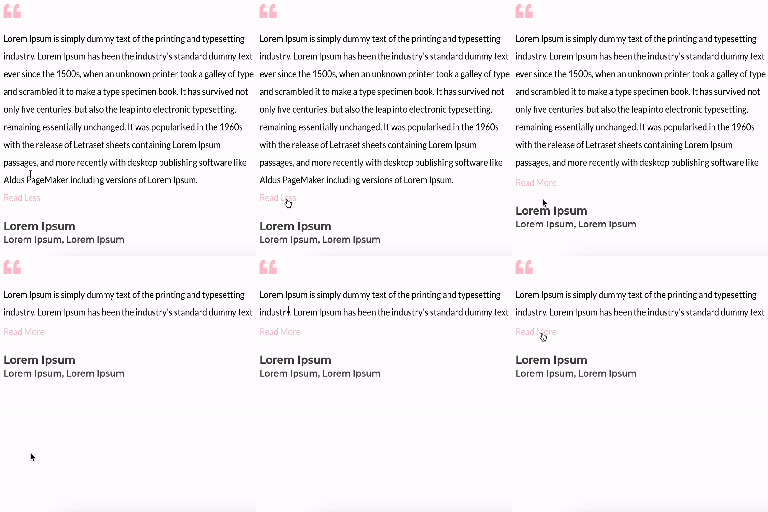
Unfold Text is a straightforward yet powerful add-on for Elementor that allows you to expand and collapse text with ease.

By Enrique J. Ros
Allows to customize the Add to cart button text in WooCommerce by product type in both archive and single product pages.

By micropat
Share buttons for WordPress including the AddToAny button, Facebook, Bluesky, Mastodon, WhatsApp, Pinterest, Reddit, many more, and follow icons too.

By migkapa
Bulk-generate WCAG-friendly image alt text with AI — no API key needed. Every site gets free monthly credits for accessibility (ADA/EAA compliance) an …

By maxfoundry
Maxbuttons is the best and easiest button plugin for WordPress. Within minutes you can create beautiful buttons, share buttons and social icons.
Design and display custom buttons anywhere on your site. Add floating or inline buttons with icons, advanced targeting, and built-in analytics.
Animated Text Block – Add dynamic, customizable text animations to your WordPress site with ease.

By WPFactory
A simple & customizable back button, add it to any WordPress page using shortcode or widget for enhanced user navigation and site accessibility.

By ismeteroglu
WhatsApp click-to-chat, click-to-call & floating contact button. Sticky bar on mobile, FAB on desktop, click analytics, WooCommerce ready.
CHOOSE WHAT YOUR WEBSITE NEEDS
Start with the task you need to solve. Compare features, WordPress and PHP requirements, update history and the author’s documentation. Test changes on a private copy and avoid adding several plugins for the same job.
This independent directory displays plugin information on WebFulHost and links to the official source. Packages are not mirrored or installed here. A plugin can include paid extensions or services with separate terms from its author.

