

Print the entire page or part of any web page with just a single click.
★ 4.9/5 (7)1,000+ active installations
- Version
- 1.3.3
- WordPress
- 6.5+
- PHP
- 7.1+
- Updated
- 18 Nov 2026
WORDPRESS RESOURCES
Explore public plugin information from the official WordPress.org directory. Compare what a plugin does, its requirements and update history before adding it to your website.
Explore WordPress hosting →6,195 matching plugins reported by WordPress.org · Page 2 of 50
Source: WordPress.org
Data refreshed 23 Nov 2026 21:11 UTC
Print the entire page or part of any web page with just a single click.

By Tom
Add CSS to your website through an admin editor, the Customizer or a metabox for page/post specific CSS.

By Complianz
Publish your cookie banner or notice in minutes. Automatically scan cookies, and create policies to align with GDPR, CCPA, and Google Consent Mode.
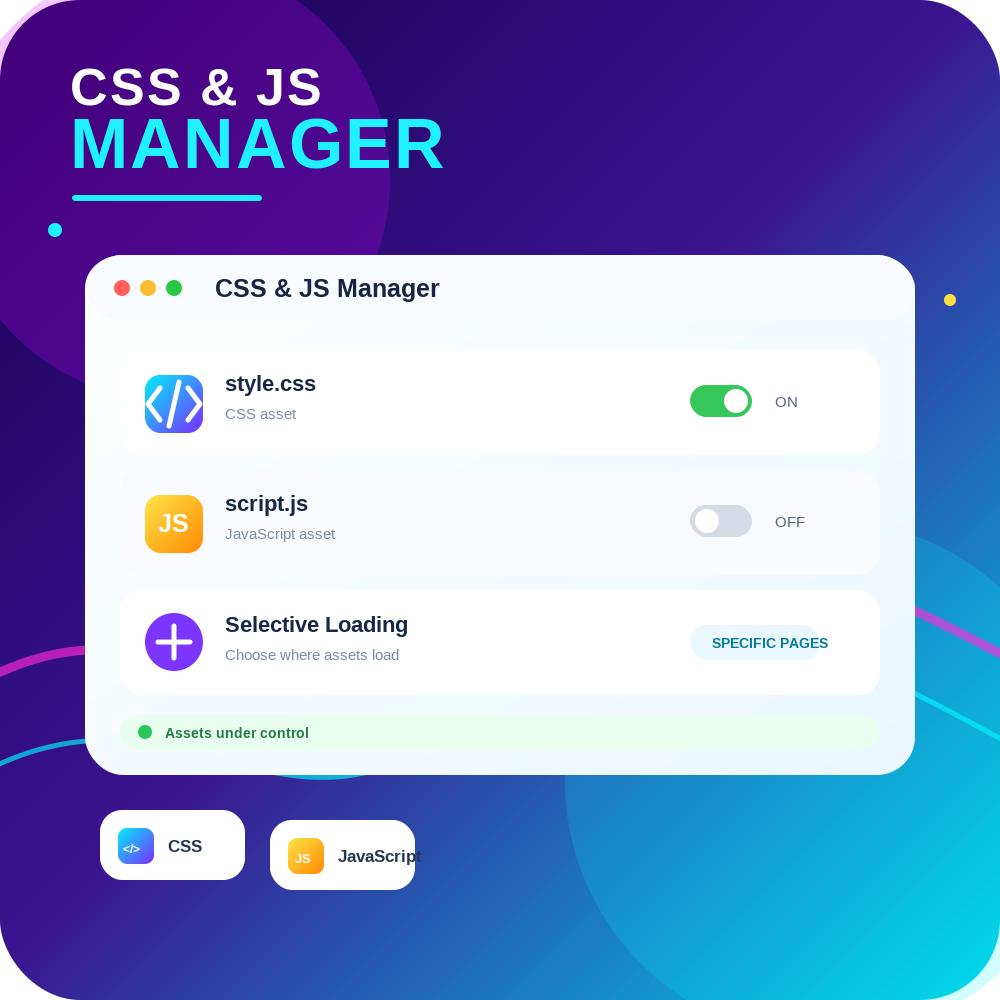
By PI Web Solution
CSS JS Manager, Async JavaScript, Defer Render Blocking CSS, Remove javascript, Remove CSS, Defer Render Blocking CSS, Both CSS and JS can be loaded A …
Easily add code snippets in WordPress. Insert header & footer scripts, add PHP code snippets with conditional logic, insert ads pixel code, and more.
Create unlimited folders with the Folders WordPress plugin, organize & manage your Media Library files, Pages & Posts in folders 📁
Easy Drag & Drop Page Builder that adds a splash page to your site that it's perfect for a coming soon page, maintenance or landing page.

By Emre Vona
The simplest and fastest WP Cache system
Boost your website performance and page speed, and increase conversions with powerful caching, frontend, media, and environment optimizations.
Insert PHP, JavaScript, CSS, HTML, ads & tracking code into WordPress headers, footers, pages & content with conditional logic — no theme editing.

By Scott Reilly
Easily define additional CSS (inline and/or by URL) to be added to all administration pages.

By Gabe Livan
Speed up your WordPress site by unloading unnecessary CSS and JavaScript, reducing page bloat, and managing your own Critical CSS per page type.
CHOOSE WHAT YOUR WEBSITE NEEDS
Start with the task you need to solve. Compare features, WordPress and PHP requirements, update history and the author’s documentation. Test changes on a private copy and avoid adding several plugins for the same job.
This independent directory displays plugin information on WebFulHost and links to the official source. Packages are not mirrored or installed here. A plugin can include paid extensions or services with separate terms from its author.




