The most flexible filters for WooCommerce products & WordPress content. Includes everything needed, supports Elementor & builders, AJAX, quick setup.
★ 4.6/5 (154)50,000+ active installations
- Version
- 1.9.8
- WordPress
- 6.0+
- PHP
- 7.4+
- Updated
- 2 Nov 2026
WORDPRESS RESOURCES
Explore public plugin information from the official WordPress.org directory. Compare what a plugin does, its requirements and update history before adding it to your website.
Explore WordPress hosting →2,143 matching plugins reported by WordPress.org · Page 2 of 50
Source: WordPress.org
Data refreshed 21 Nov 2026 06:11 UTC
The most flexible filters for WooCommerce products & WordPress content. Includes everything needed, supports Elementor & builders, AJAX, quick setup.

By Sagar Patel
Boost your Elementor with some fresh and yet innovative options.
By FullStackWP
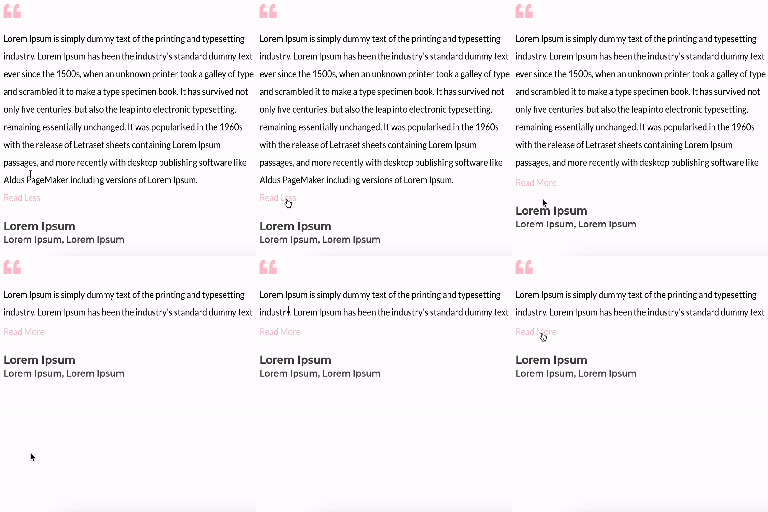
Unfold Text is a straightforward yet powerful add-on for Elementor that allows you to expand and collapse text with ease.

By kateapp29
Make your content dynamic with Easy Expand! Add interactive collapsible sections to any page or post with just a simple shortcode.

By prismtechstudios
Add inline footnotes to your posts. On desktop, the footnotes will appear as tooltips. On mobile, the footnote will expand beneath the text.
Google Analytics or Google Tag Manager for WordPress without tracking your own visits.

By Blobfolio
This plugin expands file-related security and sanity around the upload process.
Join millions who empower their websites with ElementsKit Elementor Addons. Get templates, & 100+ widgets like header-footer, mega menu, custom widget
Responsive, lightweight, and fully customizable accordion plugin for WordPress. Perfect for FAQs, content organization, and improving user experience.

By HeroThemes
Heroic Table of Contents is the easiest way to add a table of contents to your site.

By Jonas Hjalmarsson
Adds an [expand] shortcode that wraps content in a native HTML `` toggle. No JavaScript, no settings page, no bloat.
Build any type of directory website such as a business directory, job directory, classifieds directory, and more with this WordPress directory plugin.
CHOOSE WHAT YOUR WEBSITE NEEDS
Start with the task you need to solve. Compare features, WordPress and PHP requirements, update history and the author’s documentation. Test changes on a private copy and avoid adding several plugins for the same job.
This independent directory displays plugin information on WebFulHost and links to the official source. Packages are not mirrored or installed here. A plugin can include paid extensions or services with separate terms from its author.