

Add Parallax scrolling effects in any section of your website.
★ 4.3/5 (6)3,000+ active installations
- Version
- 2.4.2
- WordPress
- 6.5+
- PHP
- 7.1+
- Updated
- 18 Nov 2026
WORDPRESS RESOURCES
Explore public plugin information from the official WordPress.org directory. Compare what a plugin does, its requirements and update history before adding it to your website.
Explore WordPress hosting →99 matching plugins reported by WordPress.org · Page 2 of 9
Source: WordPress.org
Data refreshed 22 Nov 2026 06:11 UTC
Add Parallax scrolling effects in any section of your website.

By wpkoithemes
Unlock 400+ stunning Elementor templates that transform your website into a visual masterpiece. Compatible with popular WordPress themes.

By FaeCursor
Bring your WordPress site to life with interactive cursor, keyboard, and screen effects — built for smooth performance and full control.
Addon Elements for Elementor comes with 40+ widgets and extensions to extend the power of Elementor Page Builder.
Swap the boring default pointer for a stylish custom cursor — dot, ring or both. Full color control, live preview, zero code.

By Sonal S Sinha
SKT Addons for Elementor is one of the great Elementor Addons which comes With 123 completely Free Elementor Widgets including Business hour, image gr …

Advanced Elementor addons plugin with widgets, WooCommerce builder, mega menu, popup builder and Elementor template kits for faster website design.
By samiur6688
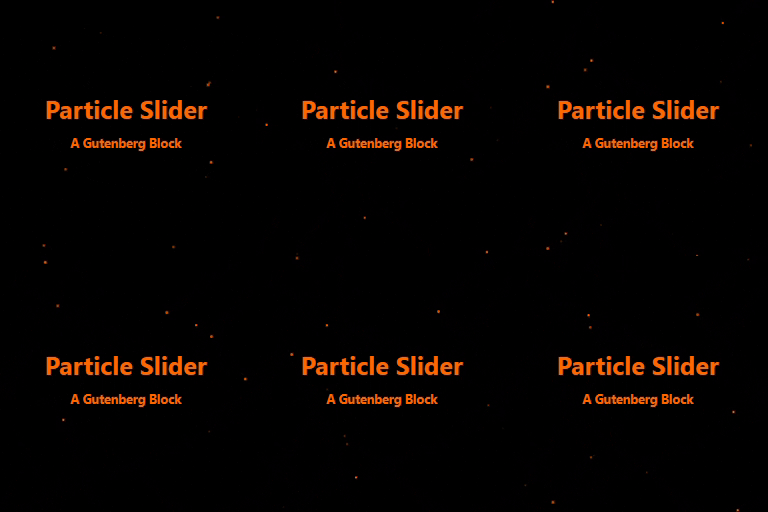
A Gutenberg image slider block with heading, subheading, button, and optional animated particle effects.
The complete Elementor addons plugin: 55+ widgets for Elementor, Mega Menu Builder, Popup Builder, Widget Builder & Elementor Template Kits.

By RoarDev
Transform your website with beautiful cursor animations and custom cursor styles. Features 4 animation types, 10+ cursor styles, and mobile support.
All-in-one Elementor addons plugin with 150+ widgets, templates, builder, performance optimization, security features & smart WordPress utilities.

By theme funda
Add a free falling snow effect to your WordPress site for Christmas and winter. Lightweight, no jQuery, with a modern admin and live preview.
CHOOSE WHAT YOUR WEBSITE NEEDS
Start with the task you need to solve. Compare features, WordPress and PHP requirements, update history and the author’s documentation. Test changes on a private copy and avoid adding several plugins for the same job.
This independent directory displays plugin information on WebFulHost and links to the official source. Packages are not mirrored or installed here. A plugin can include paid extensions or services with separate terms from its author.


